 Francesco Chiaramonte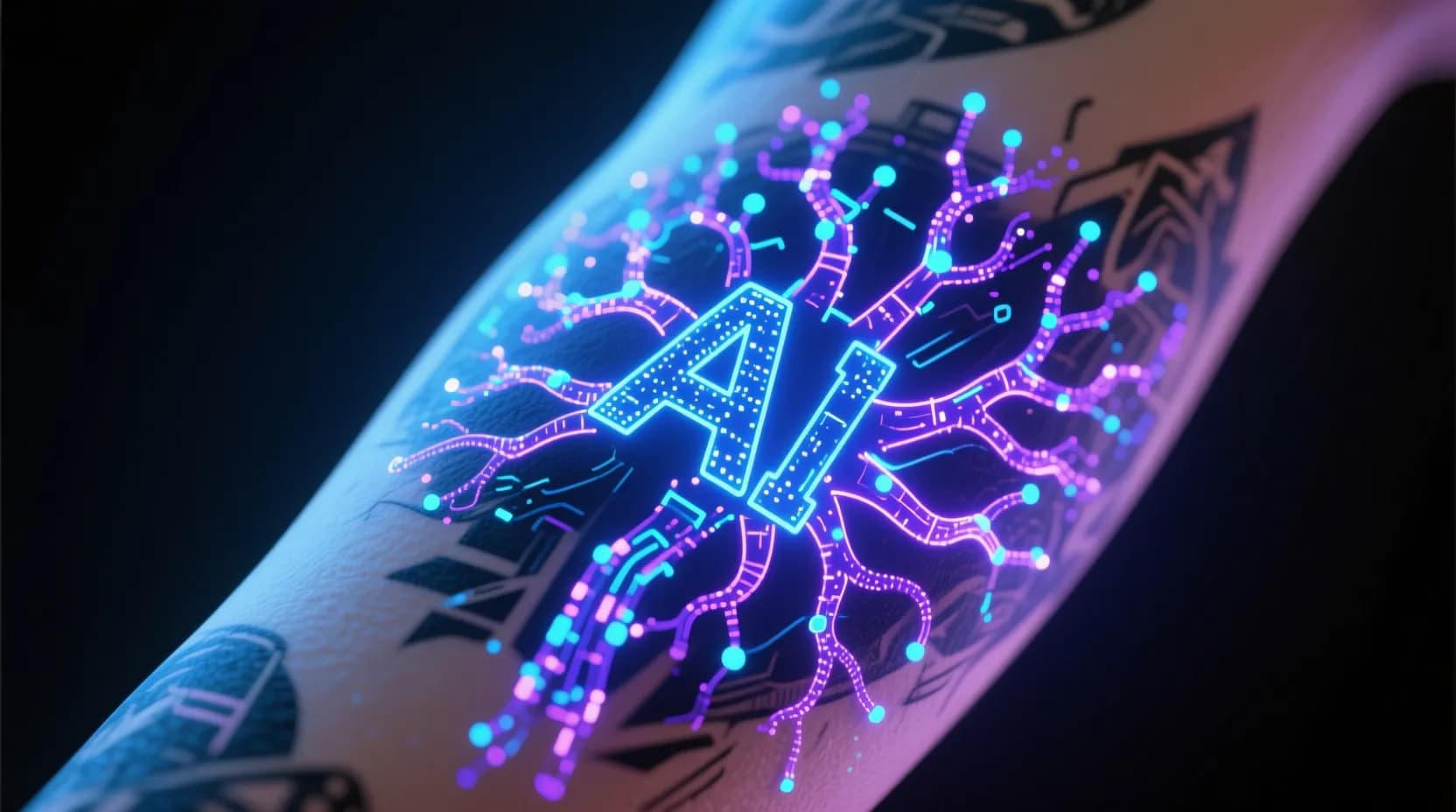
You type "Japanese dragon wrapping around forearm, black and grey, bold linework" into an AI tattoo generator—and thirty seconds later, you're staring at a design that looks like a tattoo artist spent hours sketching it.
How does that actually happen? What's going on inside these tools?
In this guide, we'll break down exactly how AI tattoo generators work, from the underlying technology to the specific techniques that make tattoo-ready designs possible. Whether you're curious about the tech, trying to get better results from AI tools, or just want to understand what you're working with—this is your complete explanation.
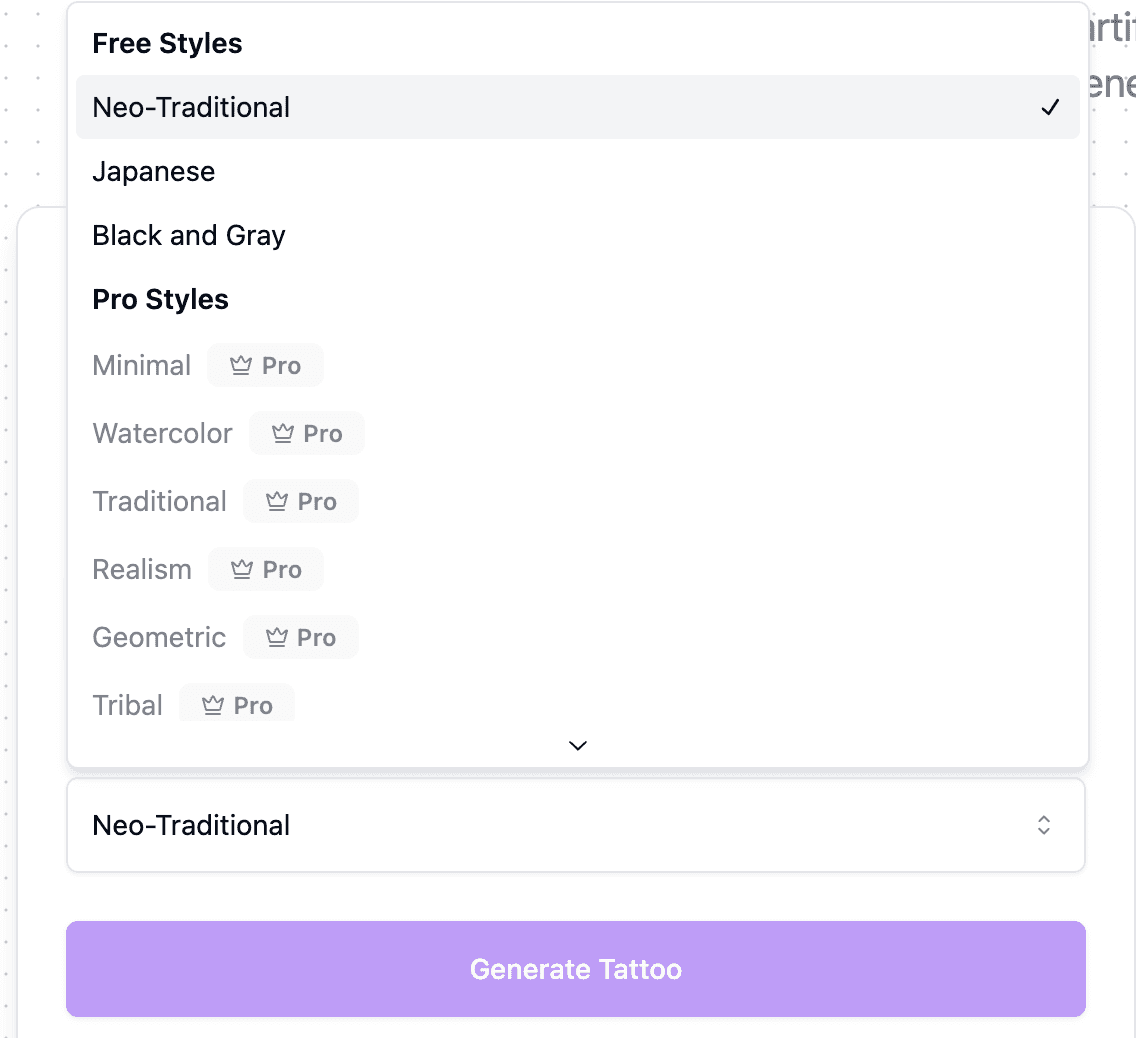 Various tattoo styles generated by AI
What Is an AI Tattoo Generator?
An AI tattoo generator is a specialized application that uses artificial intelligence to create tattoo designs based on text descriptions (prompts) or reference images. At its core, it's an image generation system that's been fine-tuned or optimized to produce artwork specifically suited for tattoos.
Unlike generic AI image generators that might create paintings, photographs, or digital art, tattoo generators are built to understand:
- Tattoo styles — Traditional, neo-traditional, Japanese (Irezumi), blackwork, fine-line, realism, geometric, tribal, and more
- Skin-appropriate designs — Clean lines, proper contrast, readable compositions that work on curved body surfaces
- Tattoo industry standards — Designs that translate well from screen to stencil to skin
The best AI tattoo generators combine powerful underlying AI models with tattoo-specific training, producing designs that aren't just pretty pictures—they're actually tattoo-ready.
The Core Technology: Diffusion Models
Modern AI tattoo generators are built on a type of AI called diffusion models. If you've heard of Stable Diffusion, DALL-E, or Midjourney, you've encountered diffusion technology. Let's break down how it works.
The Forward Process: Adding Noise
Imagine you have a photograph. A diffusion model takes that image and progressively adds random noise to it—like throwing static over a TV screen, step by step, until the original image is completely unrecognizable. All you're left with is random visual chaos.
This is called the forward diffusion process: systematically destroying an image by adding noise.
The Reverse Process: Removing Noise to Create
Here's where the magic happens. The AI learns to do the opposite—to take pure noise and gradually remove it, step by step, until a coherent image emerges.
But it doesn't just randomly remove noise. The model learns patterns:
- What makes a wolf look like a wolf
- How traditional tattoo roses have specific shading patterns
- The characteristic bold outlines of American Traditional style
- The delicate single-needle lines of fine-line work
When you give the AI a prompt like "geometric wolf head, blackwork style," it starts with random noise and uses everything it's learned to guide the denoising process toward an image matching your description.
It's like sculpting from marble, but in reverse—the AI chips away chaos to reveal the design hidden within.
 AI generating a tattoo design from noise
Why Diffusion Models Work So Well for Art
Earlier AI image generation methods (like GANs—Generative Adversarial Networks) often struggled with:
- Consistency in complex scenes
- Fine details
- Following detailed instructions
Diffusion models solved many of these problems. They're particularly good at:
- Iterative refinement — Each denoising step improves the image
- Coherent composition — The step-by-step process helps maintain overall structure
- Style adherence — They can consistently apply artistic styles throughout the image
- Following prompts — Text-conditioning allows precise control
For tattoo generation specifically, this means cleaner lines, more consistent shading, and better style accuracy.
Text-to-Image: How Your Prompt Becomes a Design
When you type a prompt into an AI tattoo generator, a sophisticated process translates your words into visual guidance.
Step 1: Understanding Your Words (Text Encoding)
Your prompt first passes through a text encoder—a neural network that converts human language into mathematical representations (called embeddings or vectors).
This isn't simple keyword matching. Modern text encoders understand:
- Relationships between concepts ("snake wrapped around a dagger" = two objects interacting)
- Style descriptions ("watercolor" evokes soft edges and color bleeding)
- Spatial relationships ("forearm band" suggests horizontal, wrap-around composition)
- Mood and tone ("dark and mysterious" influences lighting and contrast)
Step 2: Conditioning the Diffusion Process
Those text embeddings then condition the diffusion process. At every step of denoising, the AI references your prompt to guide what gets revealed.
It's like having a tattoo artist who constantly checks their reference while drawing—only the AI does this thousands of times per second across millions of parameters.
Step 3: Iterative Refinement
The AI typically takes 20-50 "steps" to transform noise into your final design. Early steps establish:
- Basic composition and layout
- Overall shapes and structure
- Color scheme (or grayscale values)
Later steps refine:
- Fine details and line quality
- Shading and gradients
- Texture and stylistic elements
This is why more steps often (but not always) produce better results—the AI has more opportunities to refine details.
If you want to master this process from the user side, check out our guide on AI tattoo design prompts.
Image-to-Tattoo: Converting Photos and References
Beyond text-to-image, many AI tattoo generators (including Ink Studio AI's Image to Tattoo tool) can convert existing images into tattoo designs. This uses a related but distinct process.
How Image Conditioning Works
Instead of starting from pure noise, image-to-tattoo conversion can:
- Use your image as a starting point — The AI adds noise to your image, then denoises it with tattoo-style guidance
- Extract visual features — An image encoder identifies shapes, subjects, and composition from your photo
- Apply style transfer — The AI translates photographic details into tattoo-appropriate rendering
Why This Matters for Memorial and Portrait Tattoos
Image-to-tattoo technology is especially valuable for:
- Pet portraits — Converting a photo of your dog into a realistic or stylized tattoo design
- Memorial tattoos — Transforming a photo of a loved one into a meaningful tribute
- Reference-based designs — Starting with inspiration and letting AI translate it into tattoo form
The AI learns to identify what's important in an image (faces, expressions, distinctive features) and preserve those elements while adapting the artistic style.
For more on this specific use case, see our guides on converting photos to tattoo designs and pet portrait tattoos.
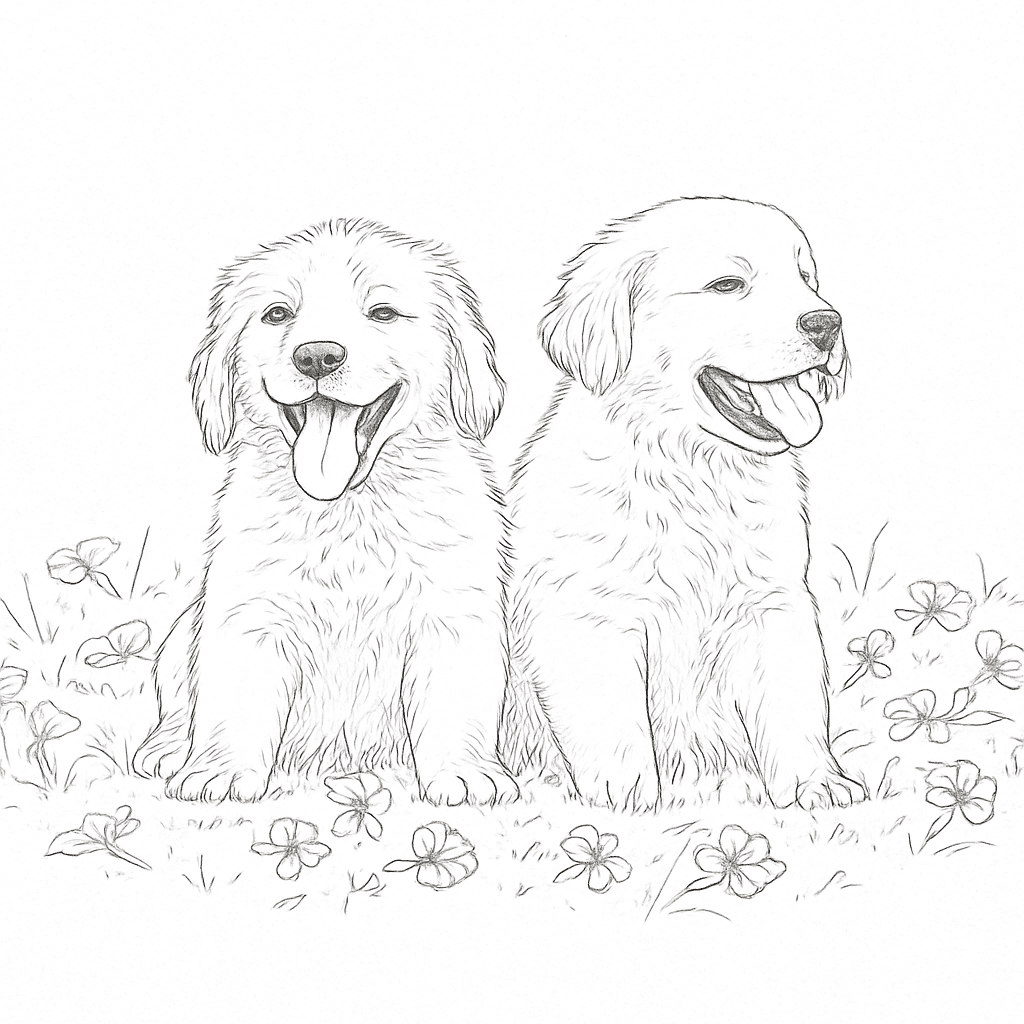 Before and after: Photo converted to tattoo design
Training: How AI Learns to Create Tattoos
AI tattoo generators don't just appear fully formed. They're trained on massive datasets of images, learning patterns, styles, and visual relationships.
General Pre-Training
Most tattoo generators start with a foundation model that's been trained on millions or billions of images from across the internet. This gives the AI broad visual knowledge:
- What objects look like (animals, plants, skulls, anchors)
- How light and shadow work
- Basic artistic principles
- Relationships between text descriptions and images
Tattoo-Specific Fine-Tuning
The key difference between a generic image generator and a dedicated tattoo AI is fine-tuning on tattoo-specific data:
- Professional tattoo photographs
- Tattoo flash sheets
- Tattoo design portfolios
- Style-specific collections (traditional, Japanese, realism, etc.)
This specialized training teaches the AI:
- Line quality expectations — Bold, clean lines that translate to skin
- Contrast requirements — Designs that remain readable as tattoos age
- Style conventions — The specific visual language of each tattoo style
- Composition for body placement — Shapes that wrap around limbs or fill specific areas
The Role of Negative Prompts
Advanced AI tattoo generators use negative prompts to avoid unwanted elements. During training and generation, the AI learns what NOT to include:
- Blurry lines
- Muddled compositions
- Photorealistic skin texture (when you want illustration style)
- Text or watermarks
This is why specifying what you don't want can be just as important as what you do want.
Style Transfer: How AI Captures Different Tattoo Styles
One of the most impressive capabilities of AI tattoo generators is accurately reproducing distinct tattoo styles. Here's how that works:
Learning Style Signatures
Each tattoo style has visual signatures the AI learns to recognize and reproduce:
American Traditional
- Bold black outlines
- Limited color palette (red, yellow, green, brown)
- Minimal gradients, mostly flat color with simple shading
- Specific iconography (roses, anchors, eagles, hearts)
Japanese (Irezumi)
- Flowing compositions designed to wrap around the body
- Specific subjects (koi, dragons, cherry blossoms, waves)
- Background elements (wind bars, clouds, water)
- Particular shading techniques
Blackwork
- High contrast
- Solid black fills
- Geometric or illustrative linework
- No gray gradients in pure blackwork
Fine-Line / Single Needle
- Delicate, thin lines
- Minimal shading
- Often smaller scale
- Detailed micro-elements
Realism
- Photographic accuracy
- Complex shading and gradients
- Three-dimensional appearance
- Often black and grey
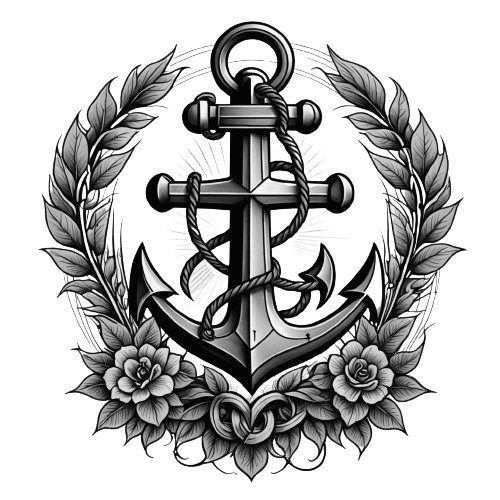 Traditional tattoo style example - anchor design
Style Embedding
When you specify a style in your prompt, the AI activates learned patterns associated with that style. Some generators use:
- Style tokens — Specific words or phrases trained to trigger style-accurate outputs
- LoRA models — Lightweight additional training that specializes in particular styles
- Style references — Allowing you to upload an example of the style you want
The Generation Pipeline: Step by Step
Let's walk through exactly what happens when you create a design with an AI tattoo generator:
1. Input Processing
Your prompt (and optional reference image) is received and processed:
- Text is tokenized and encoded
- Reference images are analyzed and encoded
- Settings (style, steps, guidance strength) are configured
2. Noise Initialization
The AI creates or starts with a noisy image in latent space—a compressed mathematical representation of images that's faster to process than full-resolution pixels.
3. Iterative Denoising
Over 20-50+ steps, the AI:
- Predicts what noise is present
- Removes a portion of that noise
- Checks the result against your prompt conditioning
- Repeats until the specified steps are complete
4. Decoding
The final latent representation is decoded back into a full-resolution image using a VAE (Variational Autoencoder) decoder.
5. Post-Processing (Optional)
Some generators apply additional processing:
- Upscaling for higher resolution
- Line cleanup or enhancement
- Background removal
- Contrast adjustment for tattoo readability
6. Output
You receive your generated tattoo design, ready to save, refine, or take to your tattoo artist.
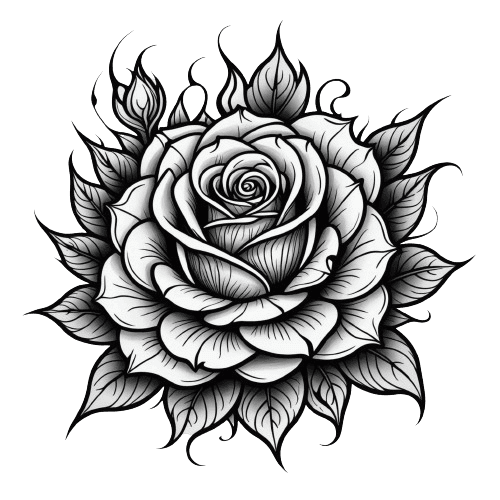 AI-generated floral rose tattoo design
What Makes Tattoo-Specific AI Different from General Image AI
You could technically use any AI image generator to create tattoo designs. So why use a dedicated tattoo generator?
Optimized Training Data
General AI models are trained on everything—photos, paintings, cartoons, screenshots. Tattoo generators focus on:
- Actual tattoo photographs
- Tattoo flash and designs
- Style-specific collections
This specialization means better understanding of what works as a tattoo.
Tattoo-Appropriate Defaults
When you ask a general AI for a "rose," you might get a photograph, painting, or emoji-style image. A tattoo AI defaults to tattoo-appropriate rendering:
- Clean, inkable lines
- Proper contrast for skin
- Style-aware interpretation
Purpose-Built Features
Dedicated tattoo generators often include:
- Style presets — One-click access to traditional, Japanese, blackwork, etc.
- Placement visualization — See designs on body mockups
- Stencil-ready output — Designs formatted for tattoo transfer
- Negative prompt presets — Automatically avoiding common tattoo design problems
Understanding Tattoo Constraints
AI trained on tattoos understands practical limitations:
- Designs need to read clearly from a distance
- Fine details can blur over time
- Some placements require specific compositions
- Color palettes need to work on skin
Limitations of AI Tattoo Generators
AI tattoo generators are powerful tools, but they have limitations you should understand:
They Can't Replace Tattoo Artists
AI generates designs. Actual tattooing requires:
- Understanding of how ink behaves in skin
- Knowledge of proper needle depth and technique
- Ability to adapt designs to individual body contours
- Years of practiced skill
A great AI design still needs a skilled artist to execute properly.
Imperfect Anatomy and Details
AI sometimes produces:
- Extra fingers or limbs in human figures
- Asymmetries in supposedly symmetrical designs
- Text that looks good but doesn't quite read correctly
- Small anatomical oddities in animals
Always review AI output carefully before committing to a design.
Style Blending Challenges
Asking for contradictory styles ("realistic minimalist watercolor") often produces confused results. AI works best with clear, coherent style direction.
Resolution and Detail Limits
While improving rapidly, AI output resolution has limits. Very complex designs may lose fine details. Always view at actual intended size before finalizing.
No True Understanding
AI doesn't "understand" meaning. It matches patterns. A memorial tattoo design might be technically beautiful but miss emotional nuances that a human artist would capture through conversation and collaboration.
How to Get Better Results from AI Tattoo Generators
Understanding how these systems work helps you use them more effectively:
Be Specific About Style
Don't just say "tattoo." Specify:
- Exact style (American Traditional, not just "traditional")
- Line weight (fine-line, bold lines)
- Color or black and grey
- Level of detail
Describe Composition
Help the AI understand spatial relationships:
- "Forearm band" vs "back piece" vs "small behind-ear"
- "Centered and symmetrical" vs "wrapping around"
- "Horizontal composition" vs "vertical portrait orientation"
Use Style References When Available
If your generator supports image references, use them. A picture of the style you want is worth a thousand prompt words.
Iterate and Refine
Your first generation rarely needs to be your last:
- Generate multiple variations
- Note what you like and don't like
- Refine your prompt based on results
- Use "prompt enhancers" if available
Understand the Prompt Formula
A reliable structure: [Subject] + [Style] + [Composition] + [Details] + [Color/B&G] + [Mood]
Example: "Koi fish swimming upstream, Japanese Irezumi style, designed for upper arm sleeve, detailed scales and water splashes, black and grey with red accents, powerful and determined mood"
For complete prompt-writing guidance, see our AI tattoo prompts guide.
The Future of AI Tattoo Generation
AI tattoo technology is advancing rapidly. Here's what's emerging:
Better Body-Aware Generation
Future systems will better understand how designs wrap around specific body parts, generating compositions optimized for exact placements.
Real-Time AR Try-On
Augmented reality will let you see AI-generated designs on your actual body in real-time, from any angle, with realistic skin integration.
Collaborative Human-AI Workflows
Rather than replacing artists, AI is becoming a collaboration tool—generating initial concepts that human artists refine and personalize.
Style Consistency Across Multiple Pieces
Multi-piece tattoo projects (sleeves, themed collections) will benefit from AI that maintains consistent style across multiple generated designs.
Personalization Through Learning
Systems may eventually learn your preferences over time, understanding your aesthetic and generating designs tailored to your taste.
Frequently Asked Questions
Is AI-generated tattoo art original?
AI generates new images based on patterns learned from training data. The output is technically original—not copied from any single source—but it's influenced by the styles and concepts it was trained on. For truly one-of-a-kind designs, use AI as a starting point and work with a human artist to refine and personalize.
Can AI tattoo designs be copyrighted?
Copyright law around AI-generated images is evolving. In many jurisdictions, AI output without significant human creative input may not be copyrightable. If copyright matters for your use case, consult a legal professional familiar with AI and intellectual property.
Will AI replace tattoo artists?
No. AI generates designs, but actual tattooing requires human skill, artistry, and the ability to adapt to individual clients and their bodies. AI is a tool that helps with the design phase—like how digital drawing tablets didn't replace illustrators.
How accurate are AI tattoo styles?
Modern AI tattoo generators produce remarkably style-accurate results when given clear direction. They excel at popular styles with lots of training examples. More niche or regional styles may be less accurately reproduced.
Do I need technical knowledge to use AI tattoo generators?
Not at all. User-friendly tools like Ink Studio AI are designed for anyone to use. You describe what you want in plain language, and the AI handles all the technical complexity.
Conclusion
AI tattoo generators work by combining powerful diffusion models with tattoo-specific training, translating your text descriptions or reference images into custom designs through iterative refinement.
Understanding the technology helps you:
- Write better prompts for more accurate results
- Recognize the strengths and limitations of AI-generated designs
- Appreciate why dedicated tattoo generators outperform generic AI tools
- Use these tools as part of a broader creative process
The technology behind AI tattoo generation is sophisticated, but you don't need to understand every technical detail to benefit from it. What matters is that these tools make custom tattoo design more accessible than ever—letting anyone explore ideas, visualize concepts, and collaborate more effectively with human tattoo artists.
Ready to see how it works in practice? Try Ink Studio AI's free tattoo generator and experience the technology firsthand.
Interested in comparing different AI tattoo tools? Check out our comparison of the best AI tattoo generators.