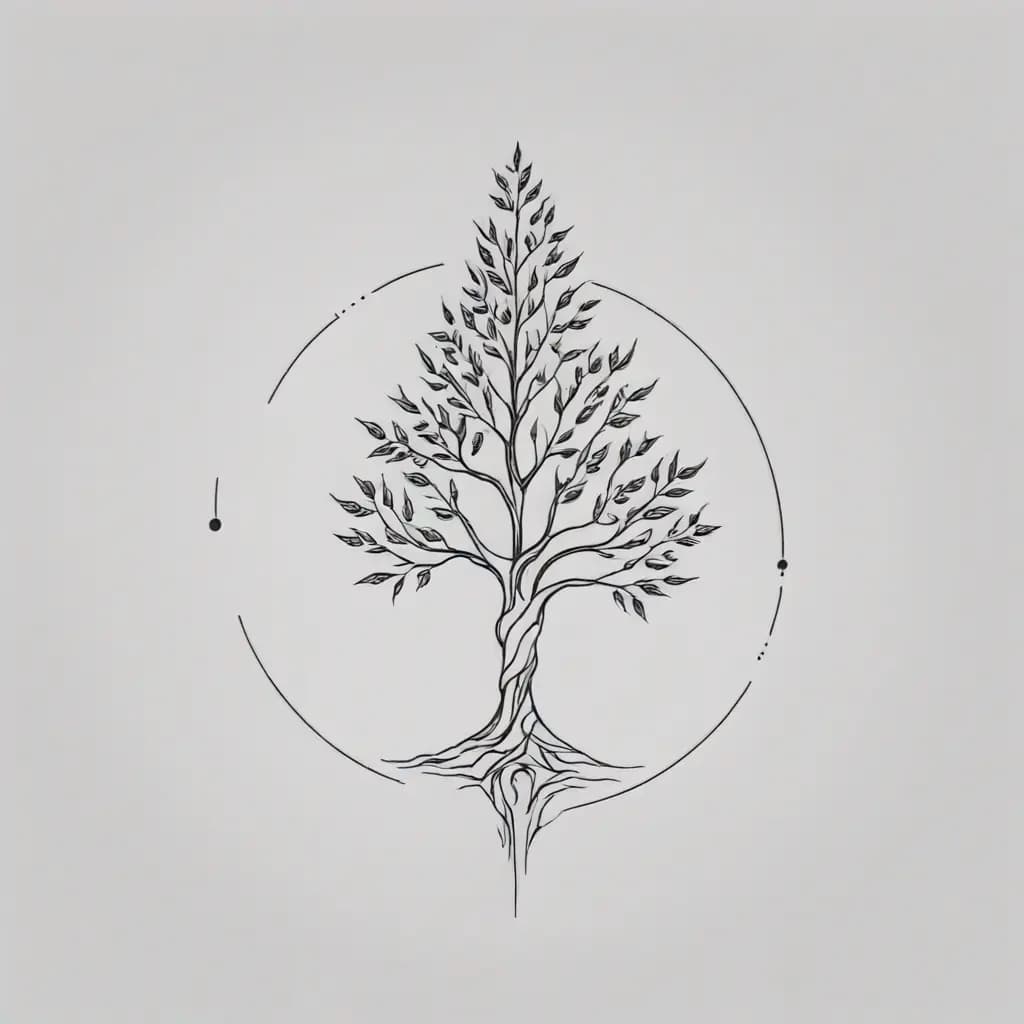
Minimal mountain memory
“A fine-line mountain range with a small rising sun, minimal black ink, balanced negative space, designed for the inner forearm”
Describe your tattoo idea, choose a style, and download a concept to discuss with your artist. New accounts get one free generation after signing in.
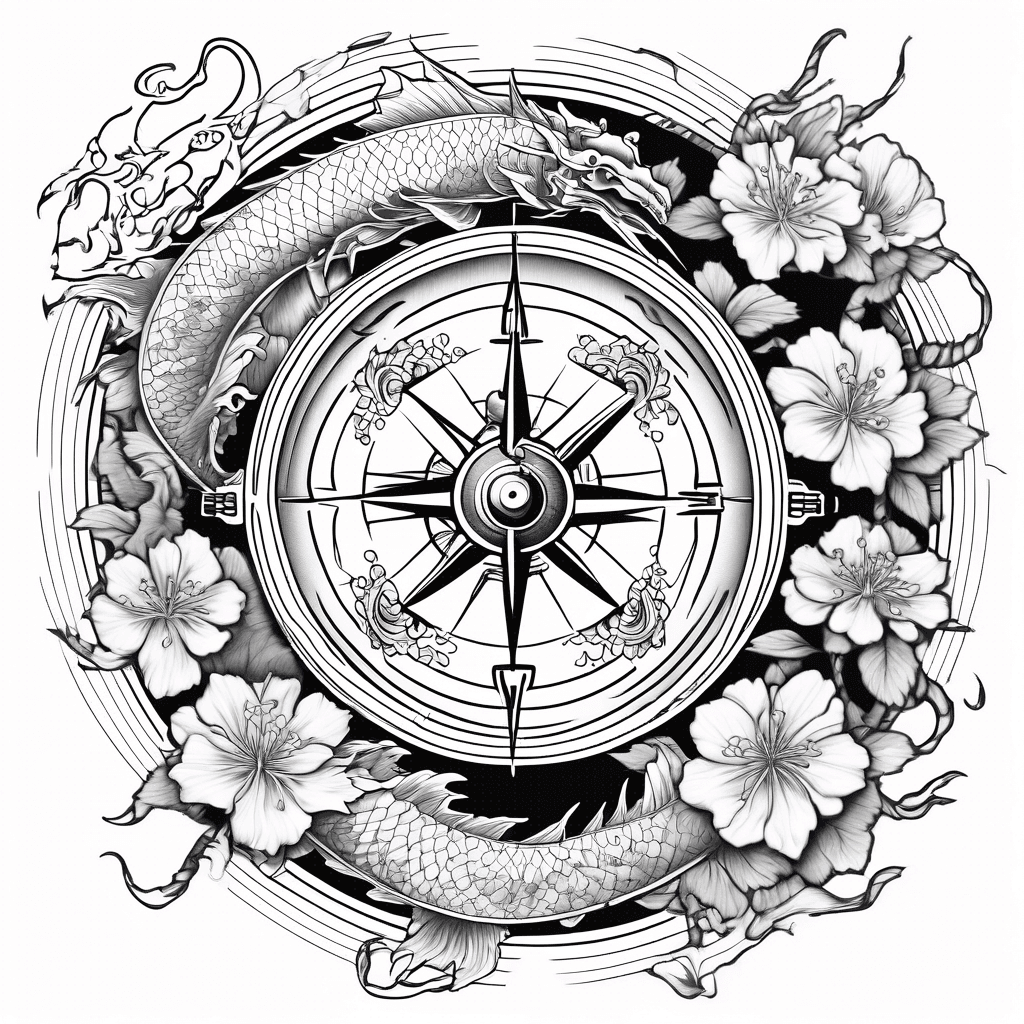
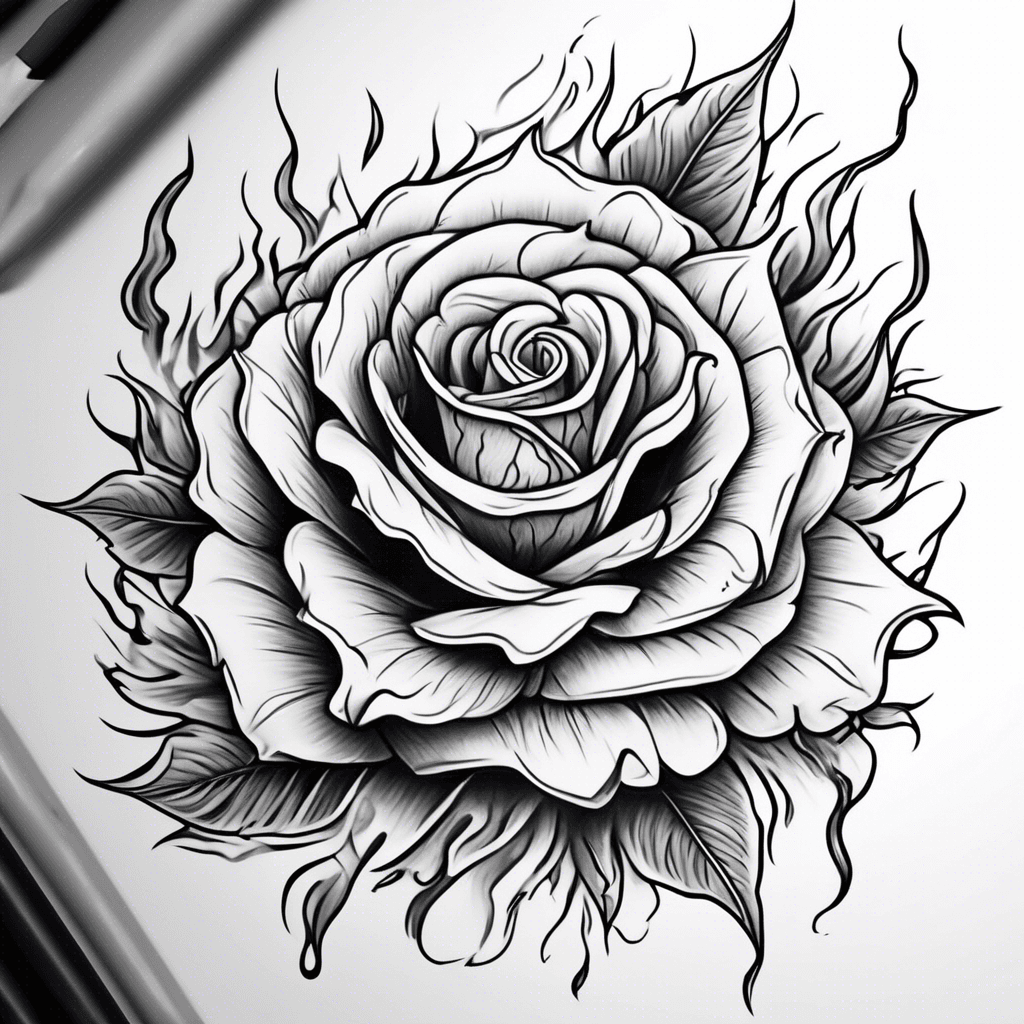
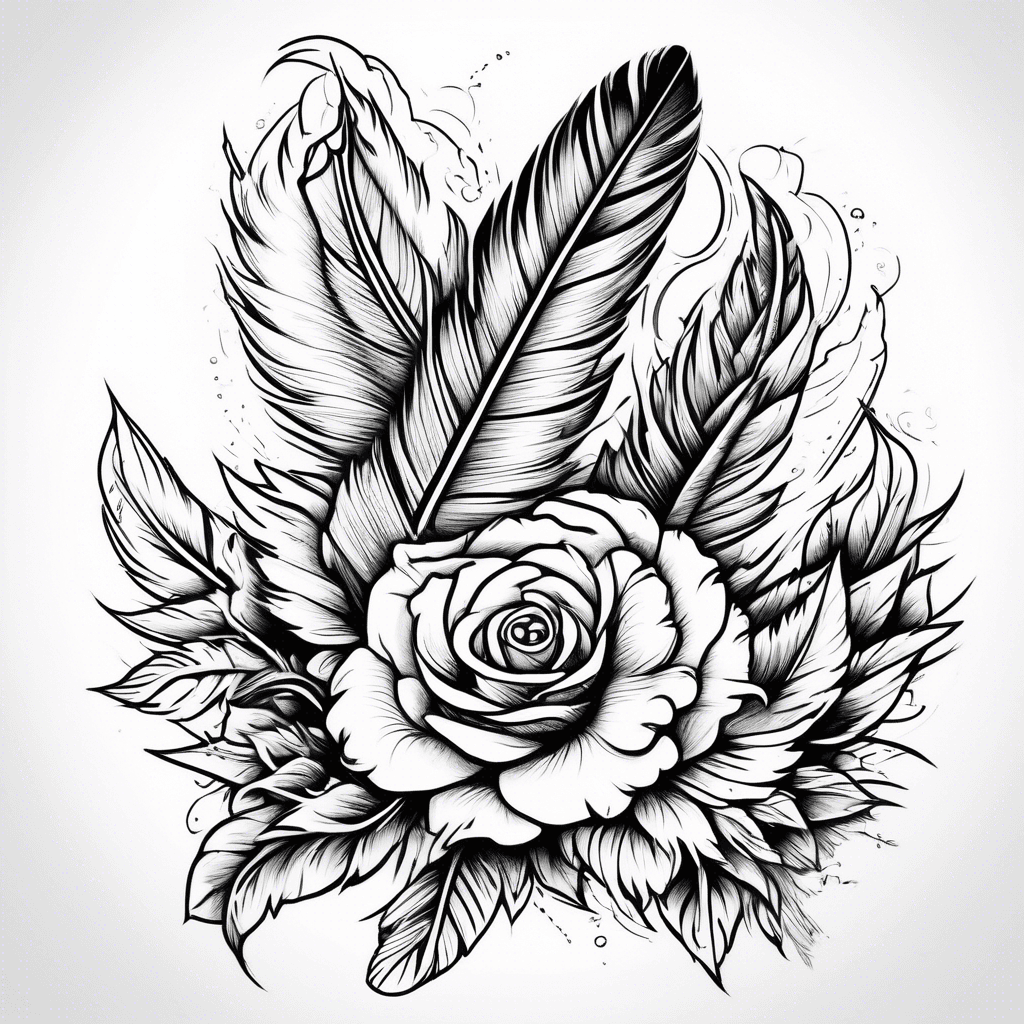
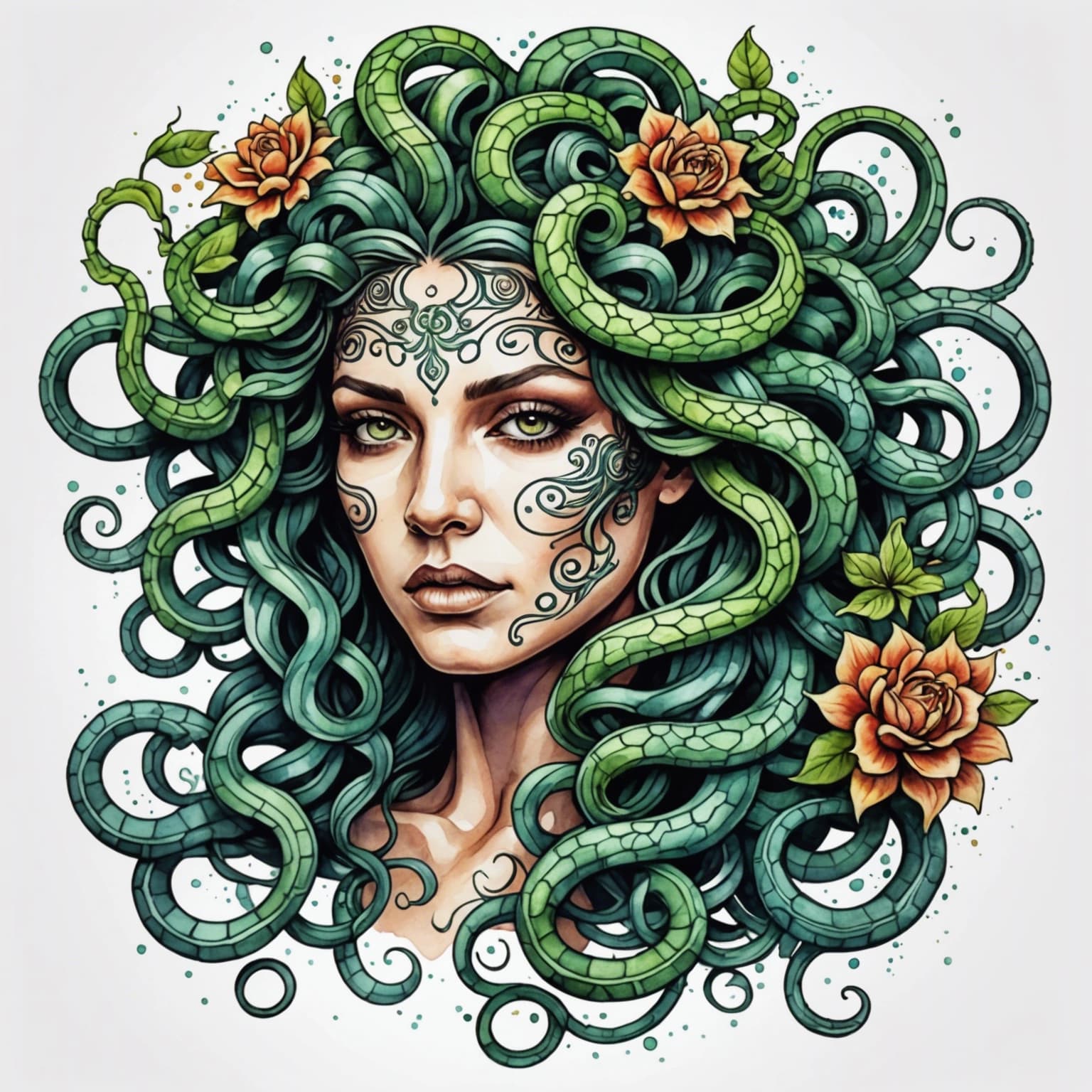
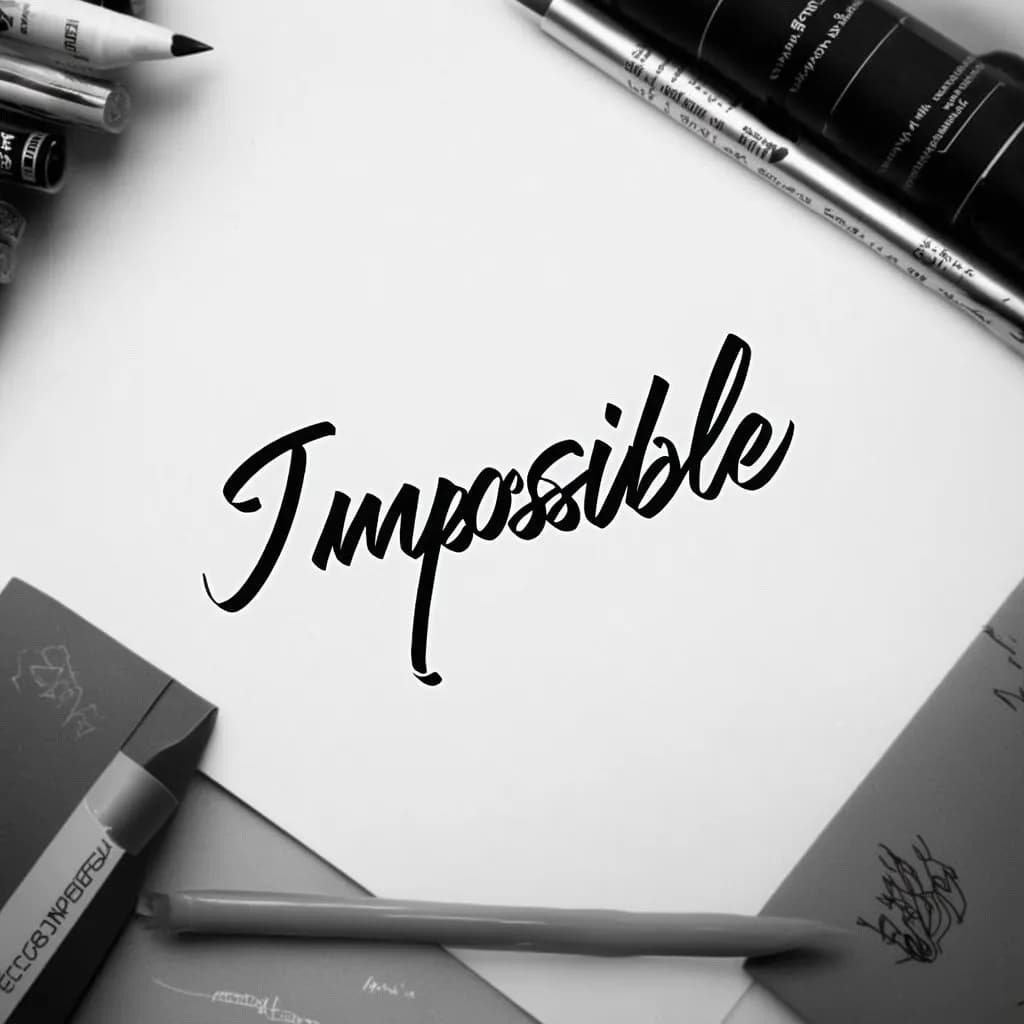
39,852+ tattoos created by 47,516+ creators.
Try the AI tattoo maker with one free concept after signing in. Your design is saved, and no card is required for that first generation.
Checking account access
Describe the idea, choose a visual direction, and generate a reference you can refine with your tattoo artist.
Describe your tattoo idea and click generate to see your custom design
How to use the AI tattoo generator: go from a rough idea to a tattoo design you can show your artist in three steps.
Start with the subject, symbolism, mood, and details you want to explore.
Select a tattoo style, color treatment, and background that match your vision.
Download the concept, try another direction, and refine the strongest idea with your artist.
A useful tattoo prompt describes more than a subject. Give the AI a visual hierarchy, a tattoo style, and enough placement context to create a concept worth discussing with an artist.
Subject + meaning + style + composition + color + placement
“A fine-line mountain range with a small rising sun, minimal black ink, balanced negative space, designed for the inner forearm”
“A Japanese dragon winding through cherry blossoms and wind bars, bold black linework with muted red accents, vertical upper-arm composition”
“A dignified golden retriever portrait framed by rosemary and a small date ribbon, black and gray realism, soft contrast, chest placement”
Name the body area and size in your prompt so the AI tattoo generator shapes the concept to fit, from a small minimalist tattoo to a full sleeve. Pick an example to load it into the generator.
“A small minimalist paper plane drawn in one fine black line, lots of negative space, about 2 inches wide for the inner wrist”
Use this prompt“A full sleeve of ocean waves, an octopus and a sinking ship, Japanese style with wind bars, flowing from shoulder to wrist”
Use this prompt“A tall pine forest under a crescent moon, black and gray, long vertical composition for the outer forearm”
Use this prompt“A bold traditional rose with three leaves, thick outlines and simple shading, sized to fit the back of the hand”
Use this prompt“A neo-traditional snake wrapped around a dagger, rich color, long vertical design for the calf”
Use this prompt“A symmetrical moth with open wings and a small sun between them, blackwork with dotwork shading, centered on the chest”
Use this prompt“A large phoenix rising from flames with open wings, Japanese style, full back piece from the shoulders to the lower back”
Use this prompt“A dense blackwork peony with dark leaves and heavy shading, one solid compact shape for a cover-up on the shoulder blade”
The generator makes a new concept. It does not see your old tattoo, so a tattoo artist must judge whether the design can cover it.
Use this promptExplore every supported direction, then use the tattoo design generator to make the strongest concept more personal.
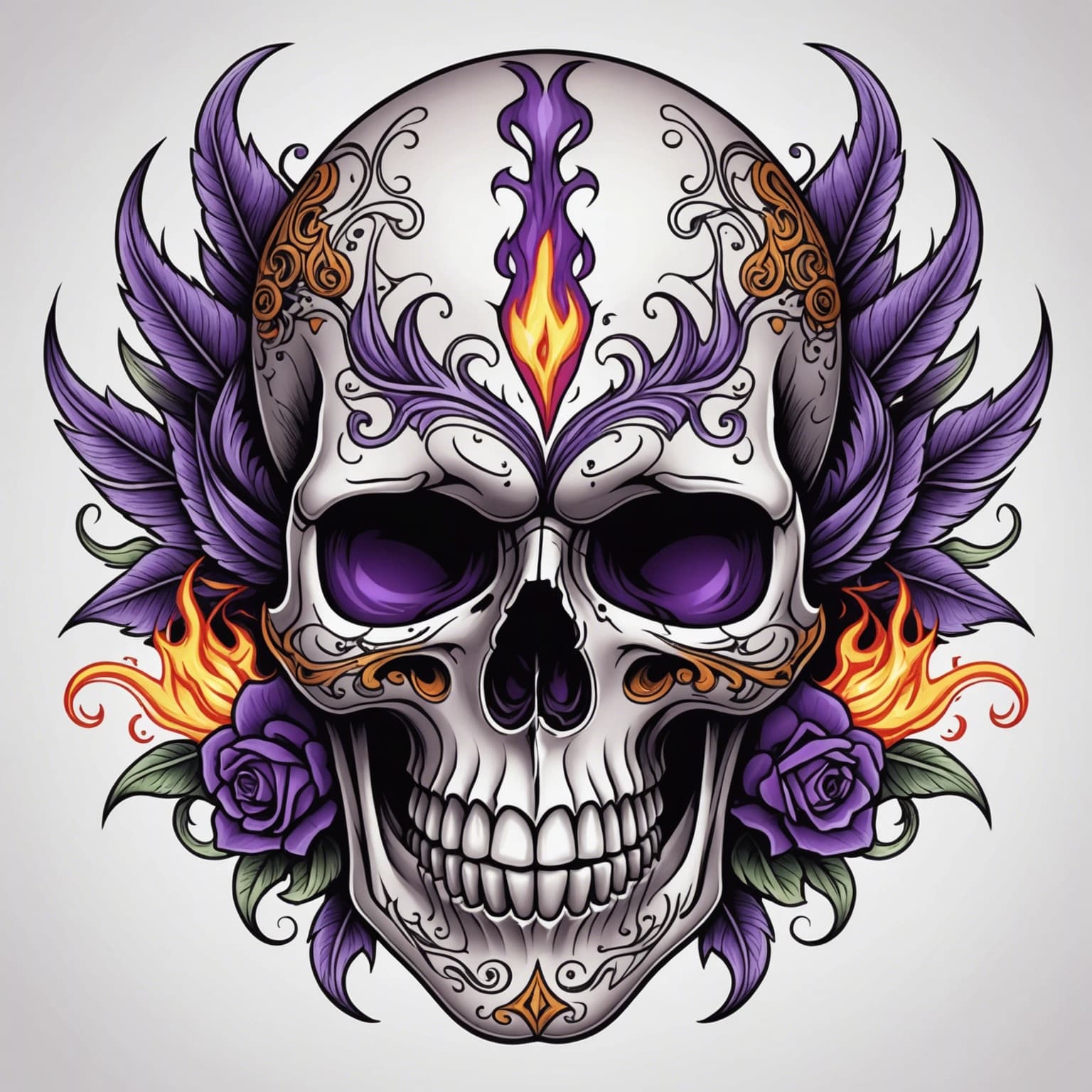
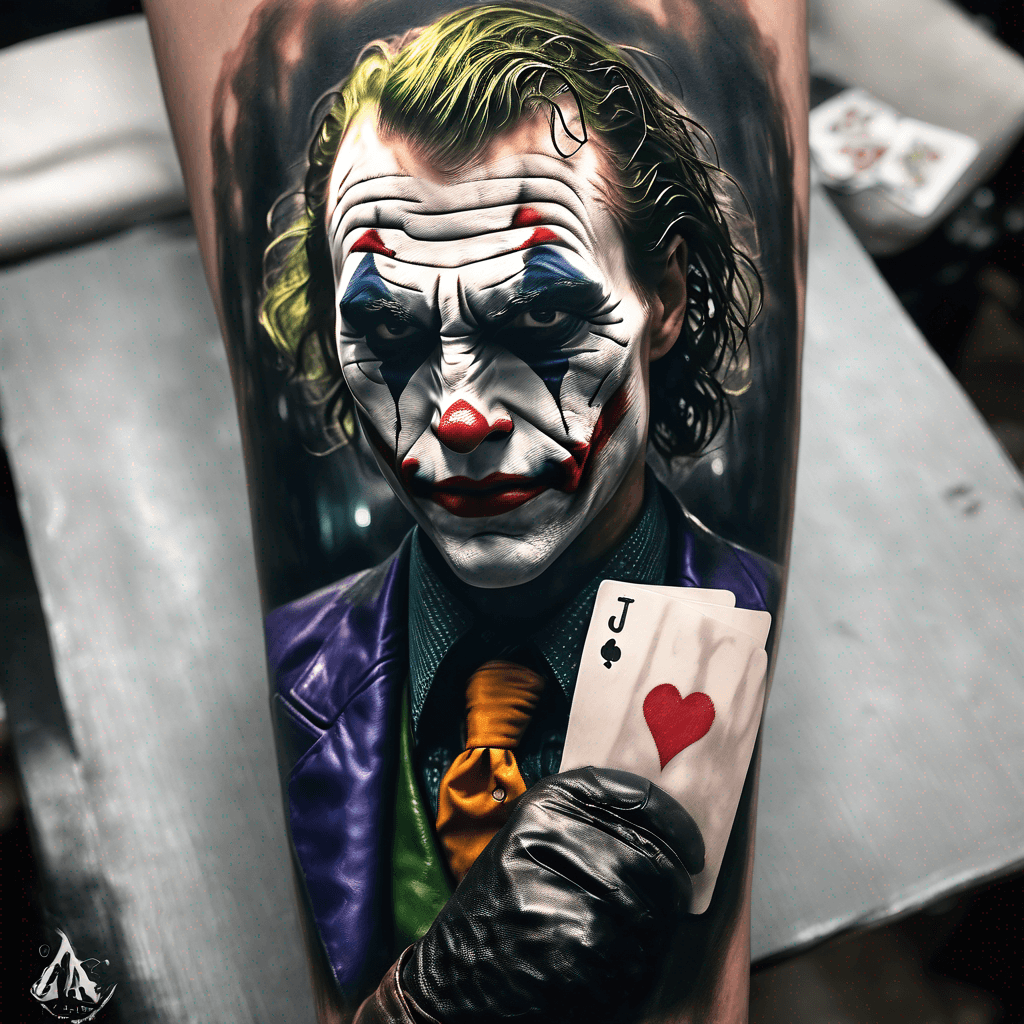
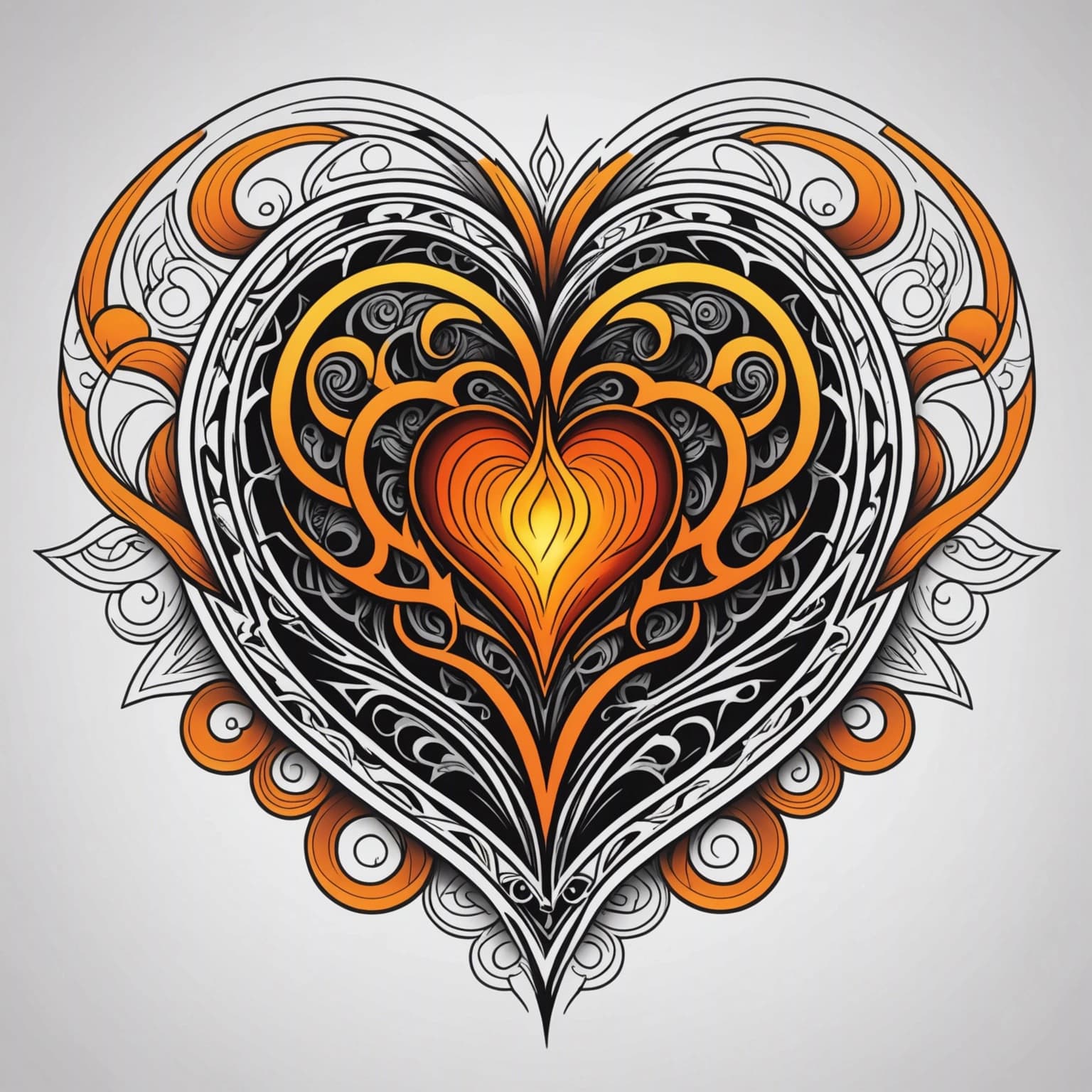
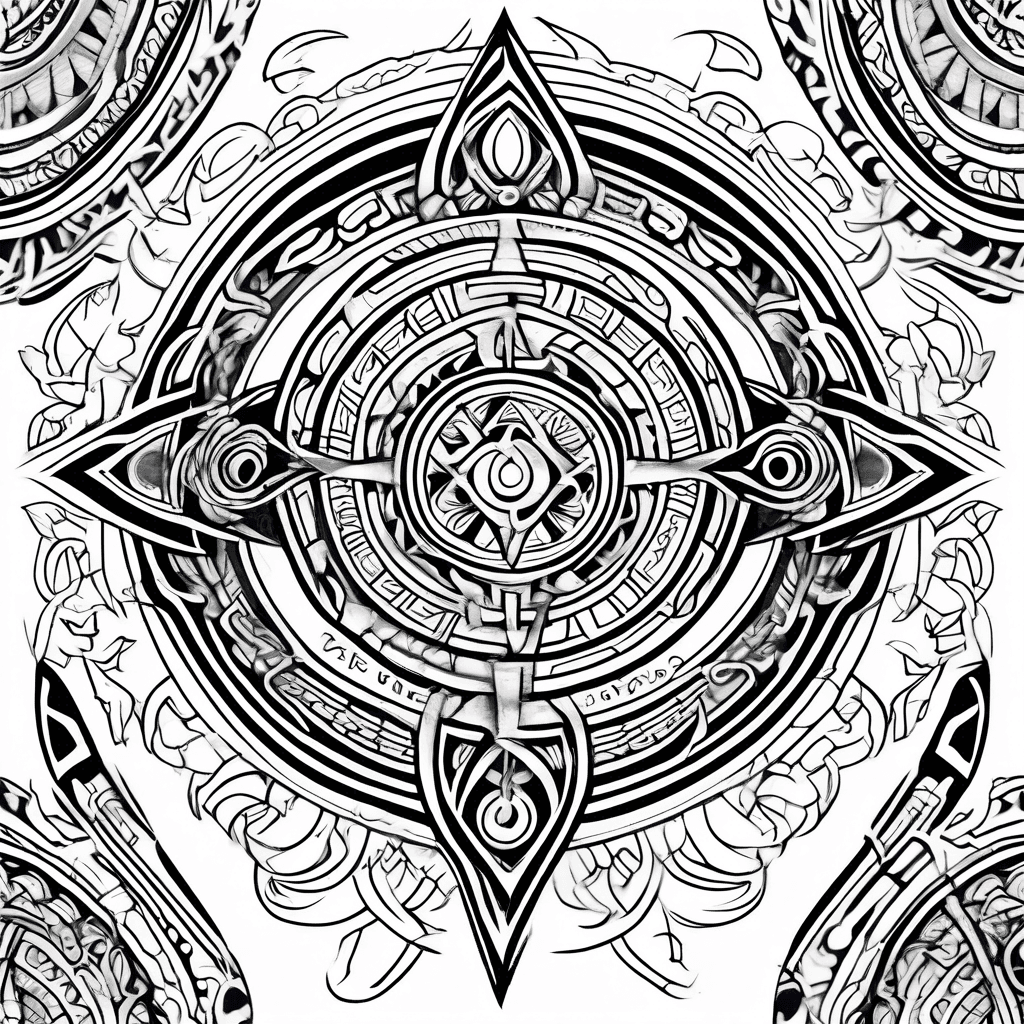
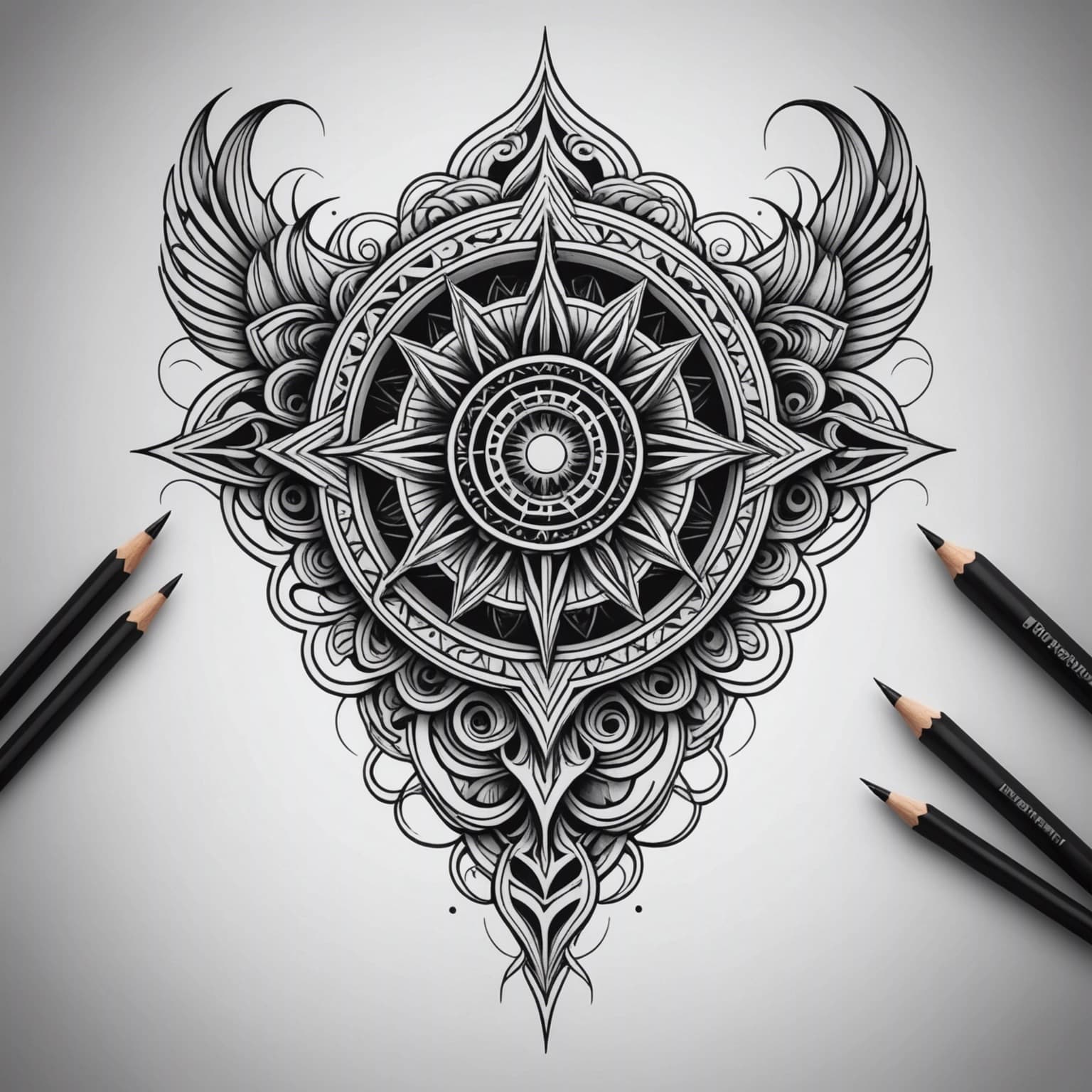
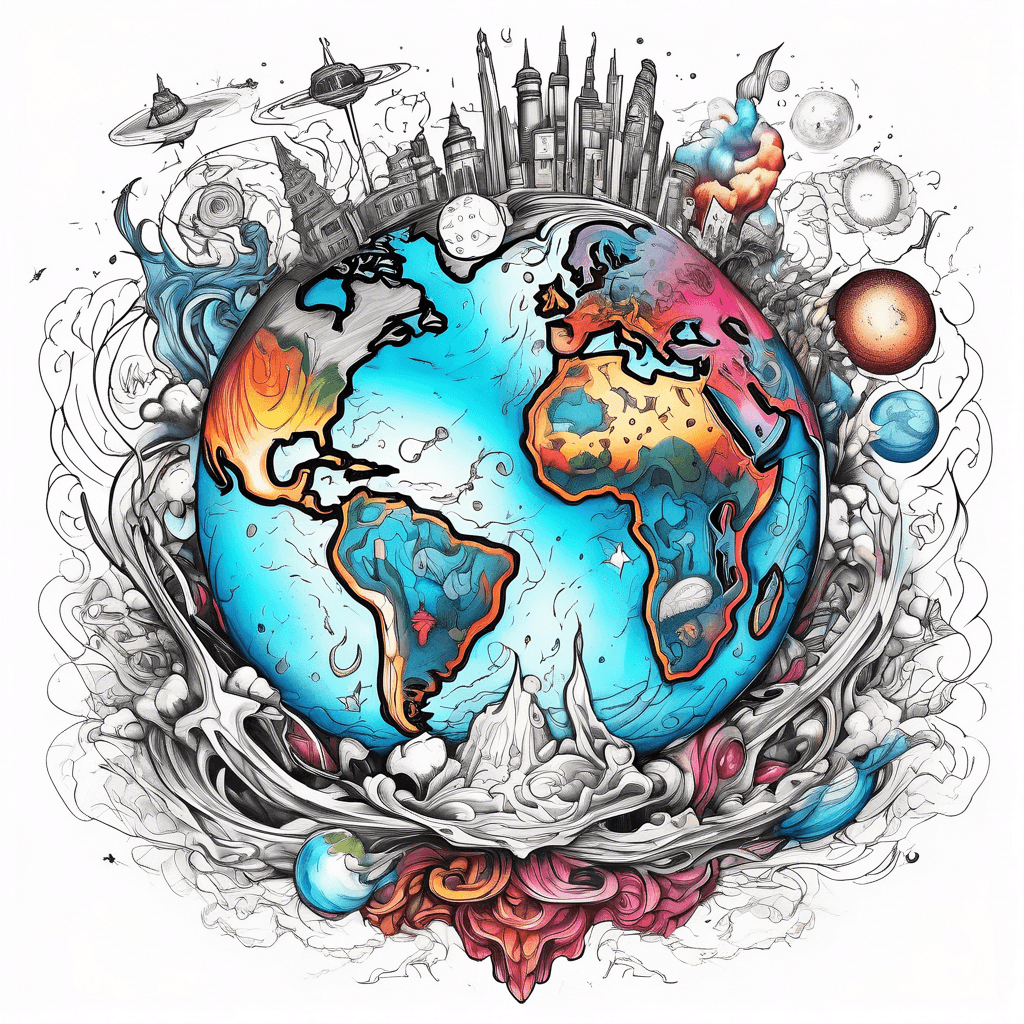
Compare distinct tattoo languages before settling on one.
Adjust style, color treatment, background, and prompt details.
Generate another direction before taking the idea to an artist.
Neural Studio tools help you transform existing images, carry a visual style into a new concept, and preview placement on the body.
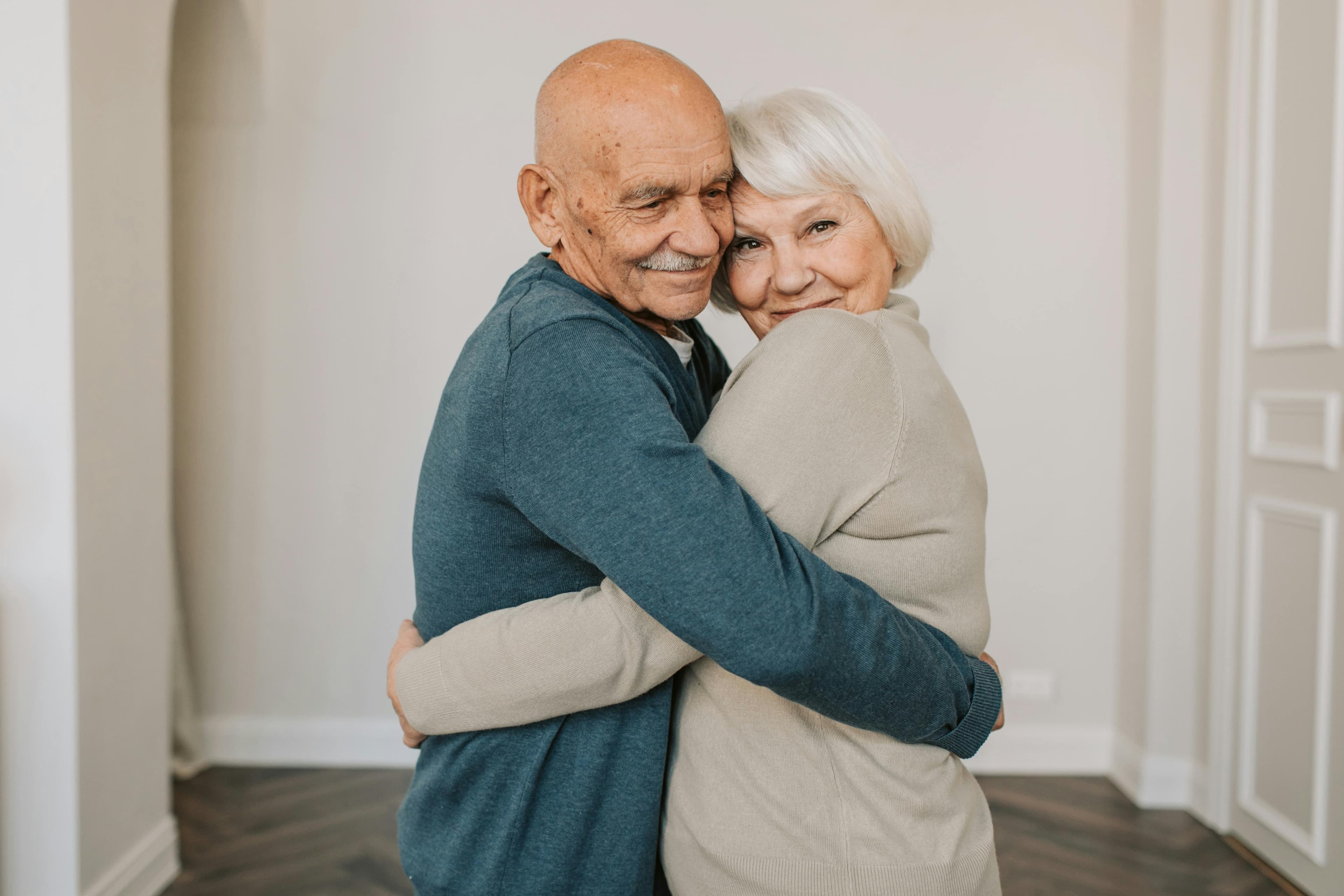
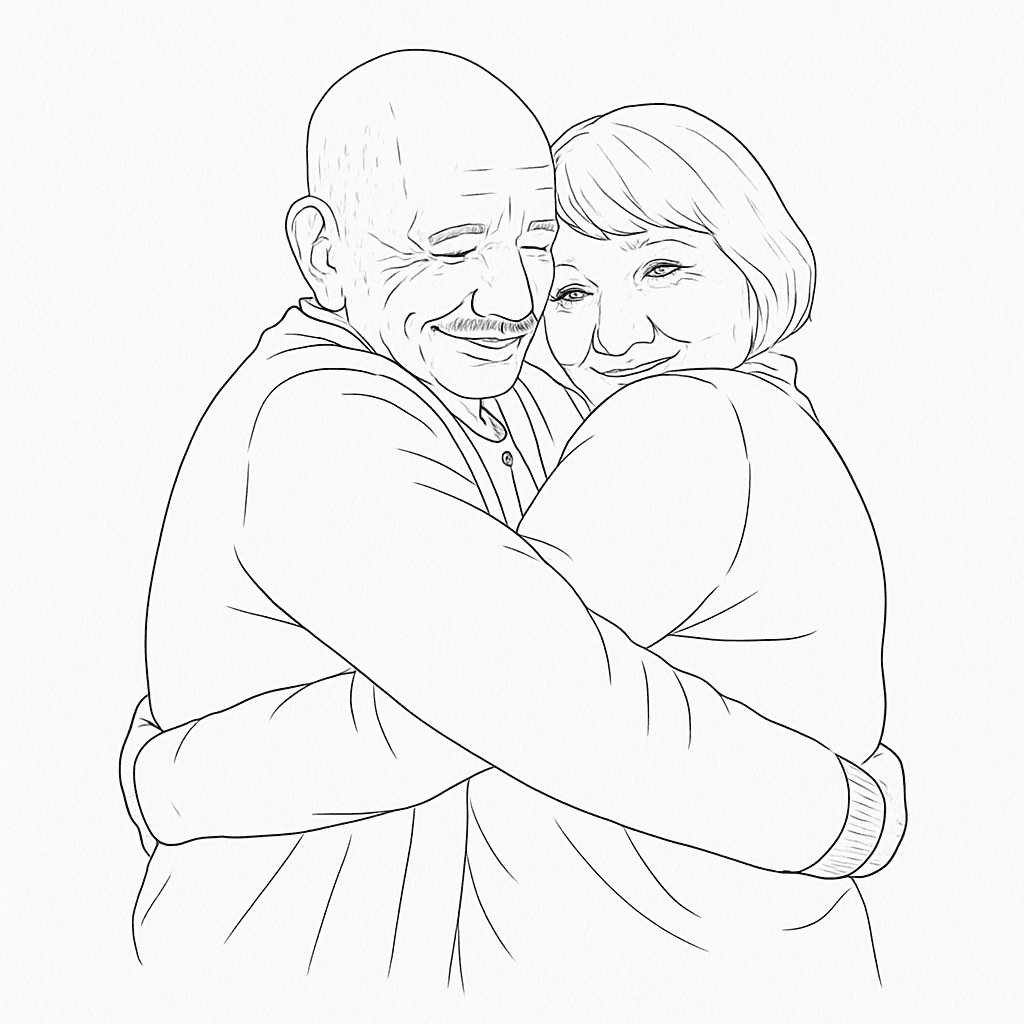
Image to Tattoo
Upload a portrait, pet, or memory and explore how it could be interpreted as a tattoo concept.
Use the photo to tattoo generator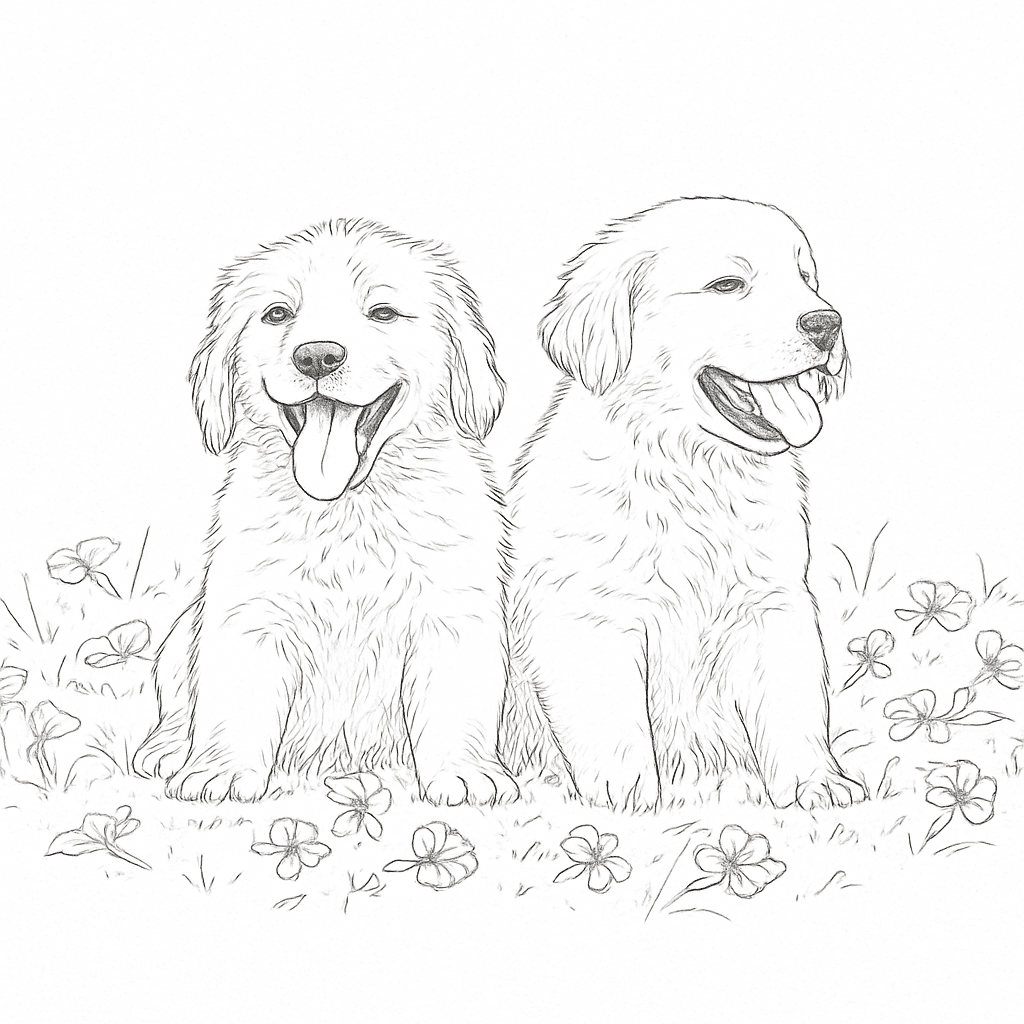
Tattoo Style Transfer
Apply the visual language of a tattoo reference to a new photo or written subject.
Transfer a style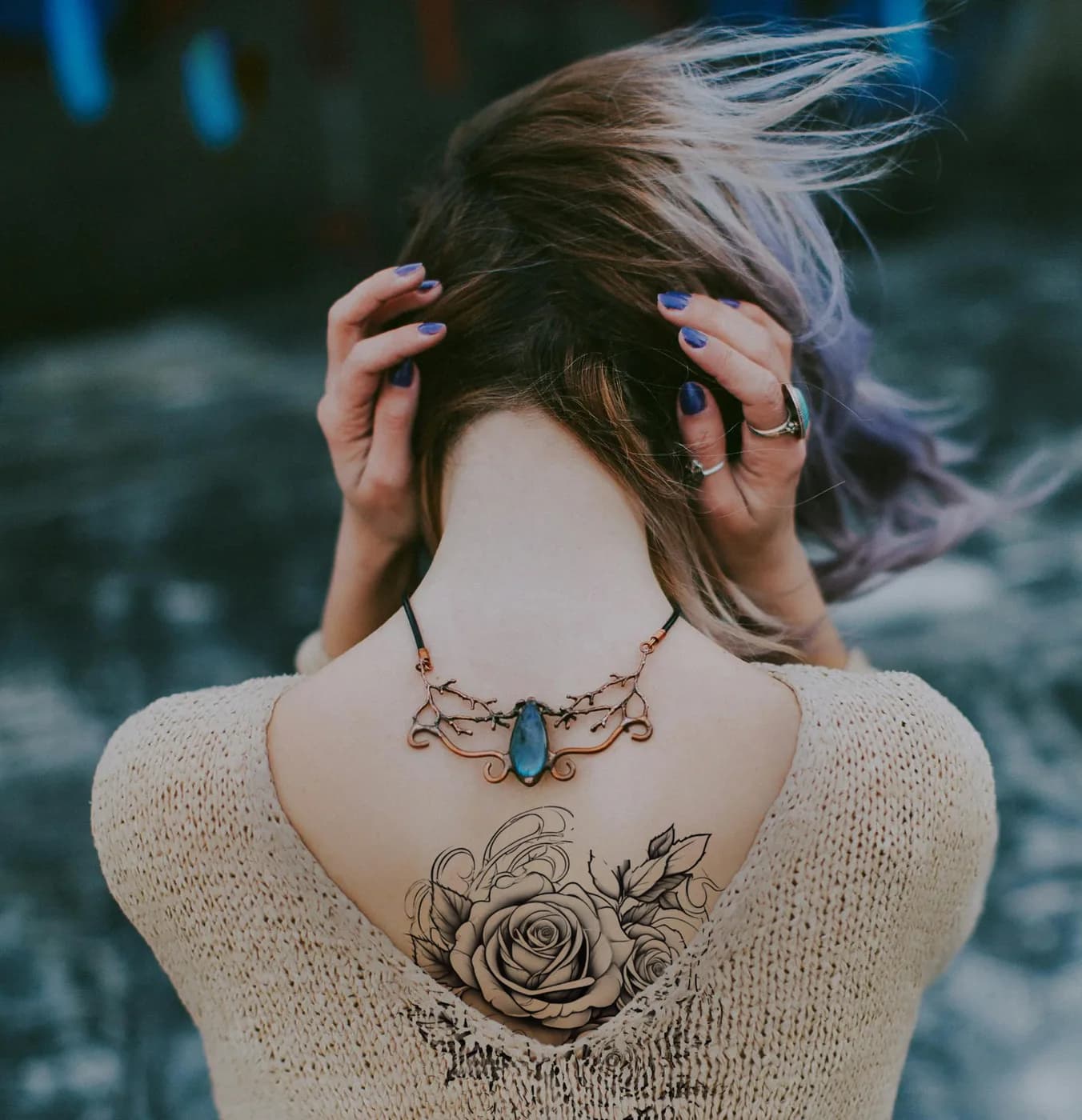
Virtual Tattoo Try-On
See a tattoo on a body photo before discussing scale and position with your artist.
Try the tattoo simulator on your body photoNeural Studio tools use the Premium credits included with paid access plans. Text-to-tattoo generation remains unlimited during active paid access.
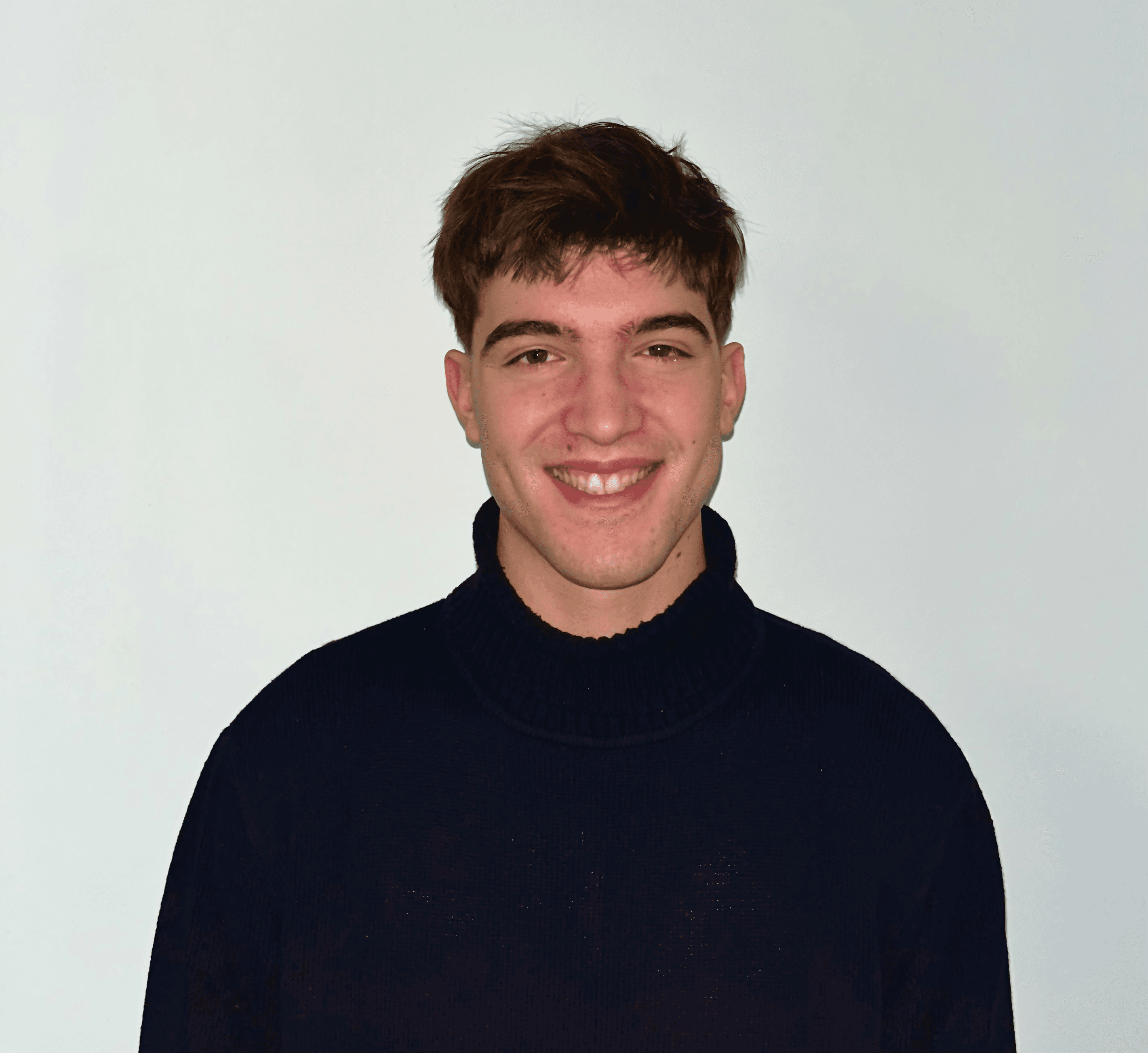
Francesco Chiaramonte
Founder of Ink Studio AI. Lisbon, Portugal.
I built Ink Studio AI after watching friends struggle to explain a tattoo idea to their artist. A rough picture changes that conversation. It gives you and the artist something concrete to react to.
The generator does not replace the artist. Treat every result as a sketch, take it to a studio, and let a professional adapt it to your skin.
Every access pass unlocks unlimited text-to-tattoo generations and includes Premium credits. Choose a plan to continue directly to secure checkout.
7-Day Access
14-Day Access
Most popular30-Day Access
Clear answers about the free generation, access plans, styles, and how to use an AI concept responsibly.
Create the first concept free, then decide whether you want more time and Premium tools. No subscription is required.