
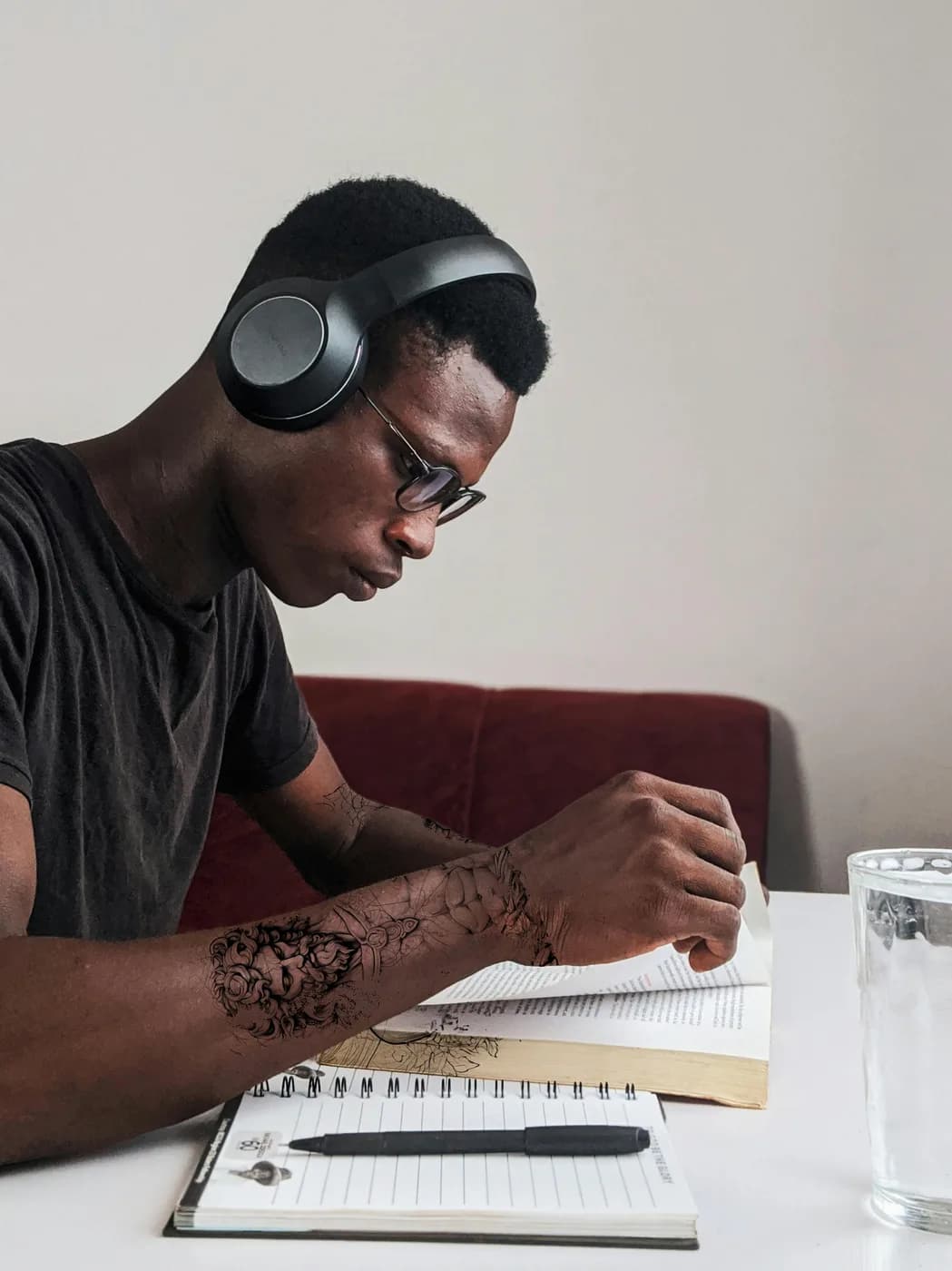
Mythological Forearm Sleeve
An intricate mythological concept placed along the forearm to compare the visual weight of a larger vertical design.
Try a tattoo on a sample body or your own photo. It finds your skin, wraps the design in 3D around your arm, and shows it fresh or healed. Your photo never leaves your browser.
Use your own photo or start with a sample. Your photo stays in your browser and is never uploaded.
Or try a sample photo
An intricate mythological concept placed along the forearm to compare the visual weight of a larger vertical design.


A striking tiger head tattoo rendered in a fine-line, illustrative style. Positioned on the shoulder blade, this try-on showcases a bold and powerful animal design.


A bold tribal-inspired pattern that flows along the forearm. This try-on highlights how geometric and Polynesian-style designs conform to the arm's musculature.
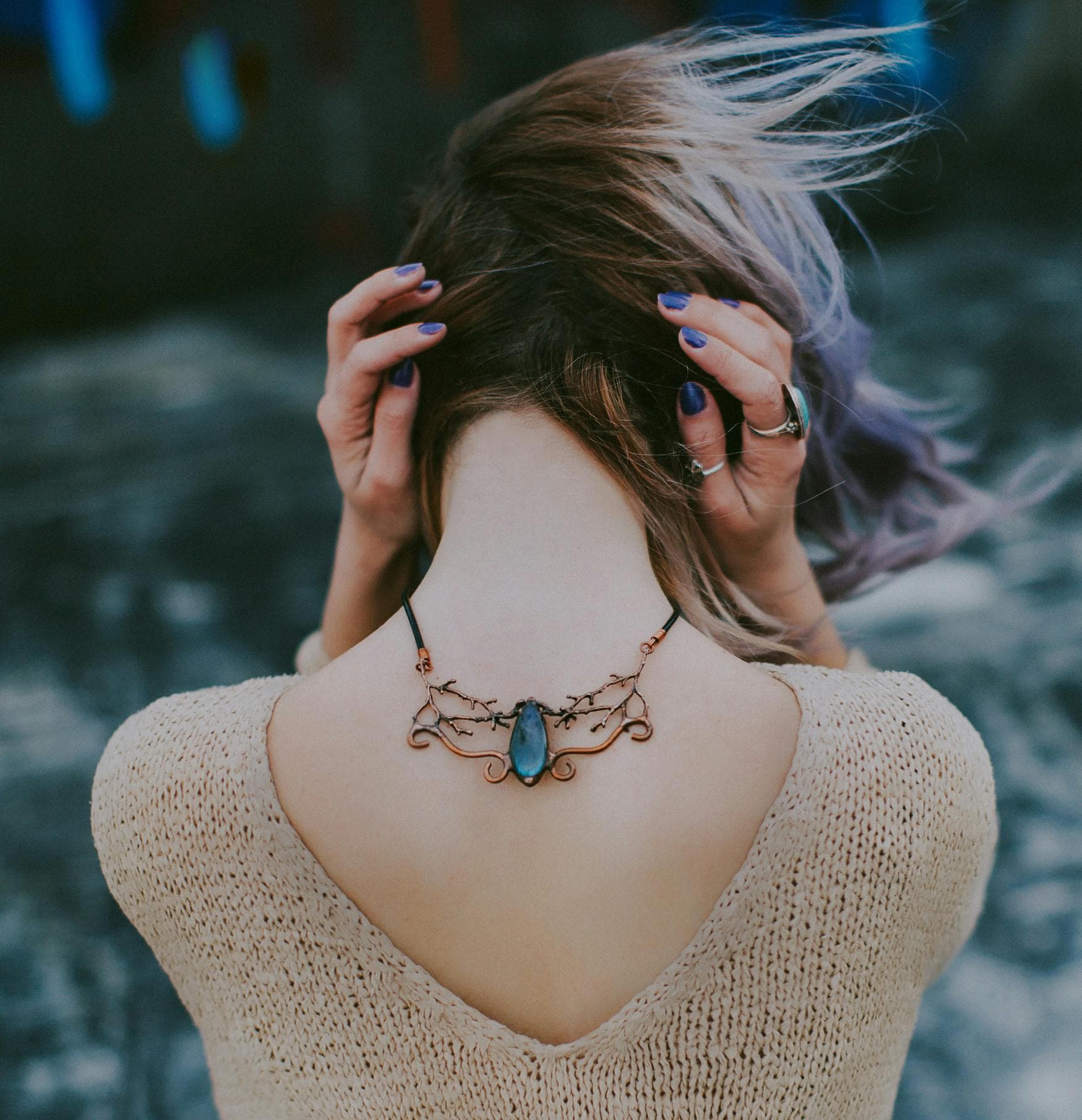
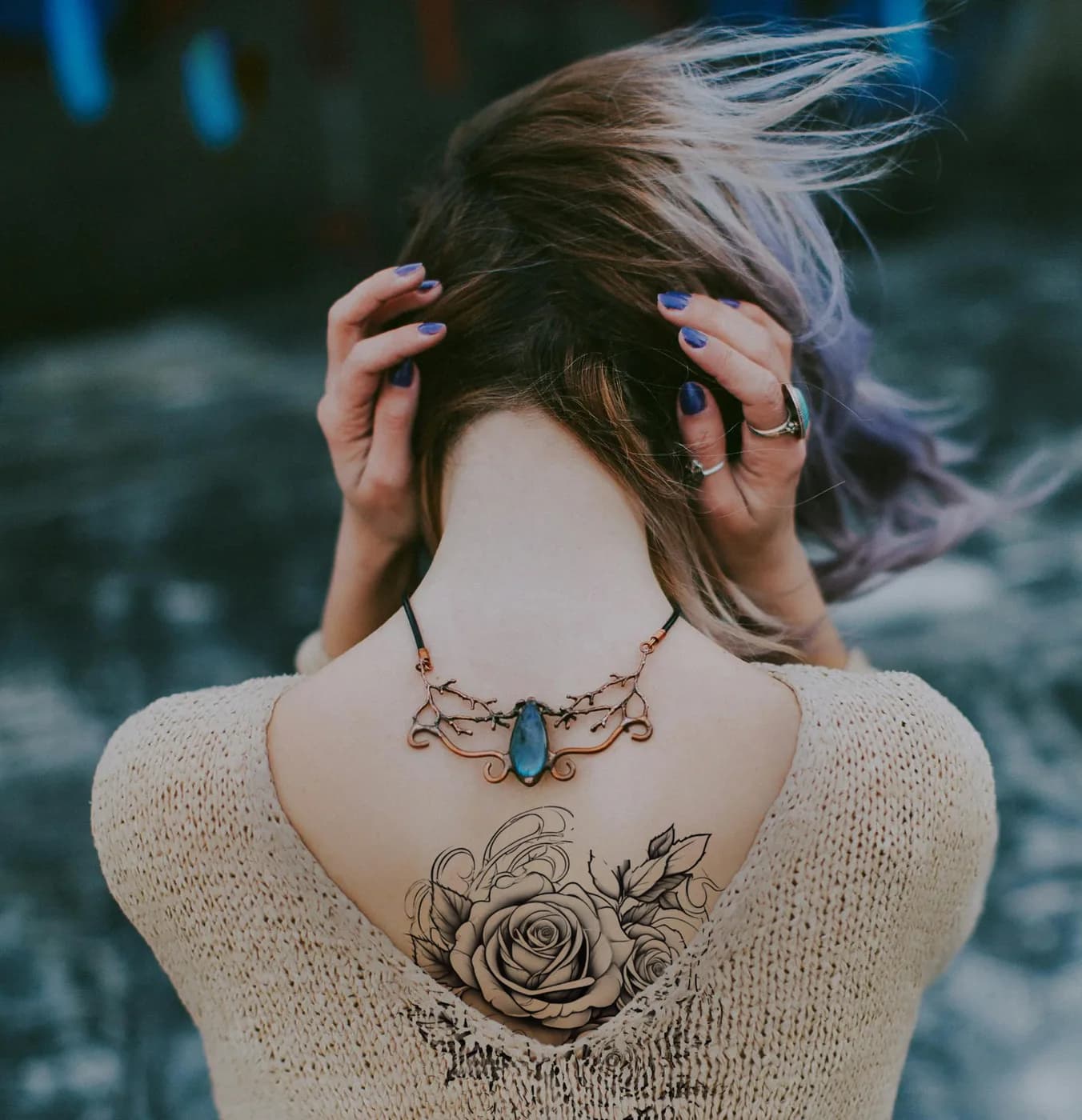
A beautiful and detailed rose tattoo, centered on the upper back below the neck. This try-on shows how a classic floral design can be elegantly placed to complement the body's natural lines.
A visible, flat area that suits vertical designs and lettering.
Forearm tattoo ideasTest how several designs flow together around the arm.
Sleeve tattoo ideasRound designs and pieces that wrap toward the chest or back.
Shoulder tattoo ideasThe largest canvas for detailed, large-scale work.
Back tattoo ideasCheck symmetry with a straight-on photo.
Chest tattoo ideasSmall, simple designs and fine lines read best here.
Wrist tattoo ideasVery visible. Test the size carefully before you commit.
Hand tattoo ideasA long, curved area for vertical and illustrative pieces.
Calf tattoo ideasNot sure yet? Read the tattoo placement guide for pain, visibility and size by body area.
Your body photo and your design stay in your browser. Nothing is uploaded or saved to a gallery.
Drag the design, pull a corner to resize and turn the round handle to rotate. On a phone, pinch with two fingers.
Wrap the design around an arm or a leg and tilt it in 3D. The ink takes on the light and texture of your skin.
An on-device model finds the skin in your photo, so the tattoo stays off clothing, hair and the background. Switch to Manual and use the brush at any time.
Use a sample design, upload your own, or pick a design you created with Ink Studio AI.
Download a high-resolution preview or a before-and-after image to discuss size and placement with your tattoo artist.
Turn your direction into a clearer concept, a better reference, and something easier to share with your artist.