Tattoo Stencil Maker
Free tattoo stencil maker and generator. Turn a tattoo photo, drawing or digital design into black-and-white stencil linework. No account, and your image stays in your browser.
Make a tattoo stencil reference in three steps
Choose a clear image
Upload a tattoo photo, flash design, drawing or digital artwork. Straight-on images with strong contrast work best.Choose the line treatment
Use Clean outline for edges, High contrast for solid black shapes, or Pencil sketch when you want more visual detail.Adjust and download
Change the line sensitivity until the important marks read clearly, then save the black-and-white PNG as a reference for your artist.
One design, three stencil modes
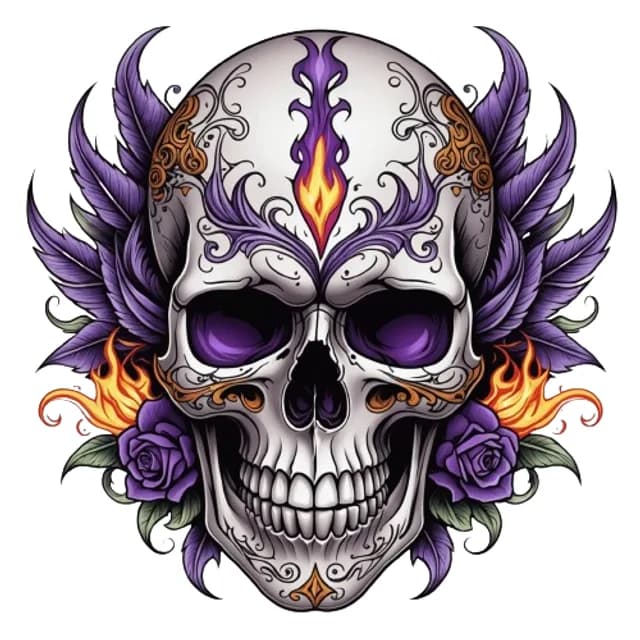
Original design 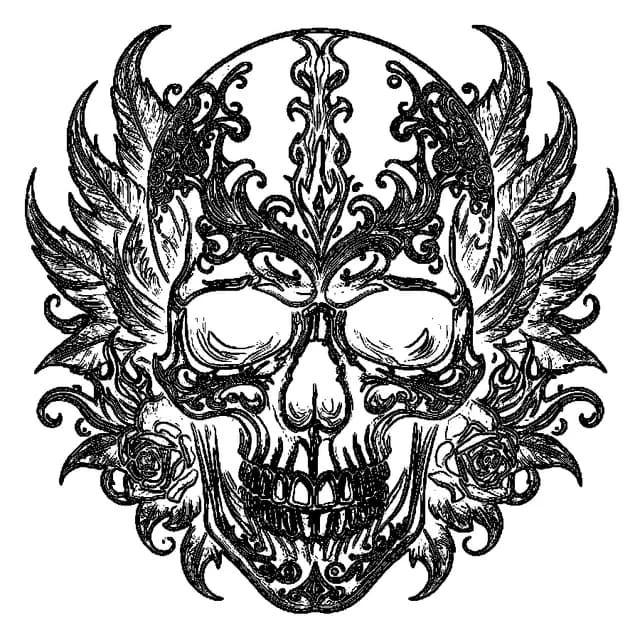
Clean outlineBest for linework, fine line and lettering. 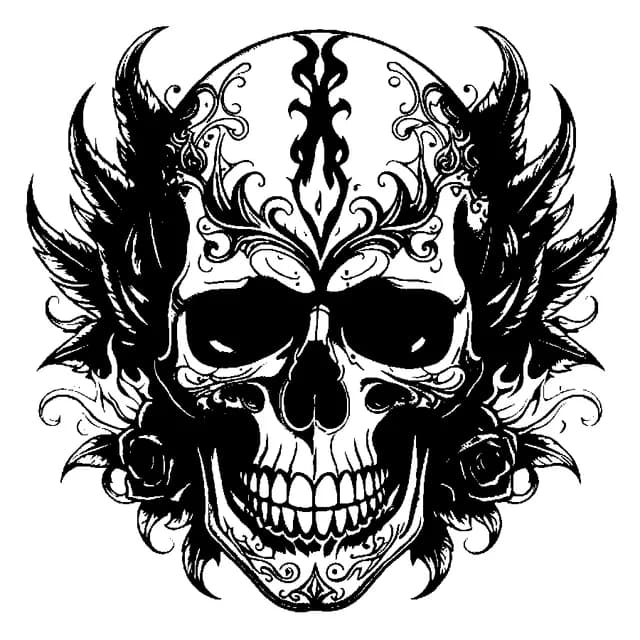
High contrastBest for blackwork, tribal and bold solid shapes. 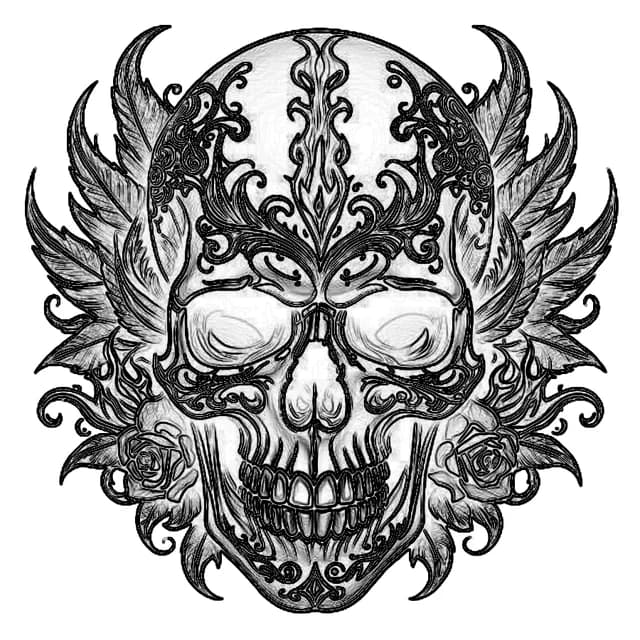
Pencil sketchBest for shading, realism and portrait references.
These images come from the same algorithm that runs in this tool, with no edits.
How to make a tattoo stencil
A tattoo stencil is the line drawing that an artist transfers to the skin before tattooing. It shows where every line goes, so it must be clear, at the right size, and free of extra marks.
1. Start with a clear design
Use a flat, straight-on image with good contrast. A scan or a digital file works better than a photo of a healed tattoo, because skin curves, glare and shadows add false lines.
2. Start from a photo? Make a design first
A photo of a pet, a person or a place is not a tattoo design yet. Turn it into tattoo artwork with Image to Tattoo, then make the stencil from the result.
3. Check the size
Measure the placement on your body and print the stencil at that size. The tattoo size calculator helps you compare dimensions before you decide.
4. Let your artist prepare the transfer
Tattoo artists transfer the final stencil with thermal stencil paper and a stencil printer, or by hand. They check line weight, small details and skin-safe products, so bring your PNG as a reference.
What this converter does well
It gives you a fast, private way to inspect visible linework, compare contrast treatments, and prepare a clearer reference for an artist. Unlike a simple black-and-white filter, outline and sketch modes use edge information to preserve the structure of the source image.
What still needs an artist
A generated image is not automatically a transfer-ready stencil. It cannot verify whether tiny details will age well, restore hidden lines, correct anatomy, choose needle groupings, or prepare skin-safe transfer materials. A tattoo artist should redraw and size the final stencil for your body and placement.
Frequently asked questions
Take the idea a step further and make it feel real.
Turn your direction into a clearer concept, a better reference, and something easier to share with your artist.
- Image to Tattoo conversions
- AI Tattoo Generator access
- Tattoo Style Transfer
- Paid plans from $12.99
- Image to TattooTurn photos into clearer concepts for an artist consultation.
- AI Tattoo GeneratorExplore stronger ideas and directions from a simple prompt.
- Tattoo Style TransferAdapt a reference style to your own subject or image.
- One-time access Unlock premium tools without changing the rest of your workflow.