AI Tattoo StyleTransfer
Upload a tattoo style reference, then apply its visual direction to a photo or written concept.
Match a tattoo style across Photos and Prompts
Upload a tattoo you love as a style reference, then apply that exact look to any photo or text concept. Get artist-ready results in seconds.
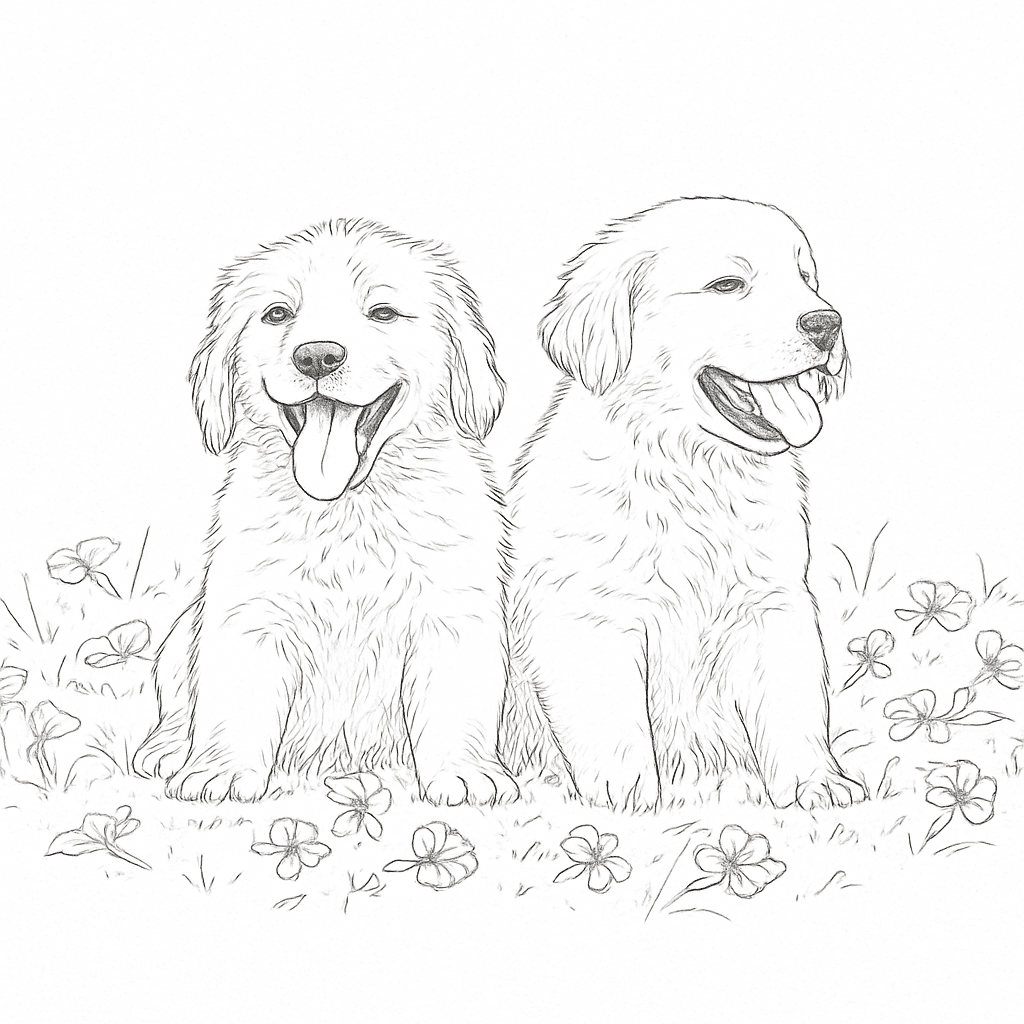

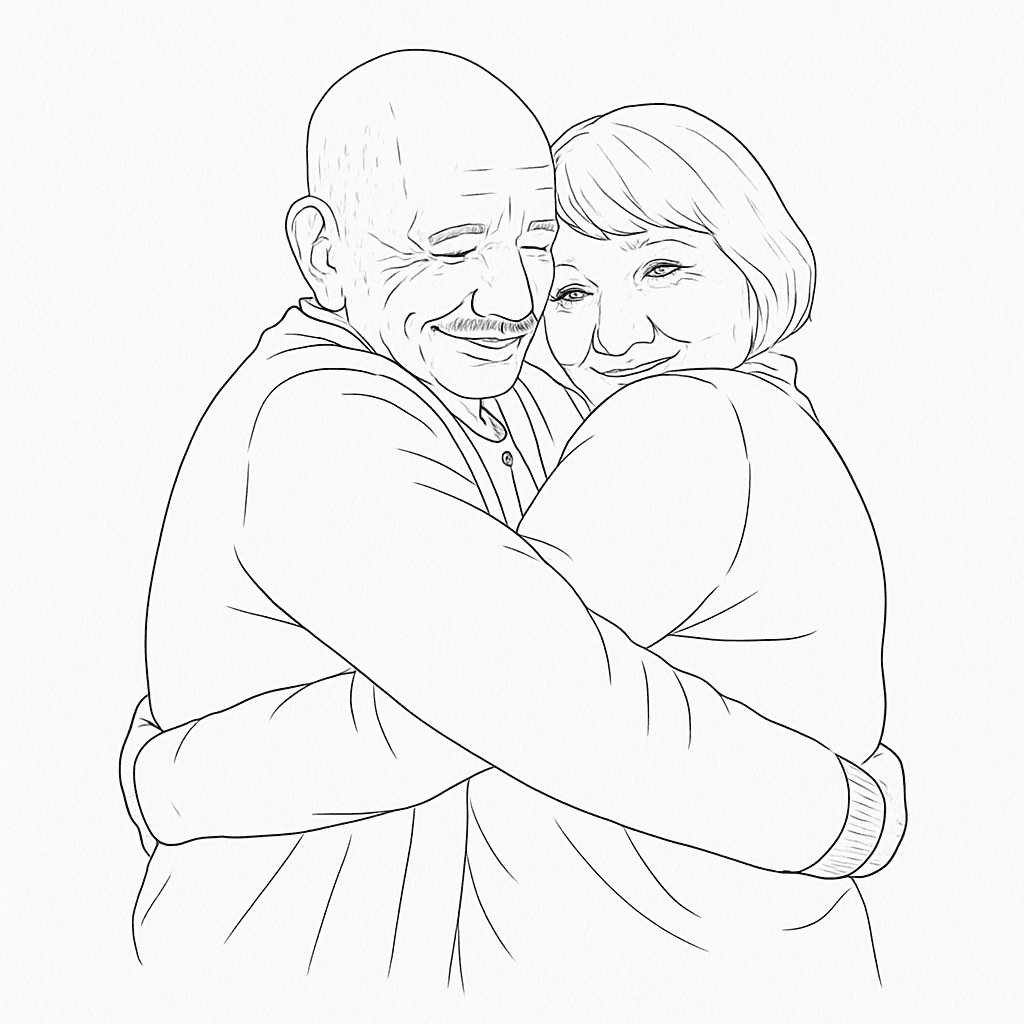
Upload a style you love + any photo → get a tattoo concept that combines both
How tattoo style transfer works
No design skills needed. Upload, describe, and generate.
Upload a style reference
Pick a tattoo image that matches the vibe you want — linework, shading, flow, and contrast.
Add your target input
Upload a photo to restyle, or write a text concept for a brand-new design in the same style.
Generate and download
Get your result in seconds, download it, and bring the concept to your tattoo artist.
See it in action
Drag the slider to compare the original photo with the AI-generated tattoo concept. This is what style transfer produces.
- 1Choose a reference tattoo with the line quality and shading you love.
- 2Upload a target photo, or describe your concept with words.
- 3Add optional creative direction (e.g. blackwork-only, stronger shadows).
- 4Generate, compare, and download to discuss with your artist.
Why tattoo lovers use style transfer
Spend less time guessing prompts and more time refining the direction that fits your body, story, and artist.
Perfect style consistency
Keep visual coherence across multiple tattoo ideas without manually rewriting complex prompts each time.
Faster concept iteration
Generate style-matched variations in seconds so you can converge on the right direction before your appointment.
Better artist collaboration
Share clear references that communicate both subject and style, reducing back-and-forth with your tattoo artist.
Popular style transfer use cases
Works for both first-timers and experienced collectors who want faster pre-session concept exploration.
Memorial tattoos
Match the style of an existing tribute piece and apply it to a loved one photo, handwritten note idea, or symbolic object.
Sleeve consistency
Keep your sleeve cohesive by reusing one style reference across different subjects and motifs before your next session.
Botanical & ornamental
Transfer a preferred floral or ornamental line style to new flowers, vines, or custom decorative compositions.
Portrait reinterpretation
Take a portrait or pet photo and convert it into the same line, contrast, and shading language as your selected style.
Style transfer vs starting from scratch
If you already know the aesthetic you want, style transfer is the fastest path to useful tattoo references.
Style Transfer
This tool
Prompt-Only Generation
Alternative approach
Manual Sketching
Traditional approach
Get the best results
Follow these tips to improve output quality and tattoo readability.
Best practices
- Use a clear tattoo reference where linework and shading are easy to read.
- Upload high-resolution photos for target inputs whenever possible.
- Add concise creative direction (e.g., black-and-gray only, stronger negative space).
- Generate several variants and review them with your tattoo artist.
Common mistakes
- Blurry or heavily compressed source images with unclear details.
- Overly broad prompts with multiple conflicting styles and themes.
- Assuming one generation is final without artist-side refinement.
- Very dense micro-detail if the final tattoo size will be small.
Keep building your tattoo plan
After style transfer, refine your placement, pricing, and visual direction with the rest of the Ink Studio AI toolkit.
Ready to create your dream tattoo?
Upload a style you love, add your concept, and get artist-ready results in seconds. No design skills needed.
Good to know