 Francesco Chiaramonte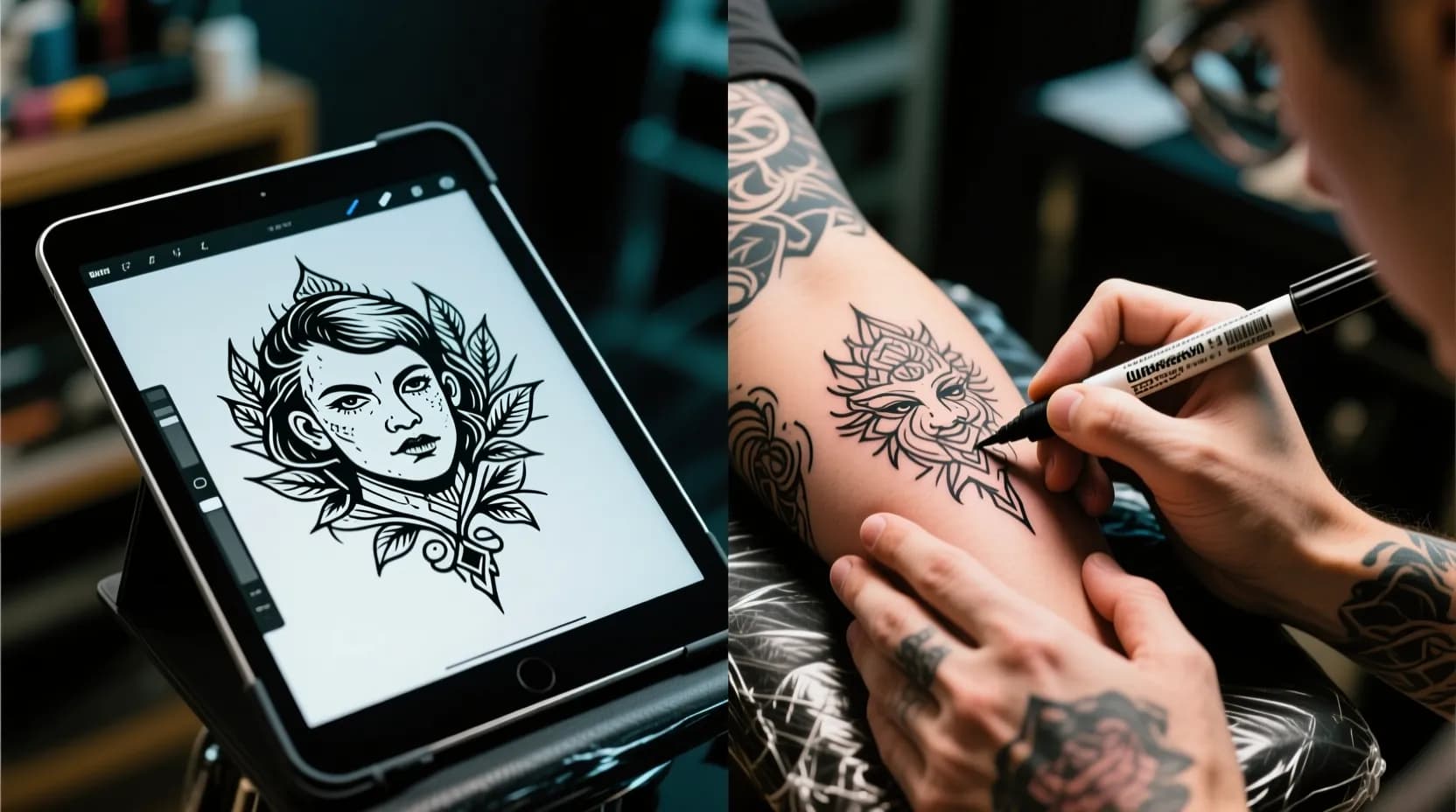
A freehand tattoo is drawn straight onto your skin with a marker, while a stencil tattoo is traced from a printed or drawn design. Neither is better in general. Freehand suits large, flowing pieces that must follow the body, and a stencil suits designs where exact lines, symmetry, or likeness matter. A reference image or AI concept is not a third method. It is the starting point your artist uses for either one.
This guide defines each term, compares them in one table, shows when artists tend to pick each, and gives you a way to decide for your own piece.
The Four Terms, Defined
People mix these words up, which causes most of the confusion in consultations.
- Freehand: the artist draws the design directly on your skin with a marker, with no stencil. In the words of one Paris studio, the artist draws with a marker and "after getting your approval, proceeds to tattoo" (La Bête Humaine).
- Stencil: the design is drawn or printed on paper first, then transferred to the skin as a guide. You can see and approve the exact drawing before the needle starts.
- Reference-based (image to tattoo): you bring a photo, sketch, or digital image. The artist redraws it as a tattoo design, then uses a stencil or freehand to place it. The image is input, not the finished artwork.
- Flash: a ready-made design the artist already drew, usually applied with a stencil.
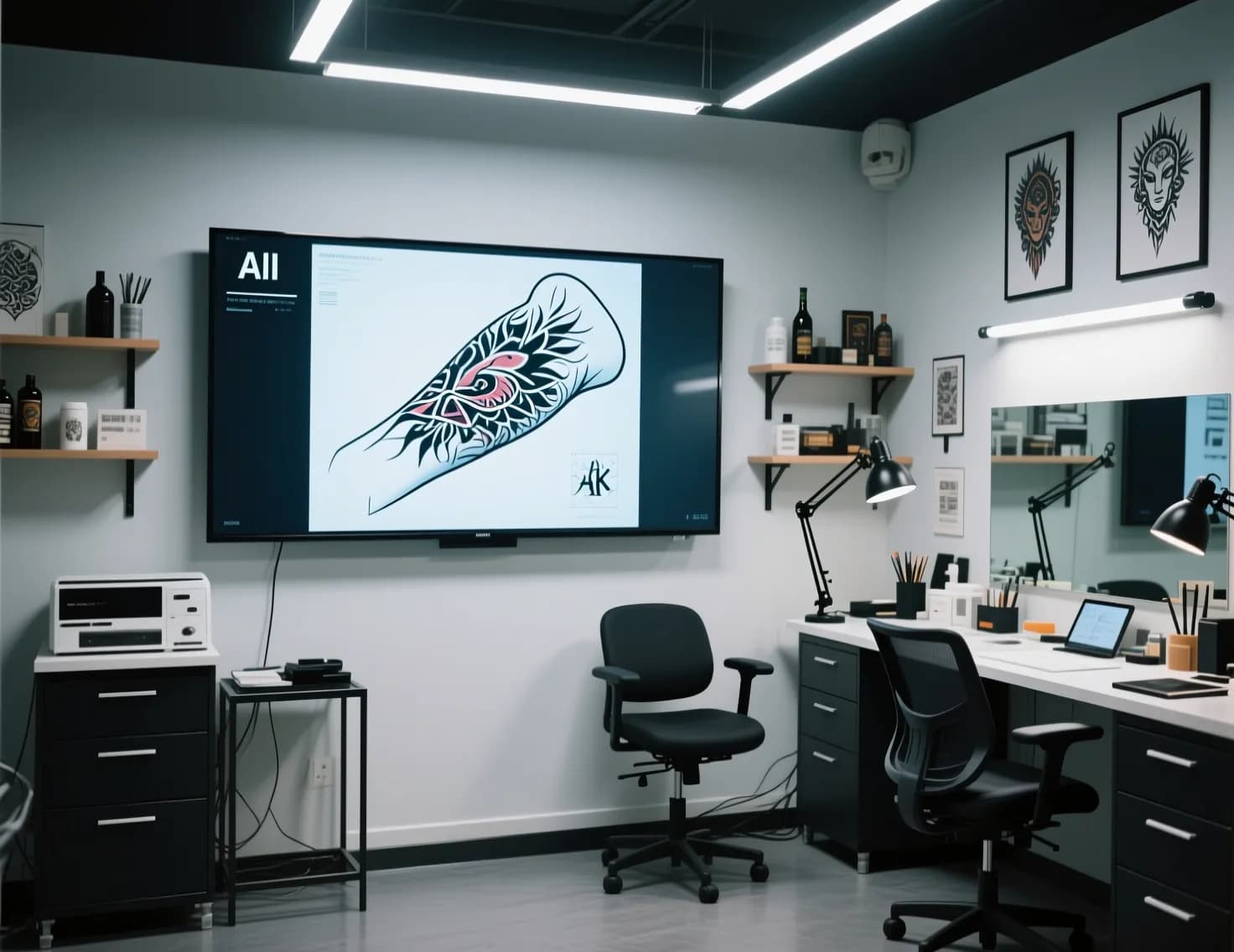 Digital reference in tattoo studio
Freehand vs Stencil at a Glance
This table reflects how working artists describe the two methods in the sources cited below. Individual artists vary, so treat it as a starting point for the conversation.
| Factor | Freehand | Stencil |
|---|---|---|
| Precision and symmetry | Depends on the artist's drawing skill | High, especially for lettering and geometry |
| Flow with the body | Excellent, drawn on the actual contours | Can distort on curves, joints, or fleshy areas |
| Preview before the day | Limited, you see it only on skin | Full drawing seen in advance |
| Customization on the day | Easy to adjust live | Needs a new print or redraw |
| Time in the chair | Extra time to draw on skin | Quick to apply, may need resizing |
| Cost | No set difference, see the myth below | No set difference |
| Risk | Less control over exact likeness | Design can look flat if not adapted to the body |
| Best styles | Florals, vines, waves, neo-traditional, ornamental | Portraits, lettering, fine line, geometry, repeated patterns |
| Best placements | Arms, legs, ribs, wrap-around pieces | Flat or small areas, back, calf, forearm |
Why Artists Choose Freehand
Artists who freehand usually give the same reasons. The first is anatomy. La Bête Humaine notes that a freehand design lets the artist follow the lines of your body, flow with your movements, and account for how a tattoo near the elbow distorts when you bend your arm.
The second is fitting around existing work. The same studio says freehand is especially suited to cover-ups and fillers, because the artist can reuse a line from the old tattoo (their example: a faded fish fin that becomes a bird's wing). Surf n Ink makes a similar point about adding to an existing piece or filling the space between tattoos (Surf n Ink, 2021).
Fine line botanical artist Eva Ronnova describes freehand as the foundation of her large floral work. She says a design that looks balanced on a flat screen "often behaves very differently" on a three-dimensional form, and that freehand also saved her time, since she no longer spends the appointment resizing and reprinting stencils (iNKPPL Tattoo Magazine, July 2026). She is also clear about the limit: she says freehand without a grounding in construction, proportion, and form "becomes guesswork." The method depends on the artist, not on the technique alone.
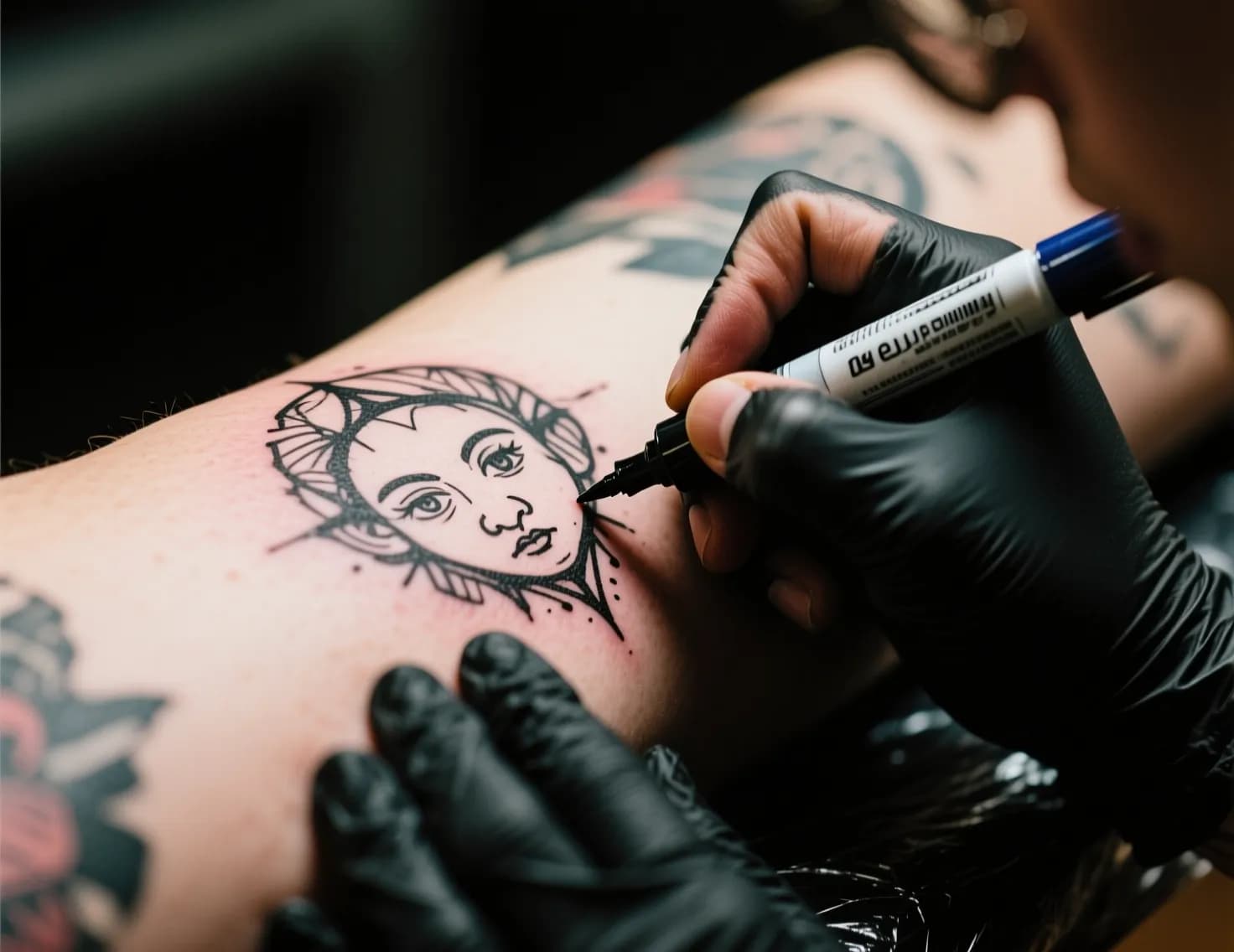 Freehand tattoo process
Why Artists Choose a Stencil
La Bête Humaine lists three advantages for stencils. You can visualize the final tattoo before it goes on your skin (with small differences, since "tattoo artists are craftsmen, not photocopiers"). Stencils suit patterns that repeat identically within one piece. And they save significant time on very fine geometric designs.
Lettering, portraits, and anything where a precise likeness matters follow the same logic. A tattoo of a person or pet needs proportions that are hard to improvise on skin. That is why most memorial and portrait work starts from a drawn design. If that is your project, read best portrait tattoo styles first.
Many Artists Do Both
The either/or framing is often wrong. Canadian artist Heather Gellately of Platinum Tattoo says she stencils the main, most detailed part of a piece, then freehands the background or foreground so it flows on the client's body (Platinum Tattoo blog, 2017). Her reasoning is that clients can view the drawing beforehand and still get a piece fitted to their form.
A longtime forum discussion among tattoo fans reaches the same conclusion: results depend on the tattooer and the design more than on the method (Last Sparrow Tattoo forum, 2011). That thread is old and informal, so I cite it only as a reminder that this debate is not new.
Where a Reference Image or AI Concept Fits
A reference image changes what you hand the artist, not how the tattoo gets onto your skin. The artist still redraws it to suit tattoo ink, your skin, and the placement. Then they either make a stencil from that drawing or use it as a guide for freehand work.
This is where the image-to-tattoo idea helps. If you cannot describe a design in words, a photo or concept shows your artist what you mean. You can generate a concept with the Image to Tattoo tool and, if you want a line-only version to discuss, try Tattoo to Stencil. Treat the output as a concept for discussion. It is not a tattoo-ready stencil, and it does not replace your artist's judgment on size, line weight, and placement. My guide on how to convert a photo to a tattoo design covers the preparation steps.
Decision Guide by Tattoo Type
| Tattoo type | Usual best fit | Why |
|---|---|---|
| Portrait or pet | Stencil from a reference | Likeness needs accurate proportions |
| Lettering or script | Stencil | Spacing and symmetry must be exact |
| Geometric or mandala | Stencil | Repeated, precise shapes |
| Fine line small piece | Stencil | Detail is easy to lose without a guide |
| Floral or vine wrapping a limb | Freehand, or hybrid | Needs to follow the contours |
| Sleeve or large composition | Hybrid | Stencil the focal pieces, freehand the flow |
| Cover-up or filler | Freehand, or hybrid | Must work with existing lines |
| Over a scar | Ask your artist | Depends on the skin and the design |
| Flash design | Stencil | Already drawn |
If you are planning something large, how to plan a tattoo sleeve shows how the hybrid approach works across several sessions.
Questions to Ask Your Artist About Their Process
Ask these at the consultation. The answers tell you more than a portfolio alone.
- Do you usually freehand, stencil, or combine both for a piece like this?
- Will I see the drawing before the day, and can I request changes?
- How much of the session is set aside for drawing and placement?
- Can you show healed photos of similar work, not only fresh ones?
- If I bring a reference image, how much will you change it?
- What happens if I do not like the placement once it is drawn on?
You can look for artists in your area in the tattoo shops directory.
Common Myths
"Freehand costs more." La Bête Humaine says a freehand tattoo is neither more expensive nor cheaper than a stencil tattoo. Price follows size, technical complexity, and time spent on the design. For a rough budget, try the tattoo price calculator.
"Freehand means no plan." A good freehand piece still starts with a conversation about style, placement, and references, and usually a light sketch you approve before the dark outline. The plan exists, it just lives on your skin instead of on paper.
"A stencil means less skilled or less custom." A stencil is a tool. Many highly skilled artists use one to get exact lines and then adapt the design to your body.
Frequently Asked Questions
Is freehand tattooing better than using a stencil?
Not across the board. Freehand tends to work better for organic, body-wrapping designs and for working around existing tattoos. A stencil tends to work better for lettering, geometry, portraits, and anything needing a fixed layout. The artist's skill matters more than the method.
Do tattoo artists freehand?
Some do all of their work freehand, some never do, and many combine both. It depends on the artist's training and style. Ask during your consultation instead of assuming.
Can a tattoo artist copy an image exactly?
An artist can get close to an image, but they redraw it as a tattoo. Skin, ink, and line weight all change how a photo translates, so expect a faithful interpretation, not a photocopy. Portrait specialists get closest, which is one reason to check their healed work.
How do artists make a stencil?
The artist draws or prints the design, sizes it for your placement, and transfers it to your skin as a guide that looks like a temporary tattoo. They then check the position with you before starting. Some stencils are adjusted again after the first placement.
Should I bring a picture to my tattoo artist?
Yes, in most cases. Photos, drawings, and tattoos you like show your preferences faster than words, and artists commonly ask for them. Bring several references and say which parts you like, instead of asking for an exact copy.
What is a freehand tattoo?
It is a tattoo where the artist draws the design on your skin with a marker instead of using a stencil. You approve the marker drawing, then the artist tattoos over it. It is sometimes written as "free hand."
Does a freehand tattoo take longer?
It can take longer at the start of the session because the artist draws on your skin and adjusts the design. One tattooer notes that needle time may start one to two hours after the booked time when freehand work is involved. Platinum Tattoo's blog advises keeping the day clear for this reason. Other artists, like Ronnova, say freehand saved them time compared with resizing stencils.
Final Thoughts
Pick the method by the design, not by reputation. If the piece depends on exact lines or likeness, choose a stencil. If it needs to flow with your body, choose freehand or a hybrid. If you are unsure, bring a reference image or a concept from the Image to Tattoo tool and ask your artist how they would approach it. For the bigger question of AI versus an artist, see AI vs human tattoo artists.