Milky-way Galaxy and lioness
SurrealColorAugust 4, 2025

Prompt
Milky-way Galaxy and lioness
Opens the AI tattoo generator with this prompt and the same settings: Surreal · Color.
Design details
- Style
- Surreal
- Type
- Color
- Creator
- Amanda
- Created

You might also like

Minimalist Clock
View Details
Ink Studio AI, Tattoo Generatorhttps://inkstudioai.com/legal/tos© Ink Studio AI.https://inkstudioai.com/blog/how-to-create-ai-tattoo-designs
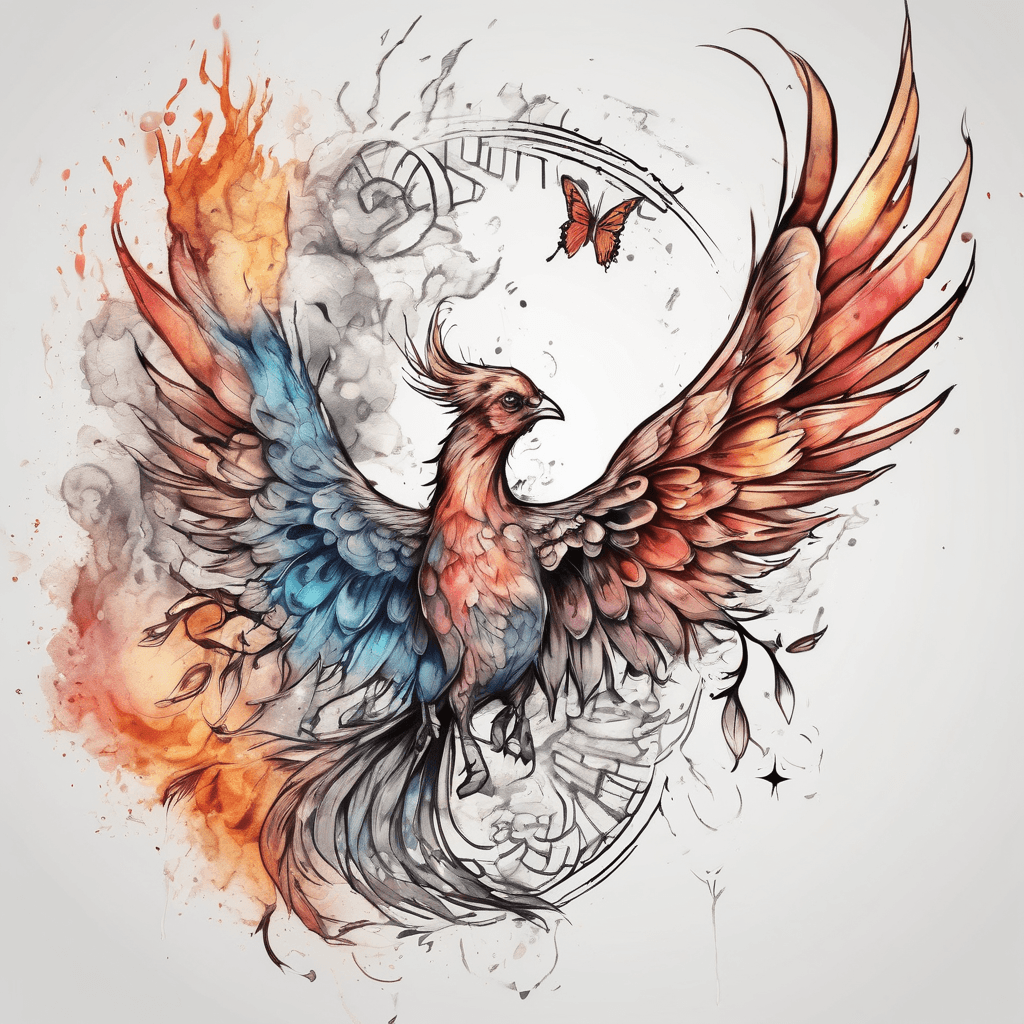
Phoenix And Butterfly Combined Watercolor
View Details
Ink Studio AI, Tattoo Generatorhttps://inkstudioai.com/legal/tos© Ink Studio AI.https://inkstudioai.com/blog/how-to-create-ai-tattoo-designs
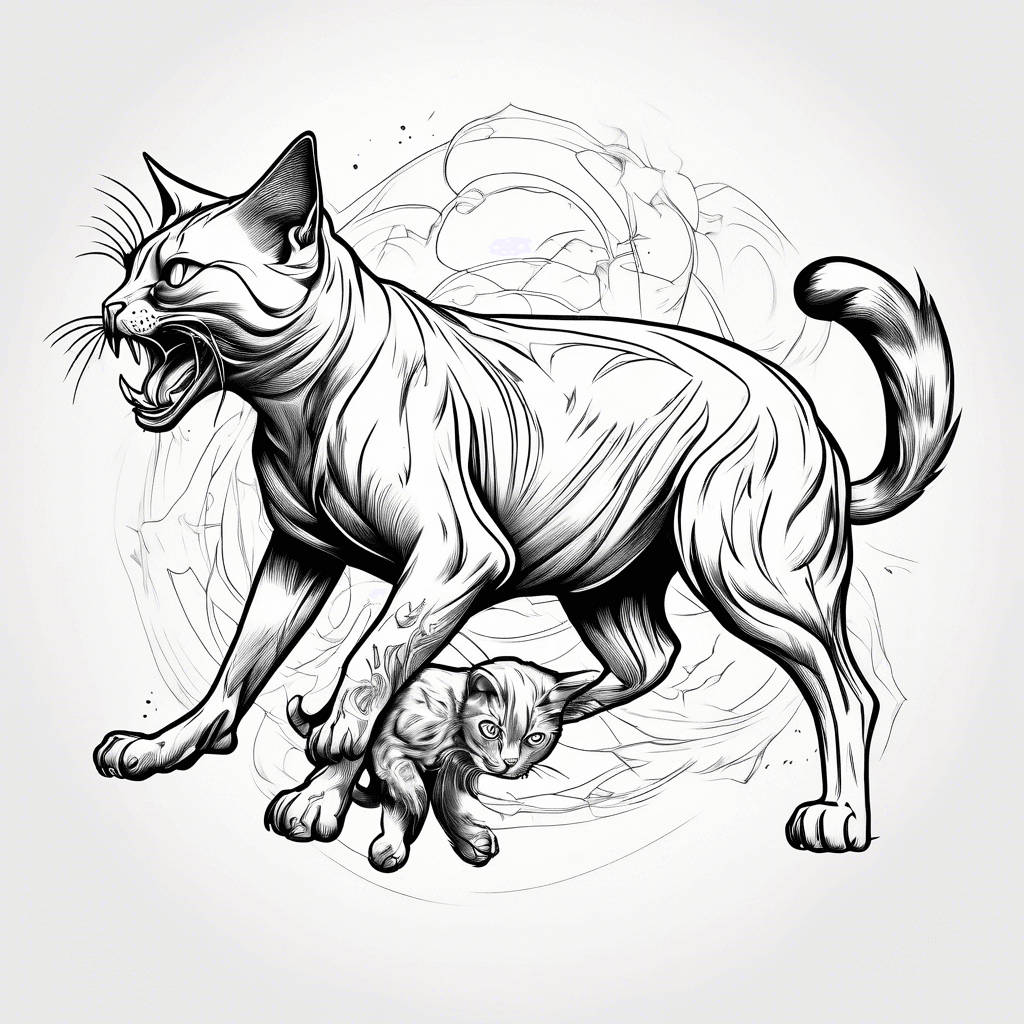
A Cat Fighting With A Dog
View Details
Ink Studio AI, Tattoo Generatorhttps://inkstudioai.com/legal/tos© Ink Studio AI.https://inkstudioai.com/blog/how-to-create-ai-tattoo-designs
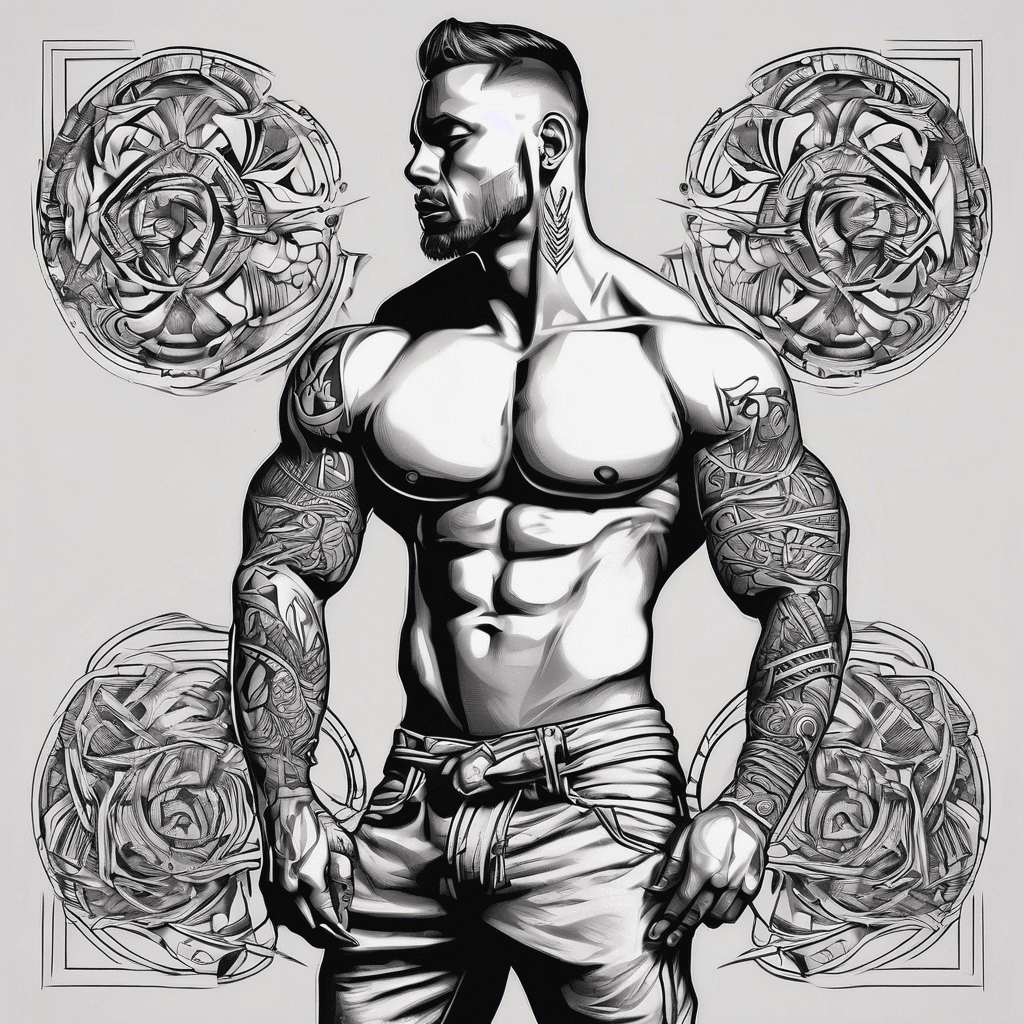
Full Body, Bicep Bands, Tribal Tattoo Pattern Style, Ritual Tattoo
View Details
Ink Studio AI, Tattoo Generatorhttps://inkstudioai.com/legal/tos© Ink Studio AI.https://inkstudioai.com/blog/how-to-create-ai-tattoo-designs
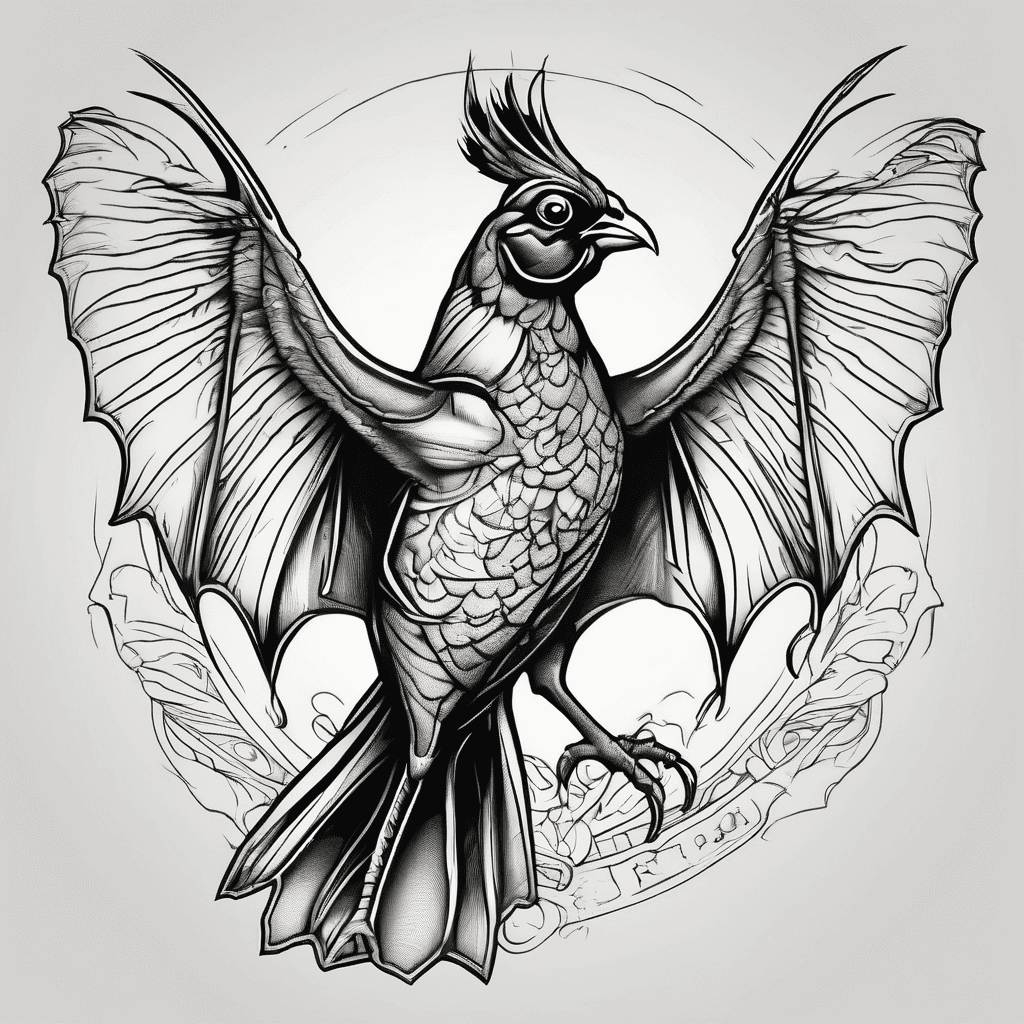
Realistic Pheasant Dressed As A Bat For Halloween
View Details
Ink Studio AI, Tattoo Generatorhttps://inkstudioai.com/legal/tos© Ink Studio AI.https://inkstudioai.com/blog/how-to-create-ai-tattoo-designs
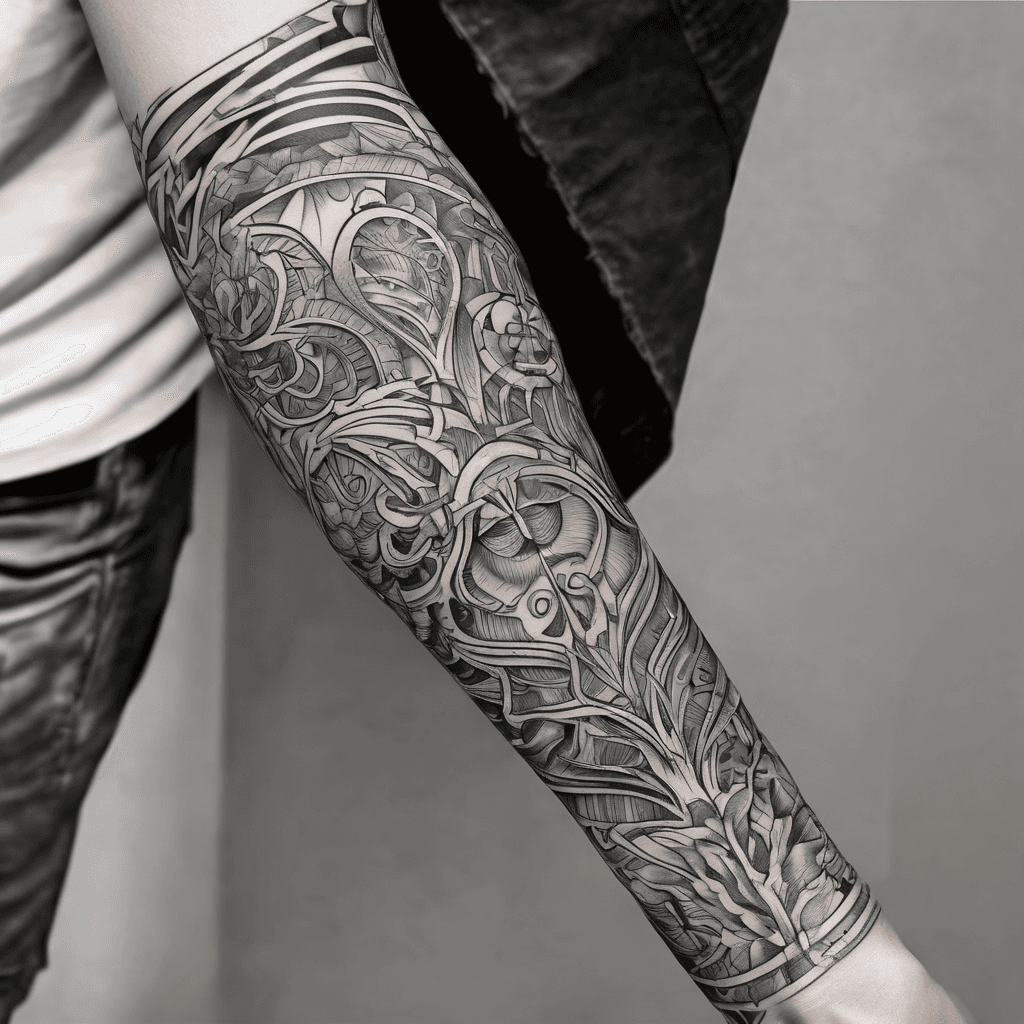
Arm Sleeve
View Details
Ink Studio AI, Tattoo Generatorhttps://inkstudioai.com/legal/tos© Ink Studio AI.https://inkstudioai.com/blog/how-to-create-ai-tattoo-designs

Golf Course At Heavens Gate
View Details
Ink Studio AI, Tattoo Generatorhttps://inkstudioai.com/legal/tos© Ink Studio AI.https://inkstudioai.com/blog/how-to-create-ai-tattoo-designs

St. Michael The Archangel Raising His Right Arm Back Behind His Head, Gripping A Sword In An Overhand Strike Motion, Sword Angled Forward In A Downward Attack, Wings Spread Wide, Intense Expression, Ornate Armor, Muscular Figure, Demons Beneath Him Being Defeated, Black And Grey Tattoo Realism, High Contrast Shading, Bold Blacks, Soft Gradients, Clean Readable Forms, Shoulder-cap Tattoo Composition, Smooth Skin Shading, Dramatic Lighting, No Marble Texture, No Statue Look, No Painting Effect --style Raw --ar 4:5 --v 6
View Details
Ink Studio AI, Tattoo Generatorhttps://inkstudioai.com/legal/tos© Ink Studio AI.https://inkstudioai.com/blog/how-to-create-ai-tattoo-designs
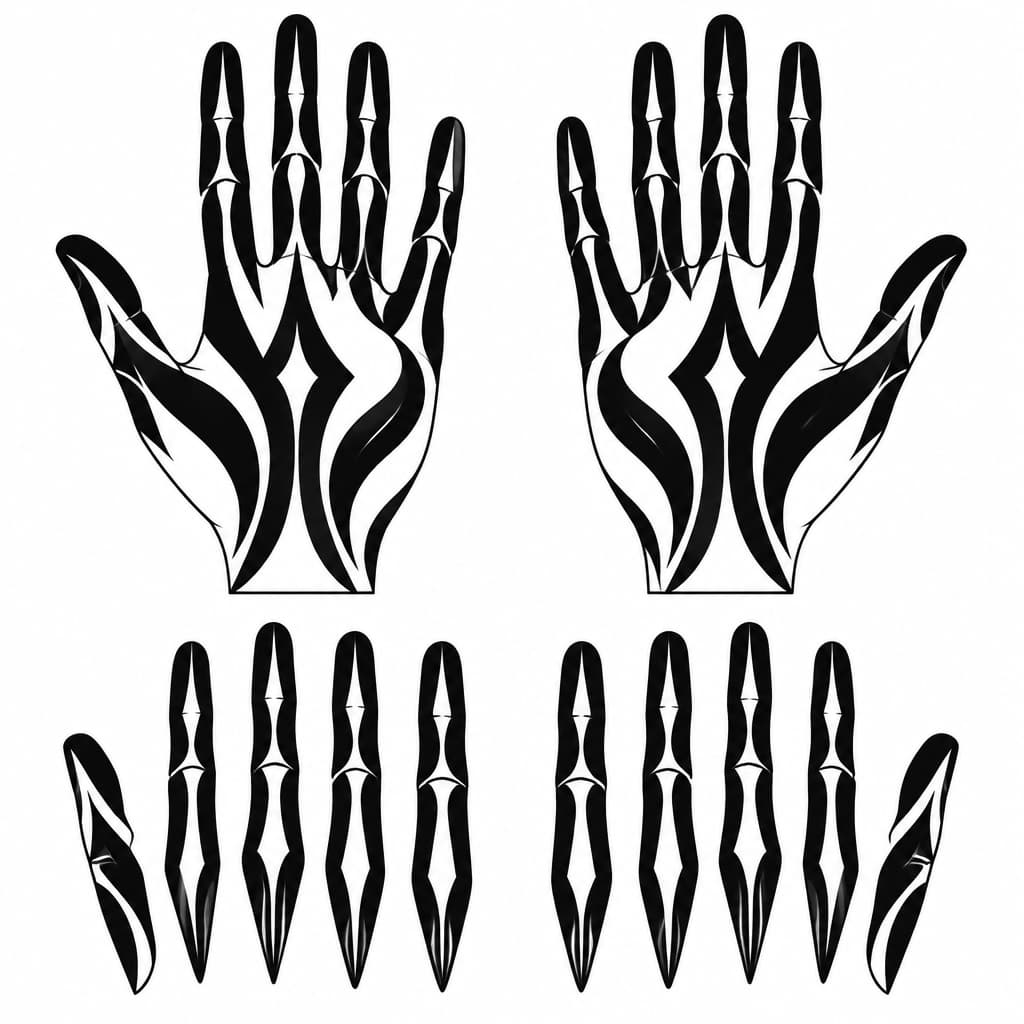
Create A Clean, Printable Black-and-white Tattoo Stencil For The Palm Side Of Both Hands, Matching My Uploaded Reference Design #6 Exactly In Style. Use Bold, Flowing Blackout Shapes That Follow The Natural Length Of Each Finger, With Selective Skin-colored Negative-space Slits And Simple Mystical Pointed Shapes. Keep The Design Dark, Minimal, Symmetrical Where Appropriate, And Free Of Crosses, Religious Symbols, Lettering, Gradients, Shading, And Tiny Decorative Details. Show Both Palms Facing Forward, Plus Separate, Straightened Finger Templates For Tracing. Pure Black Ink Shapes On A Pure White Background, Accurate Finger Anatomy, Clean Closed Outlines, No Jewelry Or Nail Art. Include A Size Reference And Keep Each Finger Design Separate For Cutting Into Stencil Pieces.
View Details
Ink Studio AI, Tattoo Generatorhttps://inkstudioai.com/legal/tos© Ink Studio AI.https://inkstudioai.com/blog/how-to-create-ai-tattoo-designs