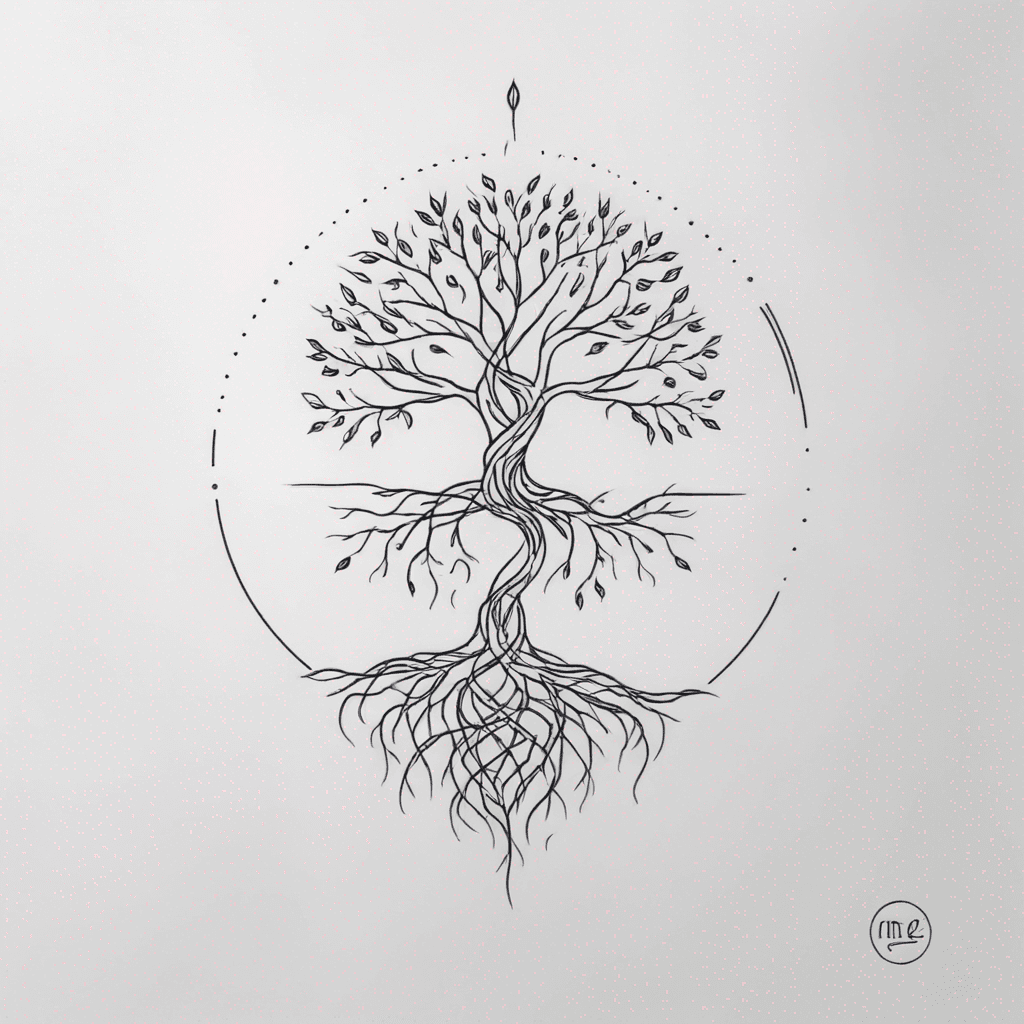
Large tree with roots
MinimalBlack & whiteJune 5, 2025
Prompt
large tree with roots
Opens the AI tattoo generator with this prompt and the same settings: Minimal · Black & white.
Design details
- Style
- Minimal
- Type
- Black & white
- Creator
- Mike
- Created

You might also like

Design A 7x12" Full Sleeve Tattoo Of An Evergreen Forrest With Fog And Snow-capped Peaks Far Away In The Distance Using Only Shades Of Green And Light Grey Colors. Everything Must Be Low Contrast And Wrap Around Seamlessly. No Frame. No Sky.
View Details
Ink Studio AI, Tattoo Generatorhttps://inkstudioai.com/legal/tos© Ink Studio AI.https://inkstudioai.com/blog/how-to-create-ai-tattoo-designs

Human Male Head. The Sides And Top Are Physically Damaged. Underneath The Wounds Is Alien Technology. It Is Escaping The Human Form. It Looks Like Circuit Boards. The Diodes Are Replaced With Gal Bladders They're Also Damaged And Oozing Florescent/ Neon Pink And Blue Blood From The Organs. Sci-fi Gore.
View Details
Ink Studio AI, Tattoo Generatorhttps://inkstudioai.com/legal/tos© Ink Studio AI.https://inkstudioai.com/blog/how-to-create-ai-tattoo-designs

Name Eriksson With Smal Roses In Backround
View Details
Ink Studio AI, Tattoo Generatorhttps://inkstudioai.com/legal/tos© Ink Studio AI.https://inkstudioai.com/blog/how-to-create-ai-tattoo-designs

Eve And Wall-e
View Details
Ink Studio AI, Tattoo Generatorhttps://inkstudioai.com/legal/tos© Ink Studio AI.https://inkstudioai.com/blog/how-to-create-ai-tattoo-designs

Create A Full Forearm Sleeve Of Thick Ornamental Scrolls And Flowing Curved Shapes With A Carved, Raised, Beveled Look. Include Smooth Spirals And Ribbon-like Forms That Interlock And Wrap Around The Arm. Add Only Light Internal Cuts For Texture. Use Bold, Vivid Solid Colors—red, Orange, Yellow, Blue, Teal, Turquoise—combined With Deep Black For Contrast. Colors Should Be Flat, Bright, And Sharply Separated. The Style Should Feel Dimensional, Bold, And Decorative Without Being Busy
View Details
Ink Studio AI, Tattoo Generatorhttps://inkstudioai.com/legal/tos© Ink Studio AI.https://inkstudioai.com/blog/how-to-create-ai-tattoo-designs

Coraline Meets Belle Meets Book Of Life
View Details
Ink Studio AI, Tattoo Generatorhttps://inkstudioai.com/legal/tos© Ink Studio AI.https://inkstudioai.com/blog/how-to-create-ai-tattoo-designs

A Book Leading Into A Door Showing The Universe
View Details
Ink Studio AI, Tattoo Generatorhttps://inkstudioai.com/legal/tos© Ink Studio AI.https://inkstudioai.com/blog/how-to-create-ai-tattoo-designs

The Letter “b” With A Bumblebee And A Majestic Bald Eagle
View Details
Ink Studio AI, Tattoo Generatorhttps://inkstudioai.com/legal/tos© Ink Studio AI.https://inkstudioai.com/blog/how-to-create-ai-tattoo-designs

A Dynamic Black And Gray Tattoo On Slightly Angled Skin. The Design Features Mewtwo (at The Top) In A Powerful Fighting Stance, Slightly Turned, One Hand Extended Forward With Energy Lines And Aura Effects. Mew (below) Floats Peacefully With Open Arms And A Calm Expression, Looking Upward. Between Them Lies A Subtle Yin-yang Symbol, Surrounded By Swirling Cloud And Energy Patterns Connecting Both Figures. The Style Is Japanese-inspired, With Curved Clouds, Soft Smoke Details, And Realistic Tattoo Shading In Black And Gray. The Composition Should Feel Balanced Yet Powerful, Showing Harmony Between Mew’s Calmness And Mewtwo’s Strength. Realistic Tattoo Aesthetic, Smooth Shading, Soft Light On Skin Background.
View Details
Ink Studio AI, Tattoo Generatorhttps://inkstudioai.com/legal/tos© Ink Studio AI.https://inkstudioai.com/blog/how-to-create-ai-tattoo-designs