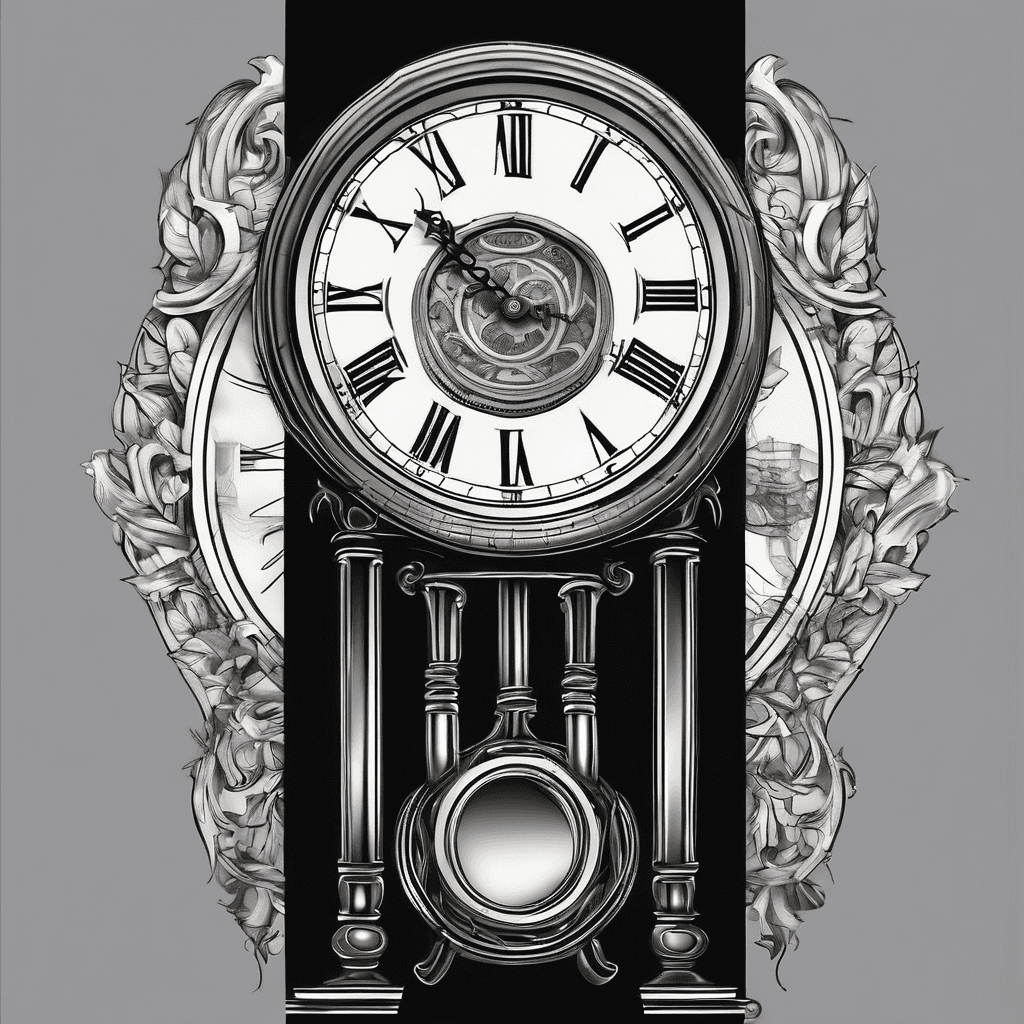
Grandfather clock
Black & grayBlack & whiteOctober 4, 2025
Prompt
Grandfather clock
Opens the AI tattoo generator with this prompt and the same settings: Black & gray · Black & white.
Design details
- Style
- Black & gray
- Type
- Black & white
- Creator
- Ryan
- Created

You might also like
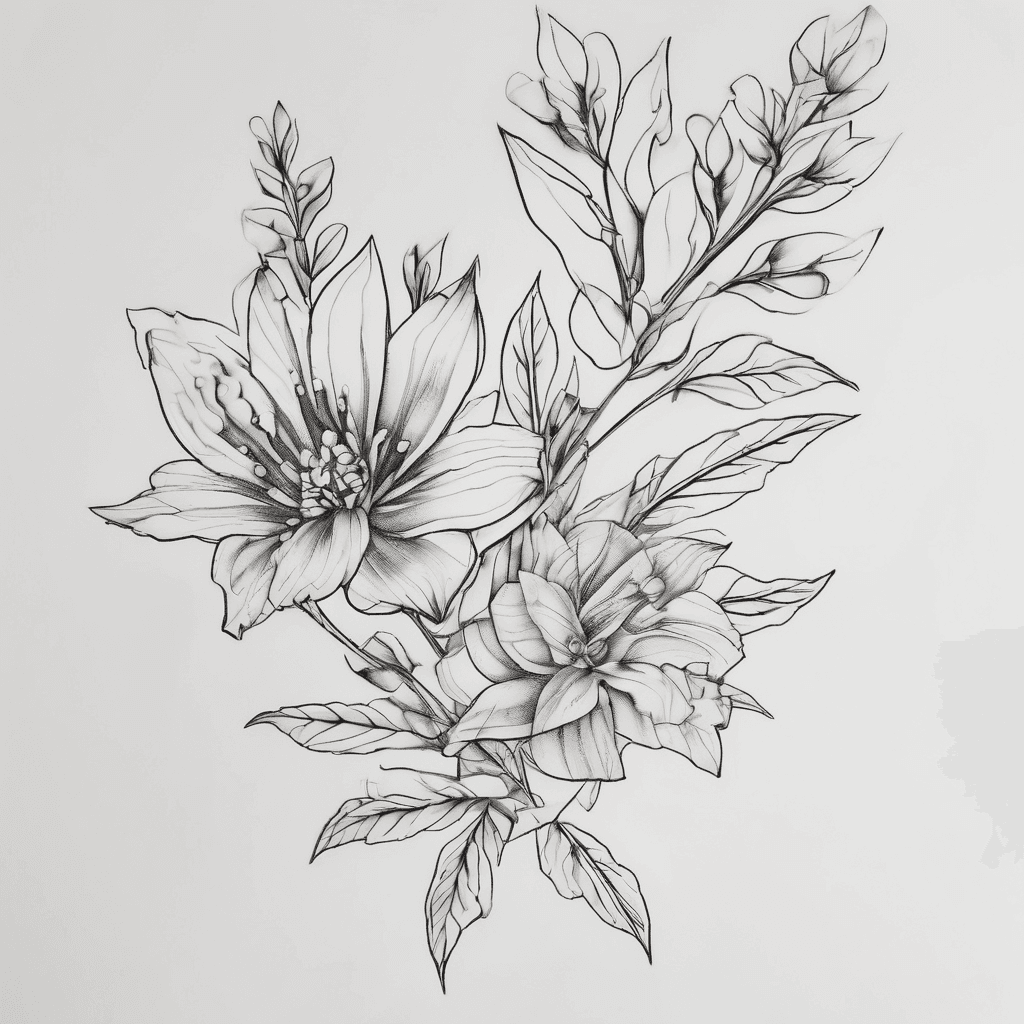
Delicate Flower Stems Weaving *through* The Morse Code Rather Than Framing It, Placement Will Be Anklet
View Details
Ink Studio AI, Tattoo Generatorhttps://inkstudioai.com/legal/tos© Ink Studio AI.https://inkstudioai.com/blog/how-to-create-ai-tattoo-designs

"intricate Tattoo Design Featuring A Strong, Young Native Woman."
View Details
Ink Studio AI, Tattoo Generatorhttps://inkstudioai.com/legal/tos© Ink Studio AI.https://inkstudioai.com/blog/how-to-create-ai-tattoo-designs
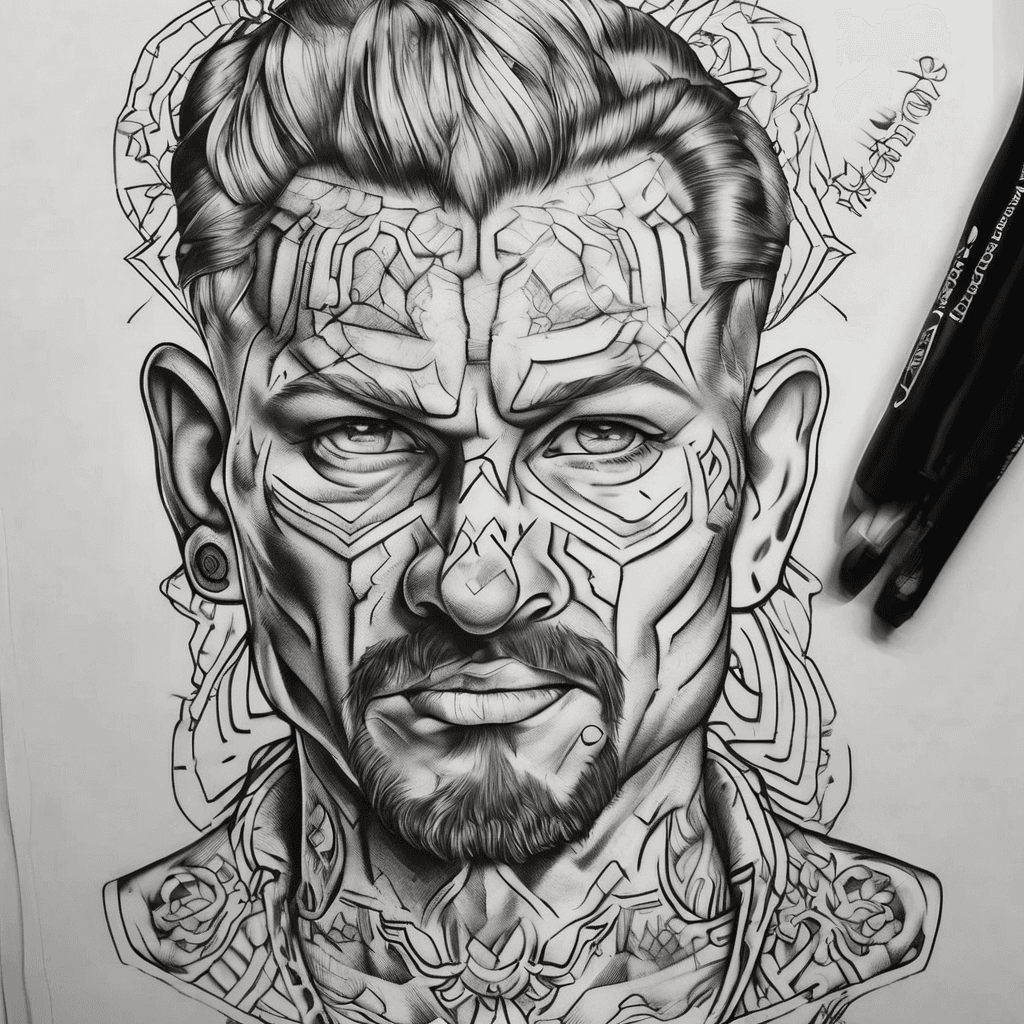
Leon Rudo Realista
View Details
Ink Studio AI, Tattoo Generatorhttps://inkstudioai.com/legal/tos© Ink Studio AI.https://inkstudioai.com/blog/how-to-create-ai-tattoo-designs

Very Simple Sketch Tattoo With Dimensions 1.5-2” Tall X 2-2.5” Wide Of A Short Cross With “mathew 6:19-26” Through It & Blooming Flowers Intertwined.
View Details
Ink Studio AI, Tattoo Generatorhttps://inkstudioai.com/legal/tos© Ink Studio AI.https://inkstudioai.com/blog/how-to-create-ai-tattoo-designs
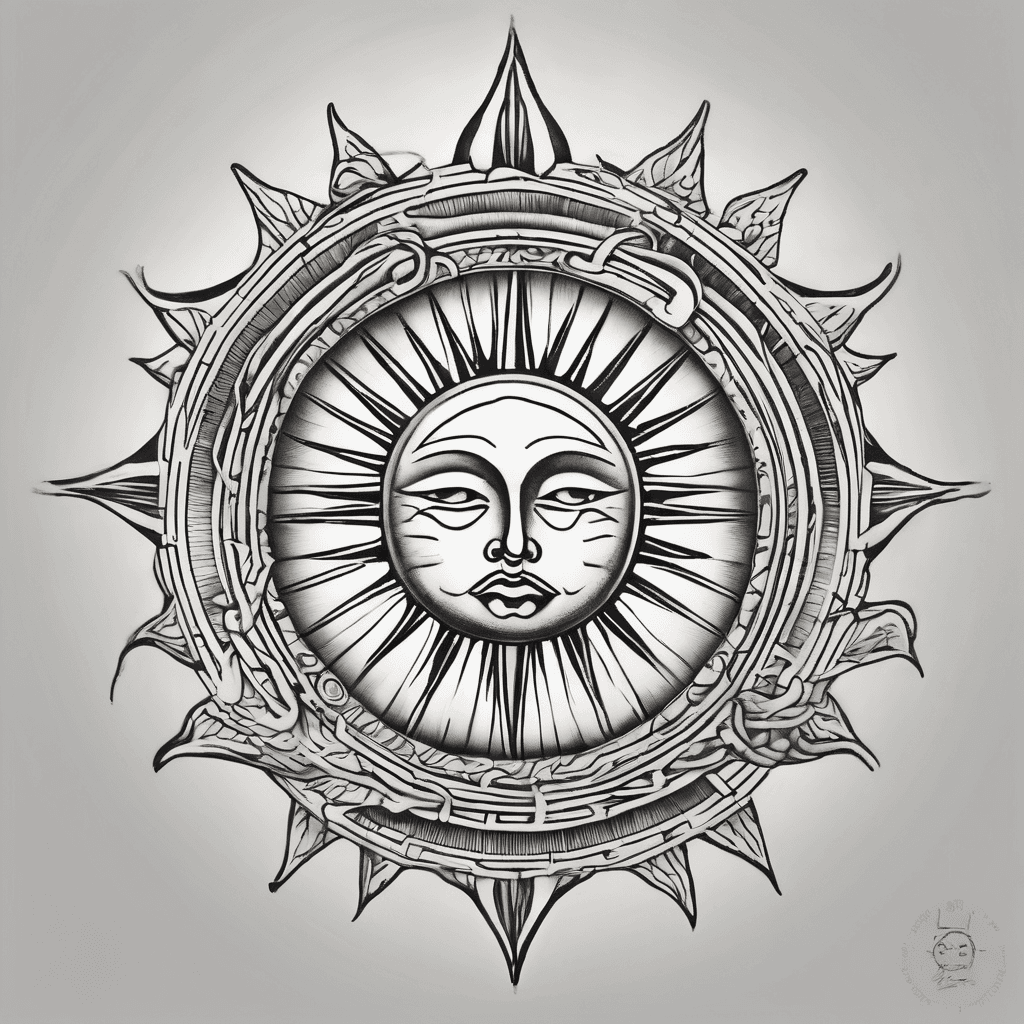
Sol De Mayo Sun Tattoo, Open Empty Circle At Center, No Face. Every Ray Is A Wavy Flame That Hooks At The Tip Like A Shepherd's Crook, Curling Back. All Rays Follow This Hooked Path. Medium Weight Outlined Rays, Not Filled In Solid Black. Clean Balanced Blackwork For Inner Forearm. ▎ Negative Prompt: Solid Black Fill, Heavy Black, Color, Shading, Gradients, Gray Tones, Face, Text, Letters, Typography, Photograph, Skin ▎ Style: Fine-line (or Switch To Dotwork For That Version) Then Upload The Gemini Version You Liked As A Style Transfer Reference.
View Details
Ink Studio AI, Tattoo Generatorhttps://inkstudioai.com/legal/tos© Ink Studio AI.https://inkstudioai.com/blog/how-to-create-ai-tattoo-designs

Arrow Heart With Roses And Name Missie In The Heart
View Details
Ink Studio AI, Tattoo Generatorhttps://inkstudioai.com/legal/tos© Ink Studio AI.https://inkstudioai.com/blog/how-to-create-ai-tattoo-designs

Create A High-resolution Japanese Traditional Irezumi Tattoo Drawing Intended For A Chest–shoulder–upper Arm Cover-up. The Main Element Is A Fierce Japanese Dragon With A Downward-facing Head Positioned As If Placed On The Upper Chest. The Dragon Has Flowing Mane, Long Whiskers, Curved Horns, And An Aggressive Expression. The Dragon’s Body Wraps Over The Shoulder In An S-curve And Continues Down The Upper Arm. Include Detailed Black-and-grey Shading, Bold Linework, And Selective Red Accents On Whiskers, Flames, And Peonies. Add Traditional Japanese Peonies And Medium-density Clouds Surrounding The Dragon. Maintain Classic Irezumi Style Throughout. Create A Clean White Background Suitable For Printing. Output Aesthetic Should Look Like A Tattoo Flash Sheet. Format Requested: High-resolution Image Suitable For Download And Export As Pdf.
View Details
Ink Studio AI, Tattoo Generatorhttps://inkstudioai.com/legal/tos© Ink Studio AI.https://inkstudioai.com/blog/how-to-create-ai-tattoo-designs

Turn These Lyrics Into A Tattoo Design: "hello, I'm Your Mind, Giving You Someone To Talk To, Hello".
View Details
Ink Studio AI, Tattoo Generatorhttps://inkstudioai.com/legal/tos© Ink Studio AI.https://inkstudioai.com/blog/how-to-create-ai-tattoo-designs
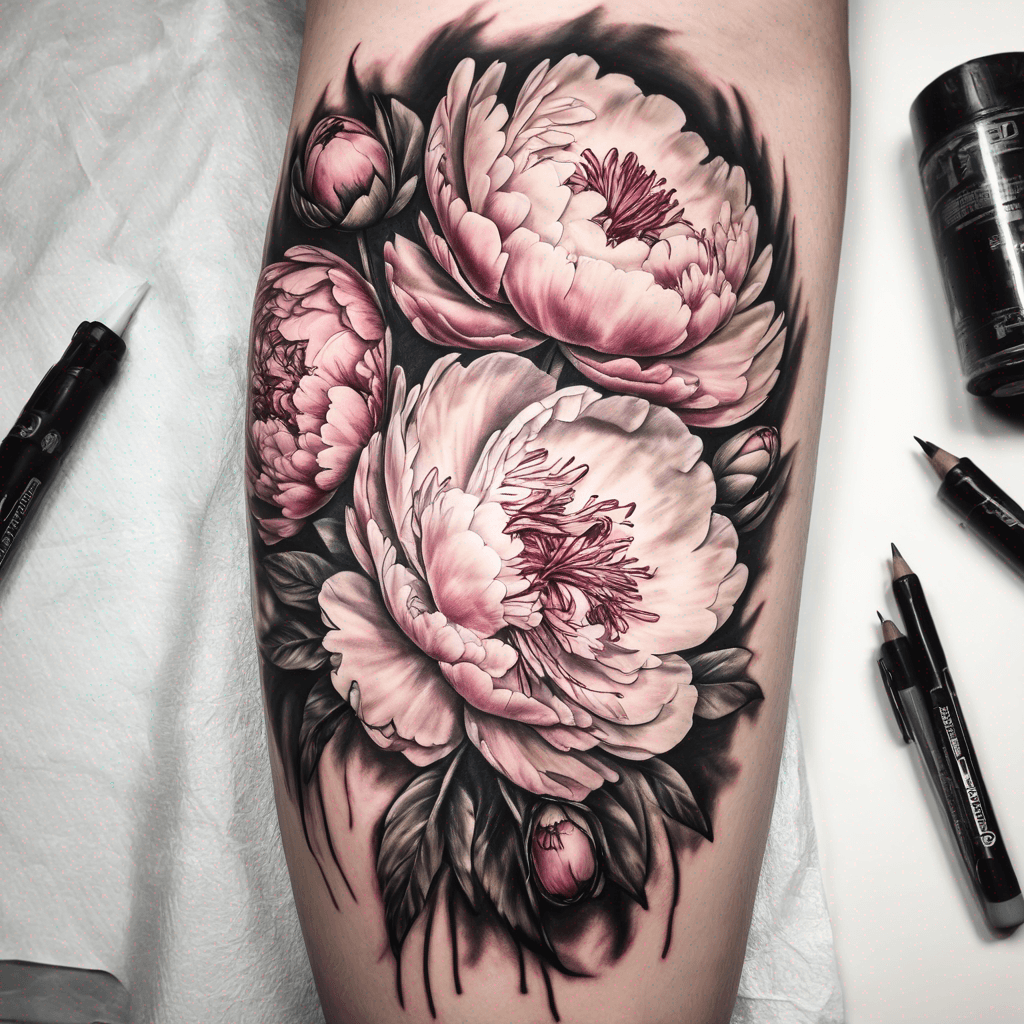
Paeonies
View Details
Ink Studio AI, Tattoo Generatorhttps://inkstudioai.com/legal/tos© Ink Studio AI.https://inkstudioai.com/blog/how-to-create-ai-tattoo-designs