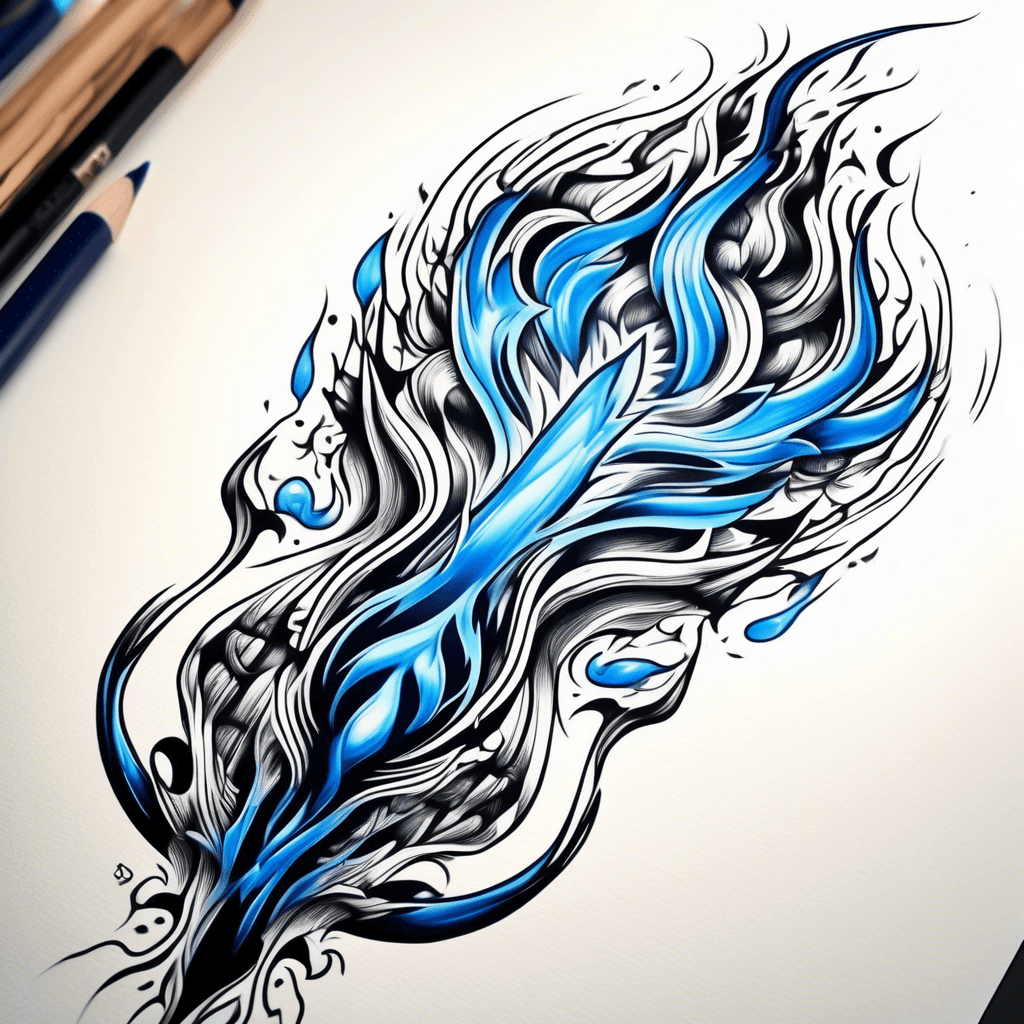
Black and blue flame
Neo-traditionalBlack & whiteJune 14, 2025
Prompt
Black and blue flame
Opens the AI tattoo generator with this prompt and the same settings: Neo-traditional · Black & white.
Design details
- Style
- Neo-traditional
- Type
- Black & white
- Creator
- Nathan
- Created

You might also like

The Number 90 Written As An Infinity Symbol
View Details
Ink Studio AI, Tattoo Generatorhttps://inkstudioai.com/legal/tos© Ink Studio AI.https://inkstudioai.com/blog/how-to-create-ai-tattoo-designs

African Tattoo To Show Overcoming Obstacles
View Details
Ink Studio AI, Tattoo Generatorhttps://inkstudioai.com/legal/tos© Ink Studio AI.https://inkstudioai.com/blog/how-to-create-ai-tattoo-designs

Smal Lynx In An Overgrown Enchanted Forest, Moss-covered Trunks, Moonlit Mist, Ethereal Glow; Distant Bear Silhouette — Fine-line Dotwork Tattoo
View Details
Ink Studio AI, Tattoo Generatorhttps://inkstudioai.com/legal/tos© Ink Studio AI.https://inkstudioai.com/blog/how-to-create-ai-tattoo-designs

Lop Eared Bunny With Angel Wings A Dagger With Lemon Balm Plants
View Details
Ink Studio AI, Tattoo Generatorhttps://inkstudioai.com/legal/tos© Ink Studio AI.https://inkstudioai.com/blog/how-to-create-ai-tattoo-designs
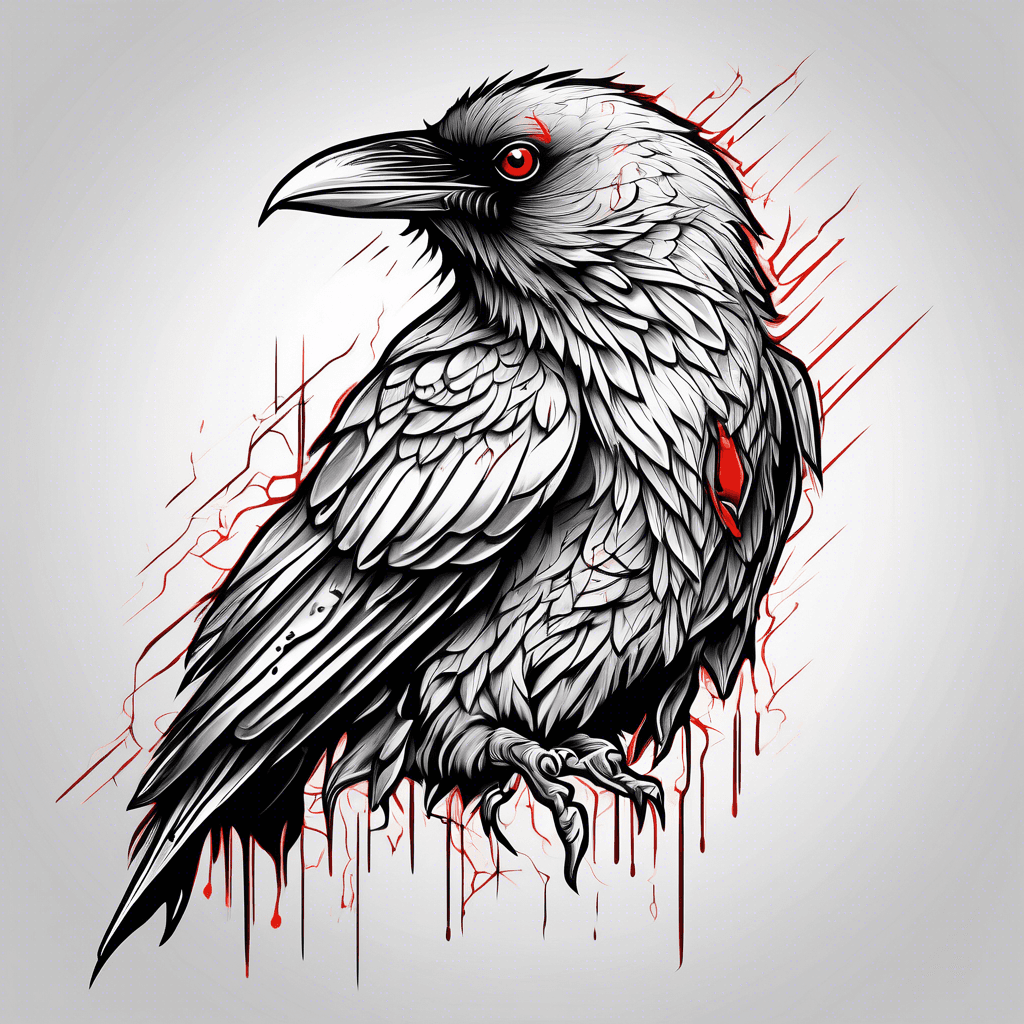
Crow Red Eyes
View Details
Ink Studio AI, Tattoo Generatorhttps://inkstudioai.com/legal/tos© Ink Studio AI.https://inkstudioai.com/blog/how-to-create-ai-tattoo-designs

Hooded Fallen Angel Kneeling Warrior Pose, Ornate Filigree Armor, Tattered Wings, Broken Halo, Glowing Red Eyes, Vibrant Jewel Tones, Bold Linework
View Details
Ink Studio AI, Tattoo Generatorhttps://inkstudioai.com/legal/tos© Ink Studio AI.https://inkstudioai.com/blog/how-to-create-ai-tattoo-designs
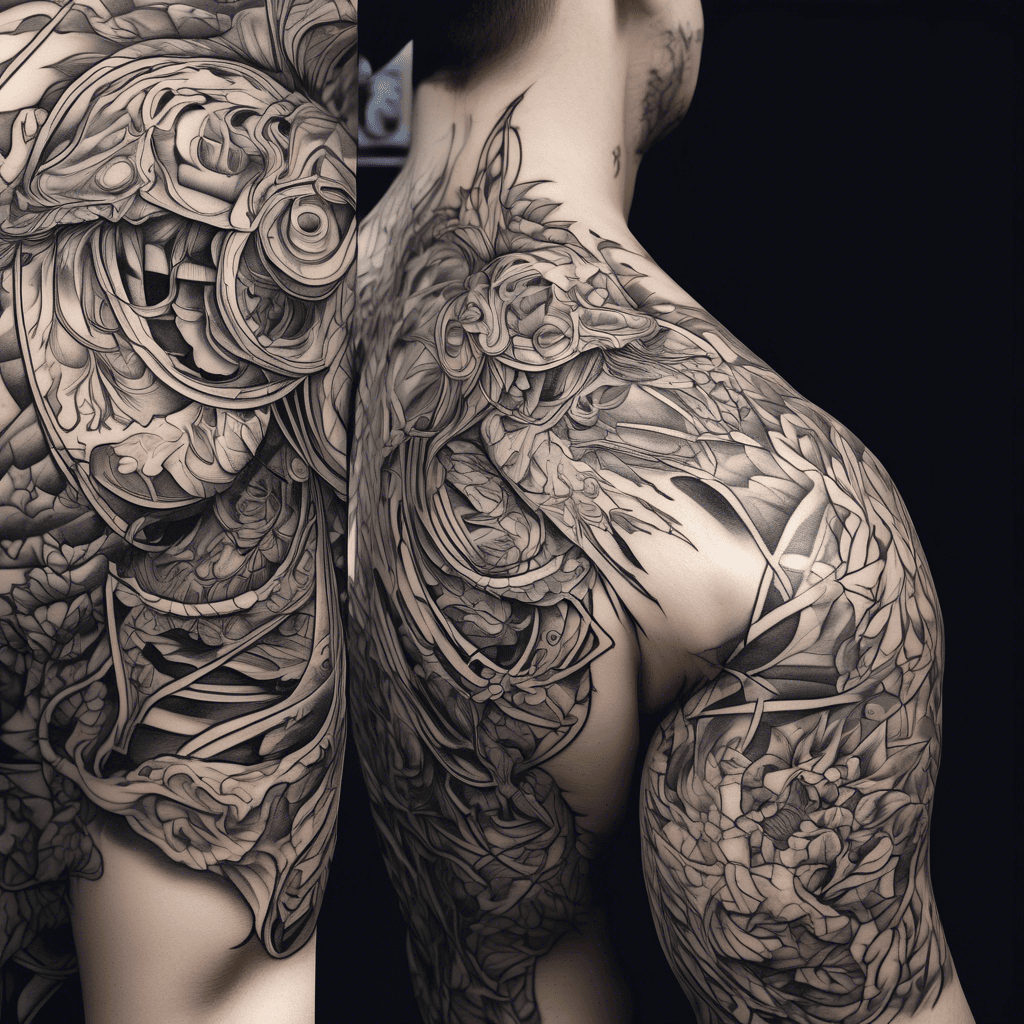
Past Life
View Details
Ink Studio AI, Tattoo Generatorhttps://inkstudioai.com/legal/tos© Ink Studio AI.https://inkstudioai.com/blog/how-to-create-ai-tattoo-designs
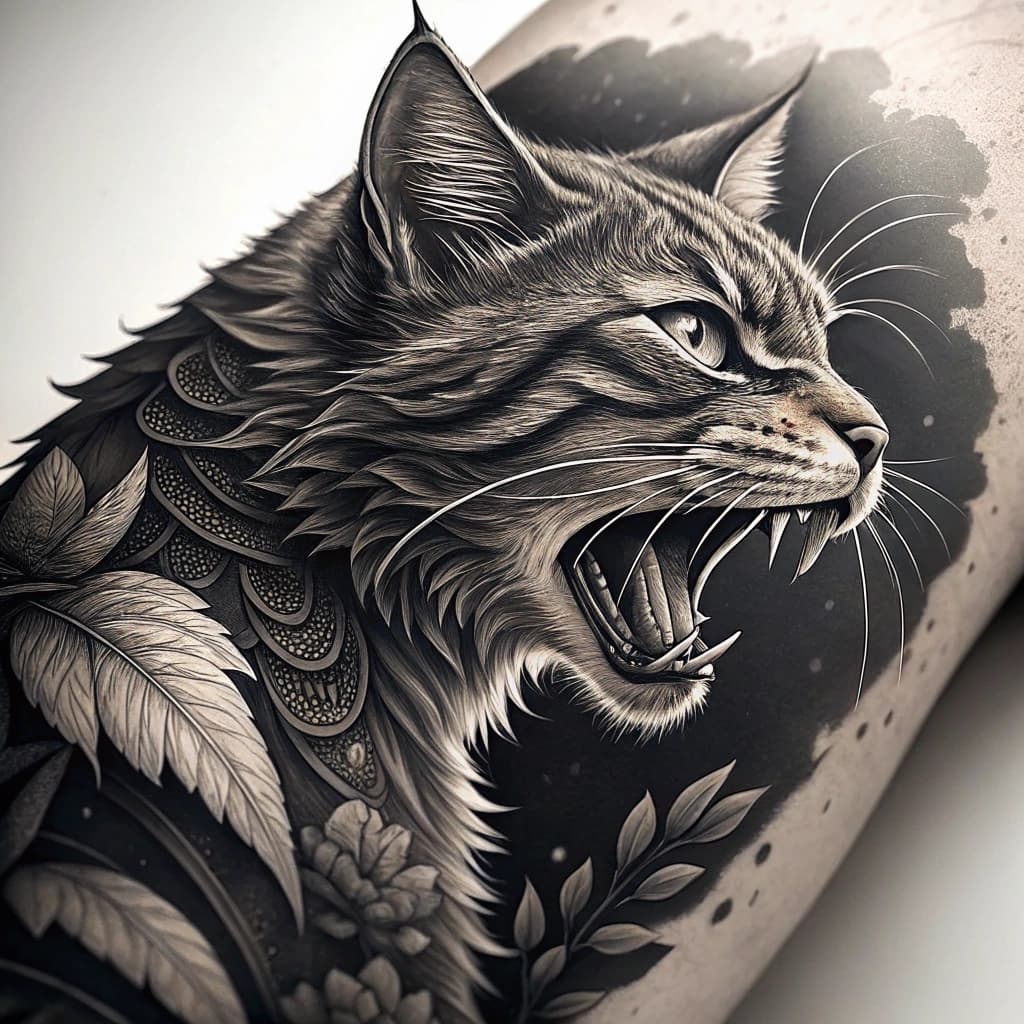
A Angry Cat
View Details
Ink Studio AI, Tattoo Generatorhttps://inkstudioai.com/legal/tos© Ink Studio AI.https://inkstudioai.com/blog/how-to-create-ai-tattoo-designs

Draw A Classic Shield Outline. Add Subtle Celtic Knotwork Woven Into The Border (thin, Looping Lines). Inside The Shield, Sketch A Lion Standing On Hind Legs, Facing Left Or Right. One Paw Rests Firmly On An Open Book (symbol Of Smarts + Wisdom). Tree Of Life Place The Tree Directly Behind The Lion. Branches Reach Outward And Upward, Filling The Top Half Of The Shield. Roots Extend Downward And Form A Circular Celtic Knot At The Bottom, Enclosing The Lion’s Stance. Banner: Across The Very Bottom Of The Shield, Draw A Ribbon/banner. Bold Serif Letters Inside: “wallace”. Style Notes: Use Bold Black Outlines With Shading (crosshatching Or Stippling). Keep Details Sharp But Not Overcrowded—tattoos Lose Clarity If Too Detailed. Consider Symmetry: Lion And Tree Should Feel Balanced Within The Shield. Flowers Coming Out From Behind The Shield Surrounding It.
View Details
Ink Studio AI, Tattoo Generatorhttps://inkstudioai.com/legal/tos© Ink Studio AI.https://inkstudioai.com/blog/how-to-create-ai-tattoo-designs