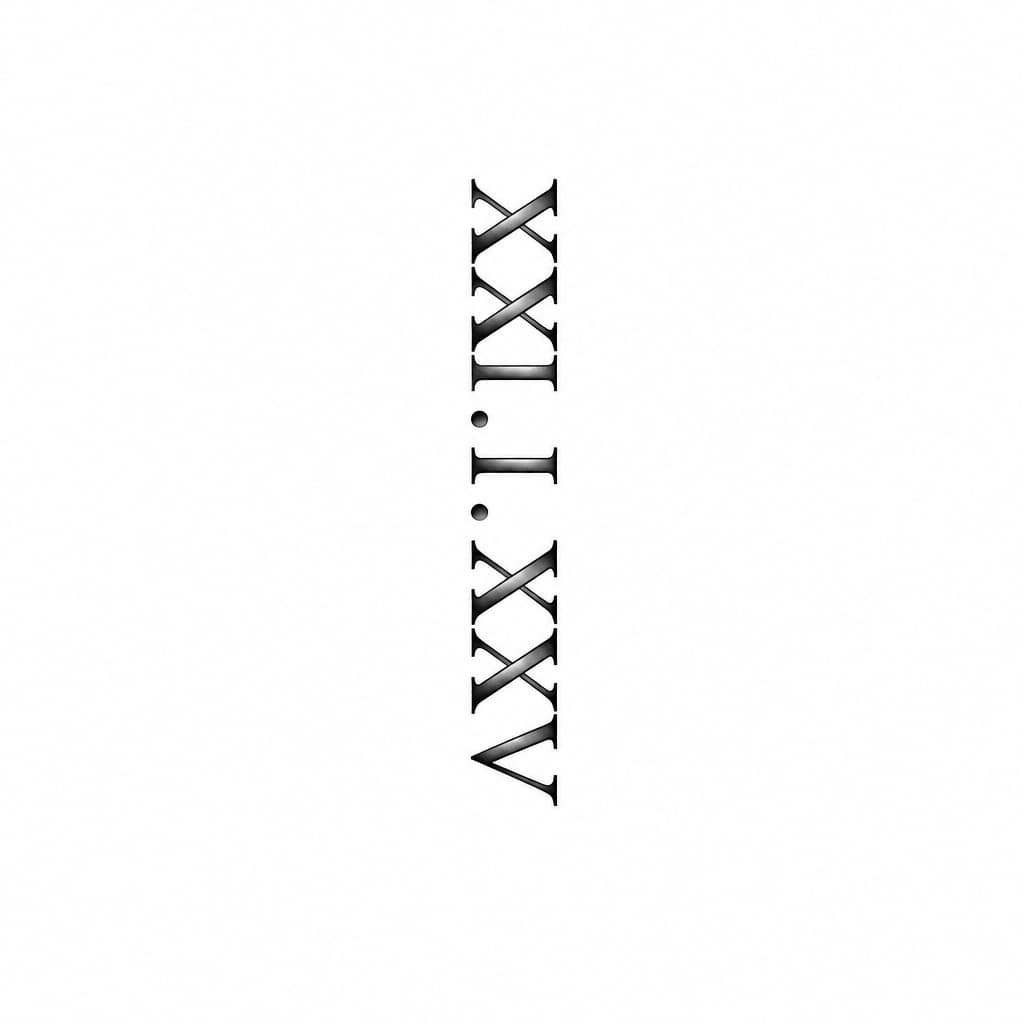
A small roman numeral date that reads XXI.I.XXV, sideways…
Black & grayBlack & whiteNovember 9, 2026
Prompt
a small roman numeral date that reads XXI.I.XXV, sideways running down the side of a forearm.
Opens the AI tattoo generator with this prompt and the same settings: Black & gray · Black & white.
Design details
- Style
- Black & gray
- Type
- Black & white
- Creator
- Private
- Created

You might also like

A Minimal Rhodesia Dog
View Details
Ink Studio AI, Tattoo Generatorhttps://inkstudioai.com/legal/tos© Ink Studio AI.https://inkstudioai.com/blog/how-to-create-ai-tattoo-designs

Full Sleeve Tattoo With Dark Forest Mood. There Should Be Ravens And A Female Elf With Crossbow
View Details
Ink Studio AI, Tattoo Generatorhttps://inkstudioai.com/legal/tos© Ink Studio AI.https://inkstudioai.com/blog/how-to-create-ai-tattoo-designs
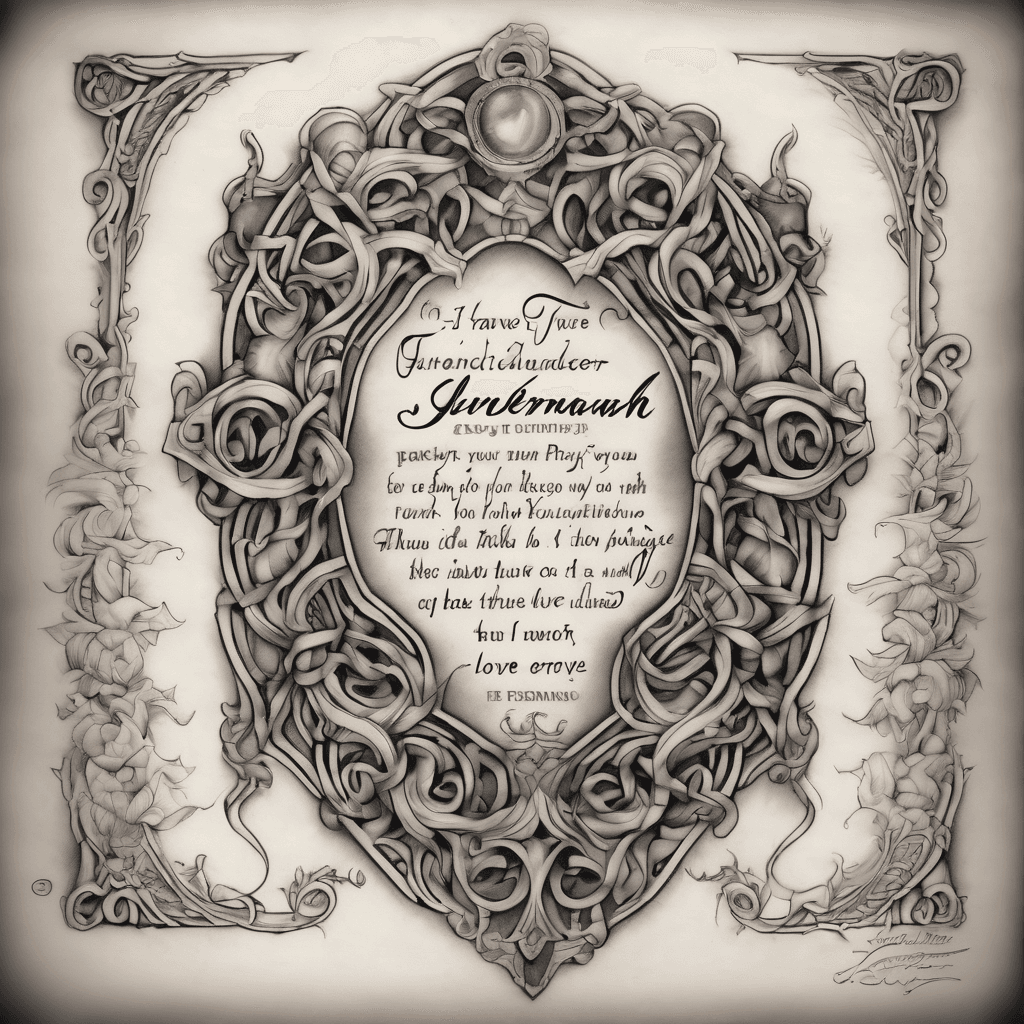
On An Old Style Scroll I Want The Name Jeremiah Alexander At The Top Underneath That I Want The Bible Verse Jeremiah 31:3 "i Have Loved You With An Everlasting Love; I Have Drawn You With Unfailing Kindness." Followed By The Prayer"heavenly Father, Thank You For Your Perfect, Unconditional Love That Never Runs Out And Never Fades. Thank You For Drawing Me To Yourself With Your Unfailing Kindness. Help Me To Grasp The Depth Of Your Love Today, To Walk Securely In It, And To Share That Same Grace With The People Around Me. In Jesus' Name, Amen."
View Details
Ink Studio AI, Tattoo Generatorhttps://inkstudioai.com/legal/tos© Ink Studio AI.https://inkstudioai.com/blog/how-to-create-ai-tattoo-designs
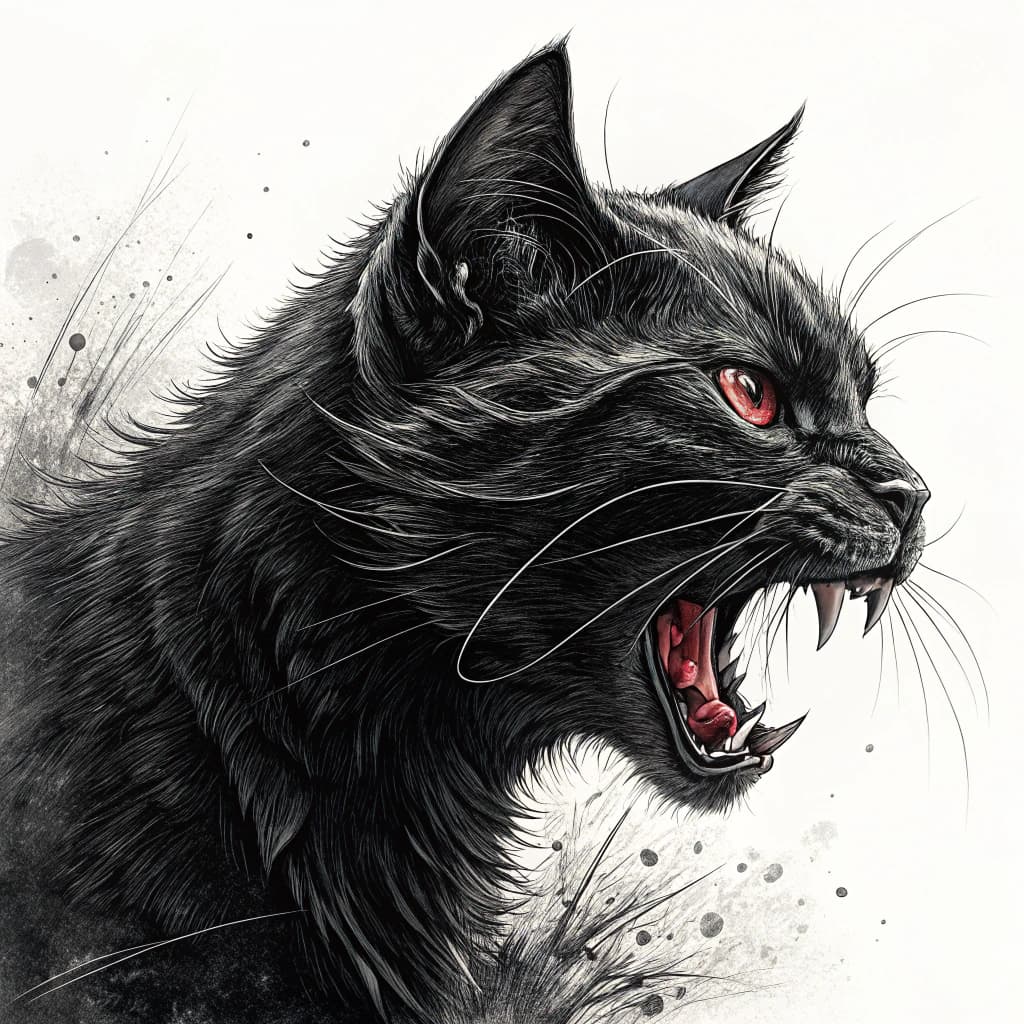
A Angry Black Cat Attack
View Details
Ink Studio AI, Tattoo Generatorhttps://inkstudioai.com/legal/tos© Ink Studio AI.https://inkstudioai.com/blog/how-to-create-ai-tattoo-designs
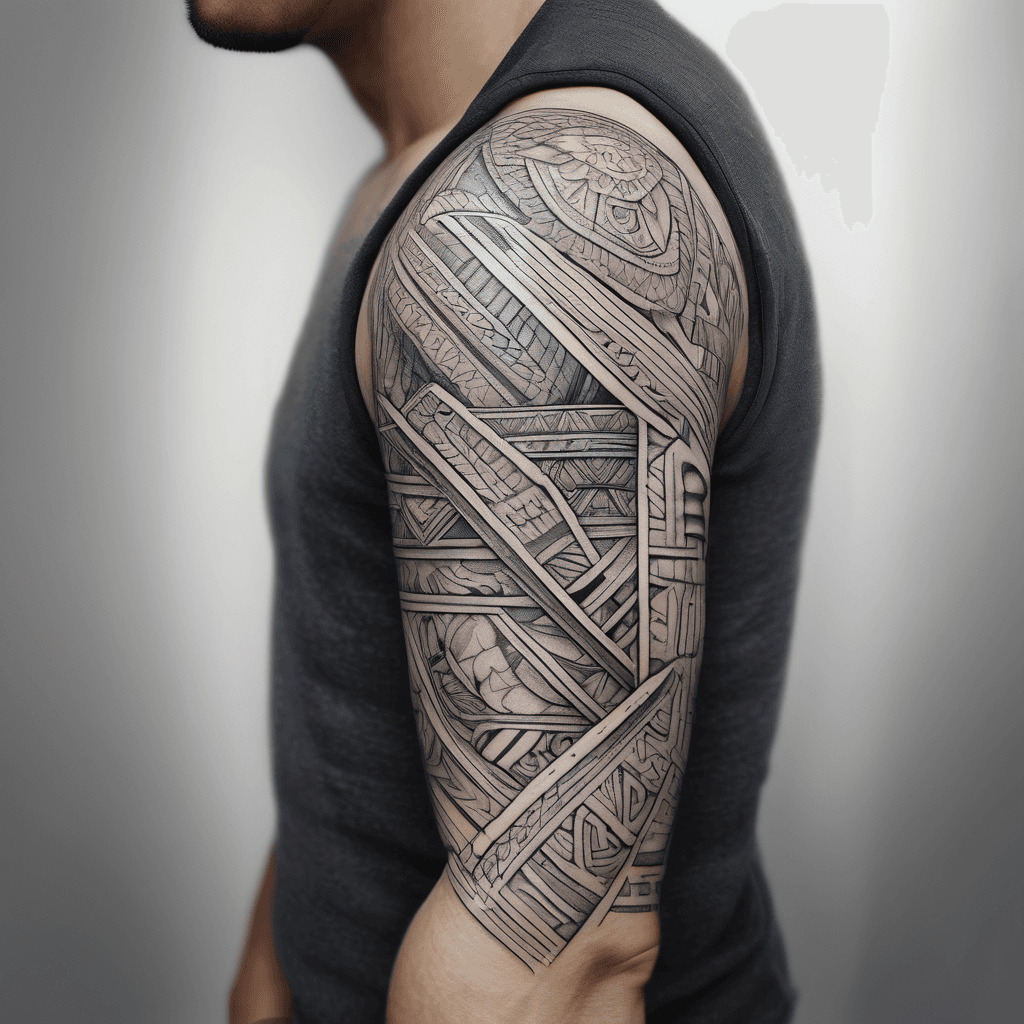
Marquesas Style 3/4 Arm Sleeve Tattoo. Tattoo Should End 4-5cm Below The Elbow.
View Details
Ink Studio AI, Tattoo Generatorhttps://inkstudioai.com/legal/tos© Ink Studio AI.https://inkstudioai.com/blog/how-to-create-ai-tattoo-designs

Full Sleeve Tattoo Design: Three Detailed Gears-rich Clocks, Iconic London Bridge, Majestic Mountains, Tranquil Beach At Sunset Below.
View Details
Ink Studio AI, Tattoo Generatorhttps://inkstudioai.com/legal/tos© Ink Studio AI.https://inkstudioai.com/blog/how-to-create-ai-tattoo-designs

Create A One Piece Zoro Tattoo Featuring Only His Three Swords, Surrounded By A Green Energy Aura, With The Text: “remember: No Tree, It Is Said, Can Grow To Heaven Unless Its Roots Reach Down To Hell.”
View Details
Ink Studio AI, Tattoo Generatorhttps://inkstudioai.com/legal/tos© Ink Studio AI.https://inkstudioai.com/blog/how-to-create-ai-tattoo-designs

Upper Arm Sleeve With Tribal Patterns, A Canary, A Lion And The Names Isla Edie And River
View Details
Ink Studio AI, Tattoo Generatorhttps://inkstudioai.com/legal/tos© Ink Studio AI.https://inkstudioai.com/blog/how-to-create-ai-tattoo-designs
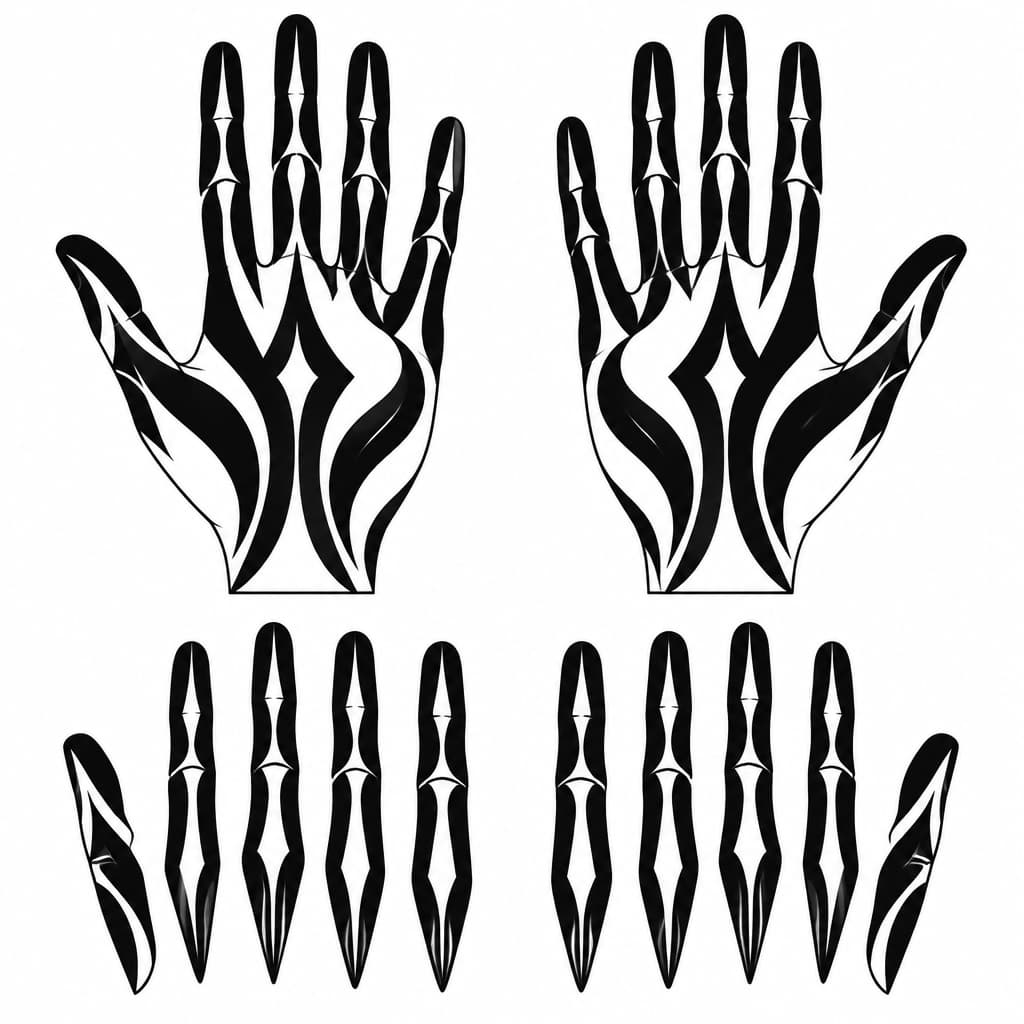
Create A Clean, Printable Black-and-white Tattoo Stencil For The Palm Side Of Both Hands, Matching My Uploaded Reference Design #6 Exactly In Style. Use Bold, Flowing Blackout Shapes That Follow The Natural Length Of Each Finger, With Selective Skin-colored Negative-space Slits And Simple Mystical Pointed Shapes. Keep The Design Dark, Minimal, Symmetrical Where Appropriate, And Free Of Crosses, Religious Symbols, Lettering, Gradients, Shading, And Tiny Decorative Details. Show Both Palms Facing Forward, Plus Separate, Straightened Finger Templates For Tracing. Pure Black Ink Shapes On A Pure White Background, Accurate Finger Anatomy, Clean Closed Outlines, No Jewelry Or Nail Art. Include A Size Reference And Keep Each Finger Design Separate For Cutting Into Stencil Pieces.
View Details
Ink Studio AI, Tattoo Generatorhttps://inkstudioai.com/legal/tos© Ink Studio AI.https://inkstudioai.com/blog/how-to-create-ai-tattoo-designs