AI 纹身风格迁移
上传一个纹身风格参考,然后将其视觉风格应用到照片或书面概念上。
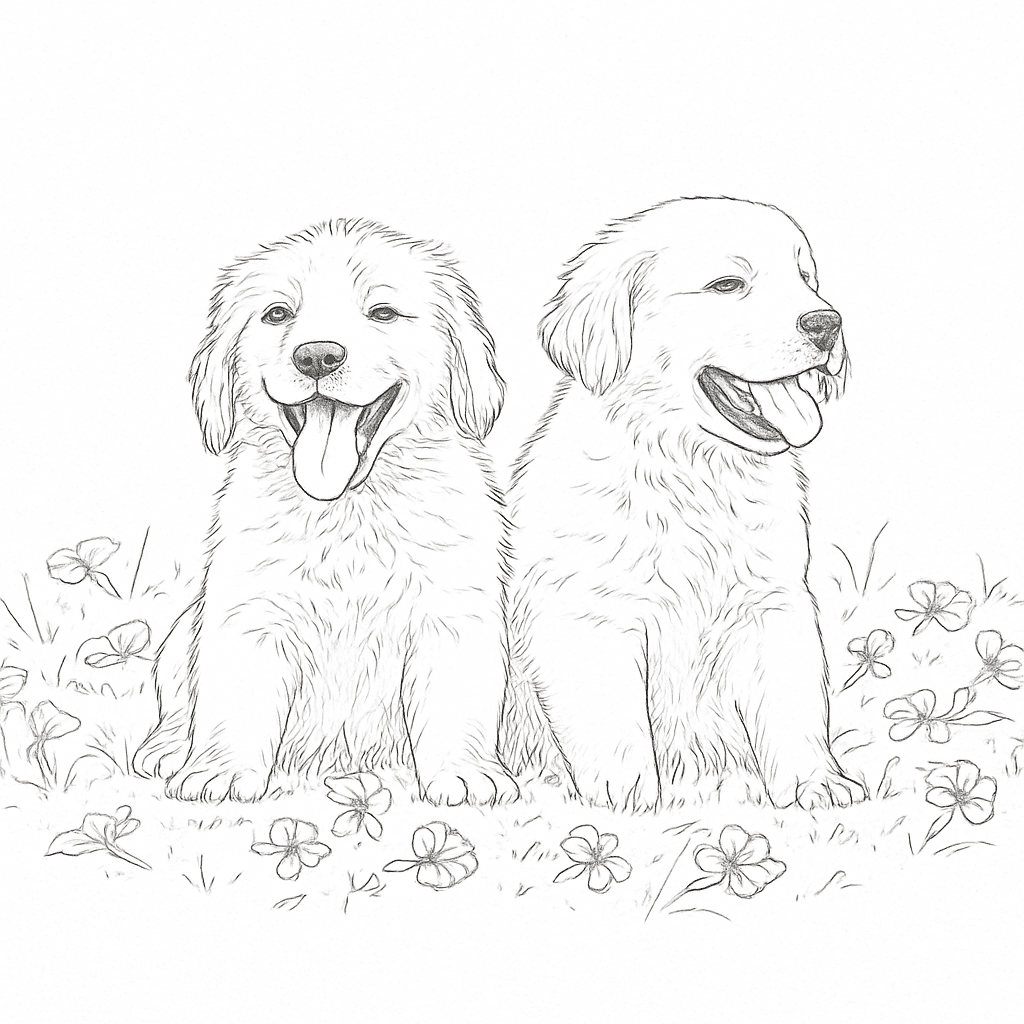
纹身风格迁移的工作原理
无需设计技能。上传、描述并生成。
Upload a style reference
Pick a tattoo image that matches the vibe you want — linework, shading, flow, and contrast.
Add your target input
Upload a photo to restyle, or write a text concept for a brand-new design in the same style.
Generate and download
Get your result in seconds, download it, and bring the concept to your tattoo artist.
观看实际操作
拖动滑块以比较原始照片与 AI 生成的纹身概念。这就是风格迁移的成果。
- 1选择一款你喜欢的线条质量和阴影的参考纹身。
- 2上传目标照片,或用文字描述你的概念。
- 3添加可选的创意指导(例如仅黑色纹身、更强的阴影)。
- 4生成、比较并下载以便与纹身师讨论。
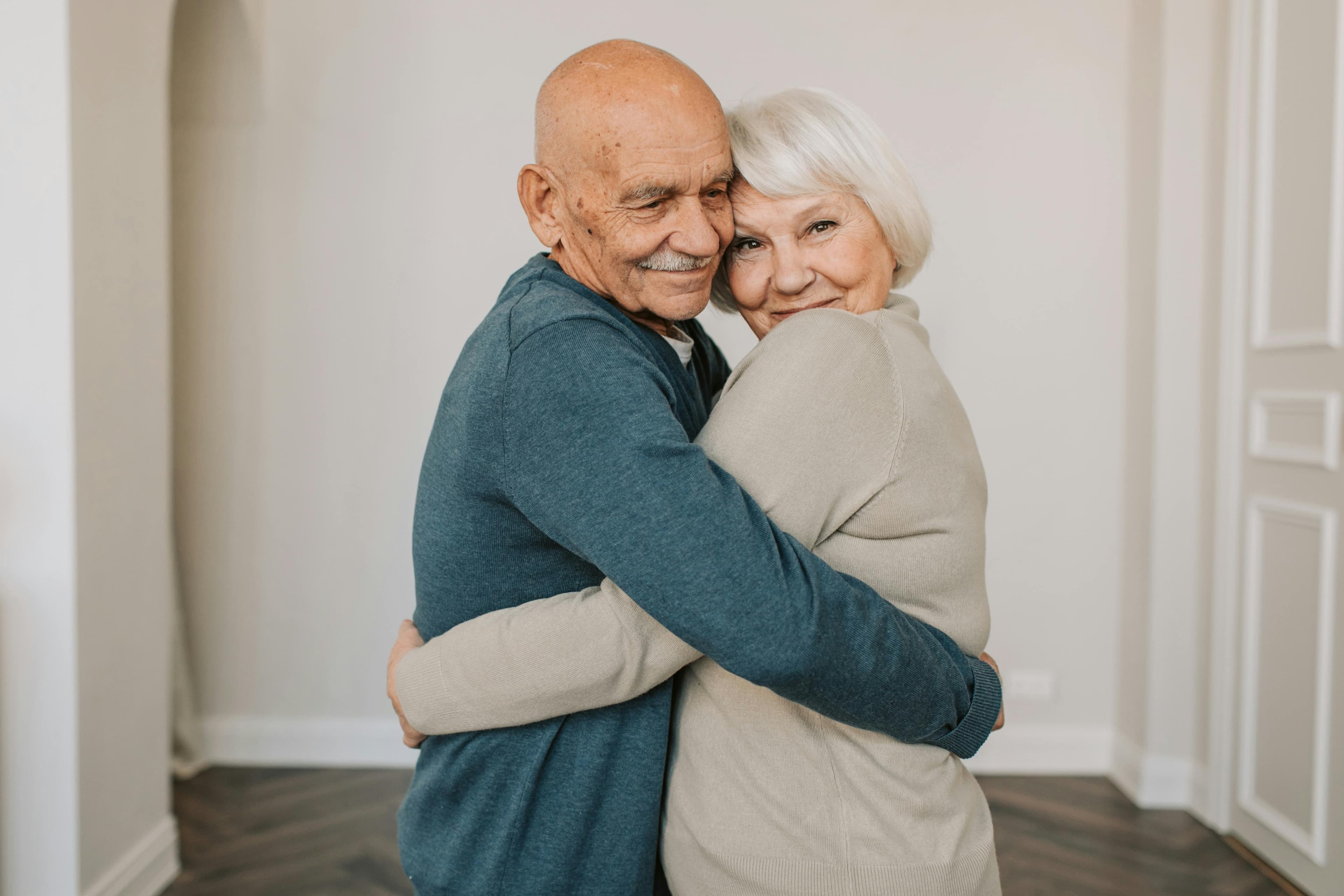
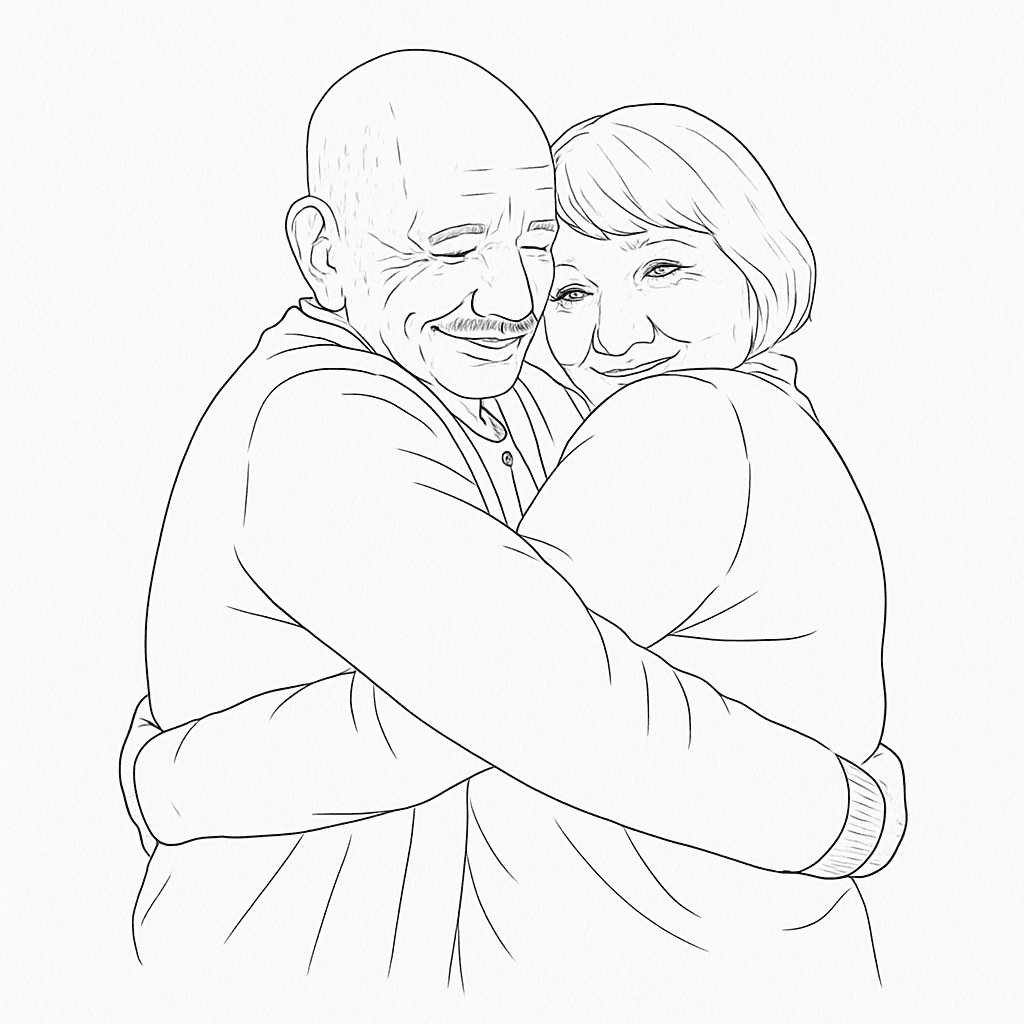
为什么纹身爱好者使用风格迁移
减少花在猜测提示词上的时间,把更多时间用来完善适合你身体、故事和纹身师的方向。
Perfect style consistency
Keep visual coherence across multiple tattoo ideas without manually rewriting complex prompts each time.
Faster concept iteration
Generate style-matched variations in seconds so you can converge on the right direction before your appointment.
Better artist collaboration
Share clear references that communicate both subject and style, reducing back-and-forth with your tattoo artist.
风格迁移的常见使用案例
适用于首次尝试者和希望更快进行纹身前概念探索的经验收藏者。
Memorial tattoos
Match the style of an existing tribute piece and apply it to a loved one photo, handwritten note idea, or symbolic object.
Sleeve consistency
Keep your sleeve cohesive by reusing one style reference across different subjects and motifs before your next session.
Botanical & ornamental
Transfer a preferred floral or ornamental line style to new flowers, vines, or custom decorative compositions.
Portrait reinterpretation
Take a portrait or pet photo and convert it into the same line, contrast, and shading language as your selected style.
风格迁移 vs 从零开始
如果你已经知道想要的美学,风格迁移是获取有用纹身参考的最快途径。
风格迁移
这个工具
仅提示生成
替代方法
手工素描
传统方法
获取最佳结果
遵循这些提示以提高输出质量和纹身可读性。
最佳实践
- Use a clear tattoo reference where linework and shading are easy to read.
- Upload high-resolution photos for target inputs whenever possible.
- Add concise creative direction (e.g., black-and-gray only, stronger negative space).
- Generate several variants and review them with your tattoo artist.
常见错误
- Blurry or heavily compressed source images with unclear details.
- Overly broad prompts with multiple conflicting styles and themes.
- Assuming one generation is final without artist-side refinement.
- Very dense micro-detail if the final tattoo size will be small.
继续构建您的纹身计划
在风格迁移后,使用其余的 Ink Studio AI 工具包优化您的位置、定价和视觉方向。
值得了解