AIタトゥースタイル転送
タトゥースタイルの参照をアップロードし、その視覚的な方向性を写真または文章のコンセプトに適用します。
タトゥースタイルを一致させる 写真とプロンプト
お気に入りのタトゥーをスタイル参照としてアップロードし、その正確な見た目を任意の写真やテキストのコンセプトに適用します。秒単位でアーティスト向けの結果を取得できます。
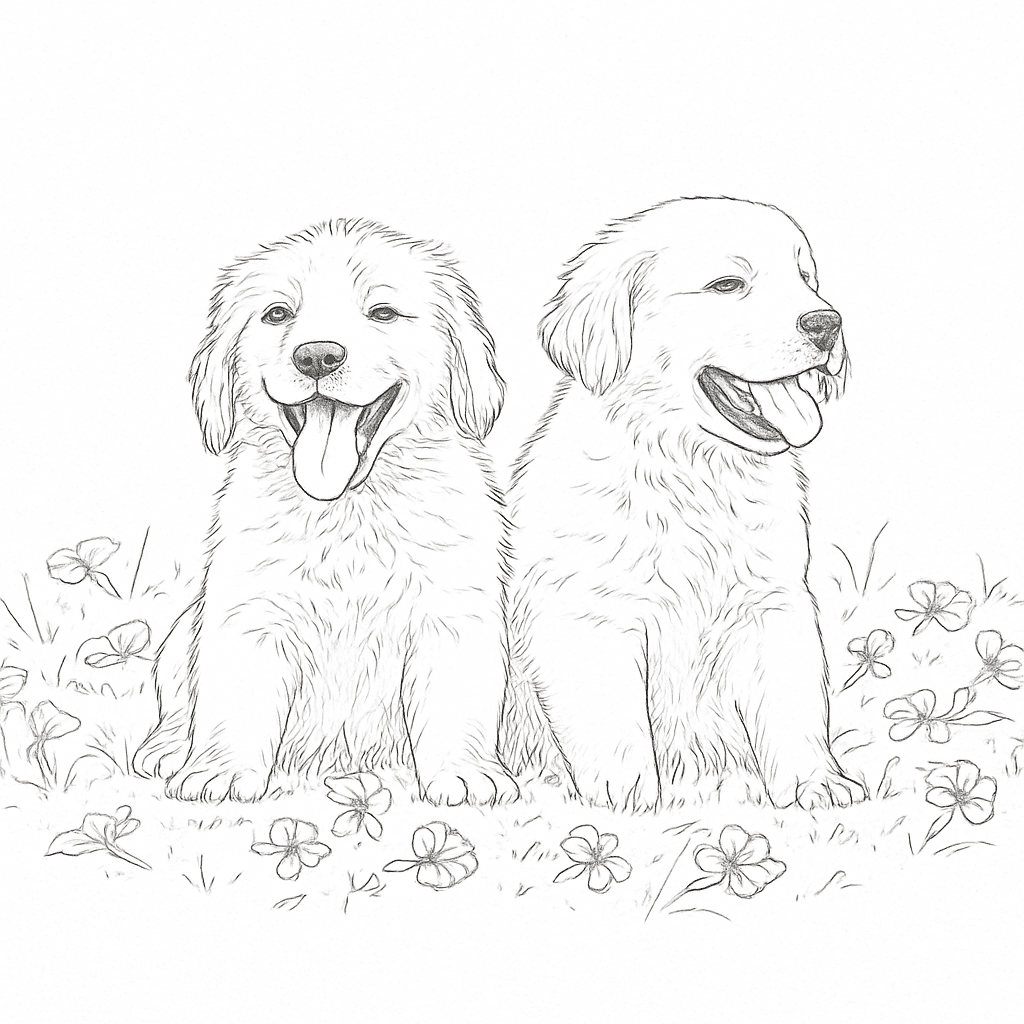
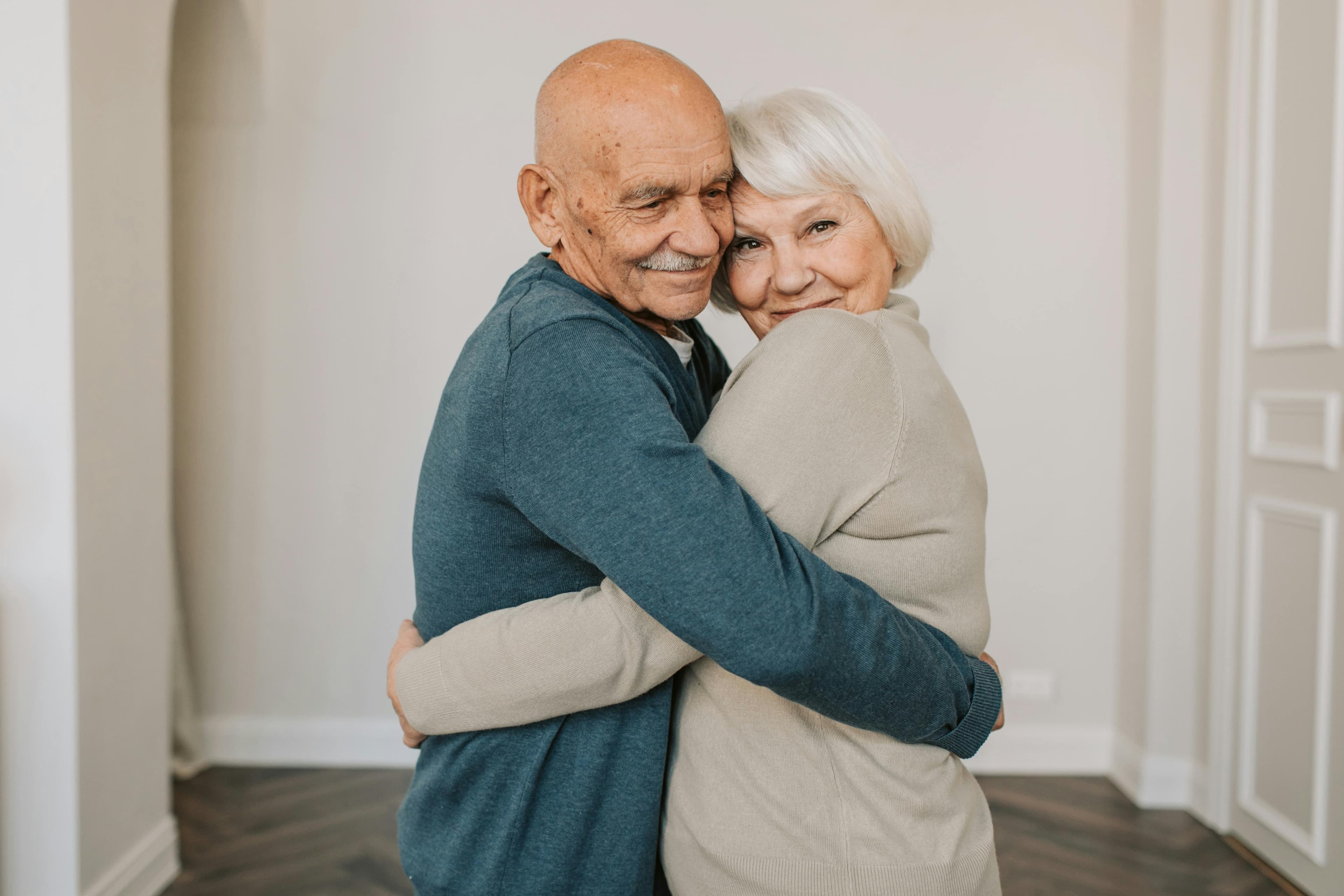
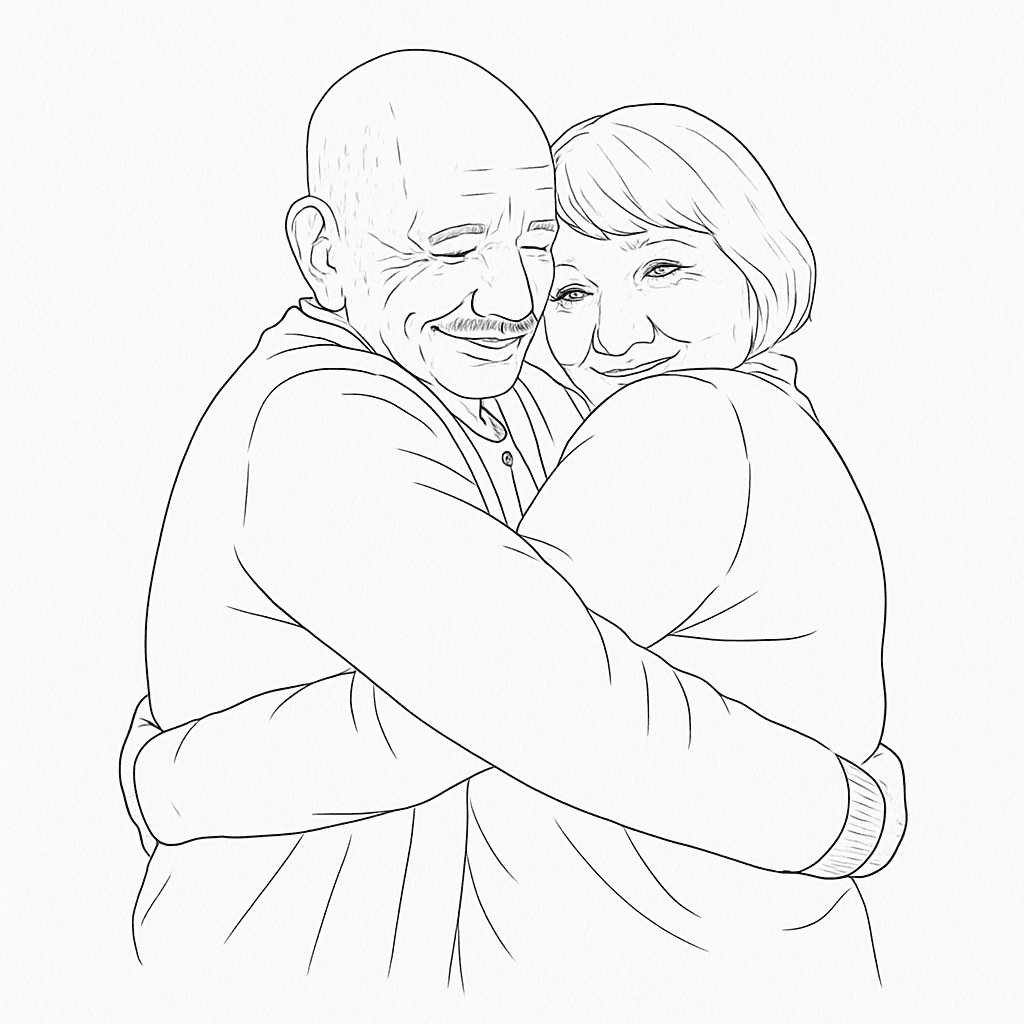
好きなスタイルをアップロード + 任意の写真 → 両方を組み合わせたタトゥーコンセプトを取得
タトゥースタイル転送の仕組み
デザインスキルは不要。アップロード、説明、生成するだけ。
Upload a style reference
Pick a tattoo image that matches the vibe you want — linework, shading, flow, and contrast.
Add your target input
Upload a photo to restyle, or write a text concept for a brand-new design in the same style.
Generate and download
Get your result in seconds, download it, and bring the concept to your tattoo artist.
実際に見る
スライダーをドラッグして、オリジナル写真とAI生成のタトゥーコンセプトを比較します。これがスタイル転送の効果です。
- 1線の質感やシェーディングが気に入ったリファレンスタトゥーを選んでください。
- 2ターゲットの写真をアップロードするか、言葉でコンセプトを説明してください。
- 3オプションのクリエイティブ指示を追加してください(例:ブラックワークのみ、影を強めに)。
- 4生成、比較、ダウンロードしてアーティストと話し合いましょう。
なぜタトゥー愛好者がスタイル転送を使うのか
プロンプトを推測する時間を減らし、自分の体、ストーリー、アーティストに合った方向性を磨く時間を増やせます。
Perfect style consistency
Keep visual coherence across multiple tattoo ideas without manually rewriting complex prompts each time.
Faster concept iteration
Generate style-matched variations in seconds so you can converge on the right direction before your appointment.
Better artist collaboration
Share clear references that communicate both subject and style, reducing back-and-forth with your tattoo artist.
人気のスタイル転送の使用例
初めての方も、より速く事前セッションのコンセプトを探りたい経験者のコレクターにも効果的です。
Memorial tattoos
Match the style of an existing tribute piece and apply it to a loved one photo, handwritten note idea, or symbolic object.
Sleeve consistency
Keep your sleeve cohesive by reusing one style reference across different subjects and motifs before your next session.
Botanical & ornamental
Transfer a preferred floral or ornamental line style to new flowers, vines, or custom decorative compositions.
Portrait reinterpretation
Take a portrait or pet photo and convert it into the same line, contrast, and shading language as your selected style.
スタイル転送 vs ゼロから始める
すでに求める美的感覚が分かっている場合、スタイル転送は有用なタトゥーリファレンスを得る最速の方法です。
スタイル転送
このツール
プロンプトのみで生成
代替アプローチ
手描きスケッチ
従来のアプローチ
最高の結果を得る
出力品質とタトゥーの可読性を向上させるために、これらのヒントに従う
ベストプラクティス
- Use a clear tattoo reference where linework and shading are easy to read.
- Upload high-resolution photos for target inputs whenever possible.
- Add concise creative direction (e.g., black-and-gray only, stronger negative space).
- Generate several variants and review them with your tattoo artist.
よくある間違い
- Blurry or heavily compressed source images with unclear details.
- Overly broad prompts with multiple conflicting styles and themes.
- Assuming one generation is final without artist-side refinement.
- Very dense micro-detail if the final tattoo size will be small.
タトゥープランを作り続けよう
スタイル転送後、配置、価格、ビジュアル方向をInk Studio AIツールキットの他の機能で洗練させましょう。
知っておくと良いこと