Tattoo designs that incorporate optical illusions and…
新传统黑白色2024年12月27日

提示
Tattoo designs that incorporate optical illusions and perspectives.
打开 AI 纹身生成器,并填入此提示和相同的设置:新传统 · 黑白色。
设计细节
- 风格
- 新传统
- 类型
- 黑白色
- 创作者
- Bartlomiej
- 创建时间

你可能还喜欢
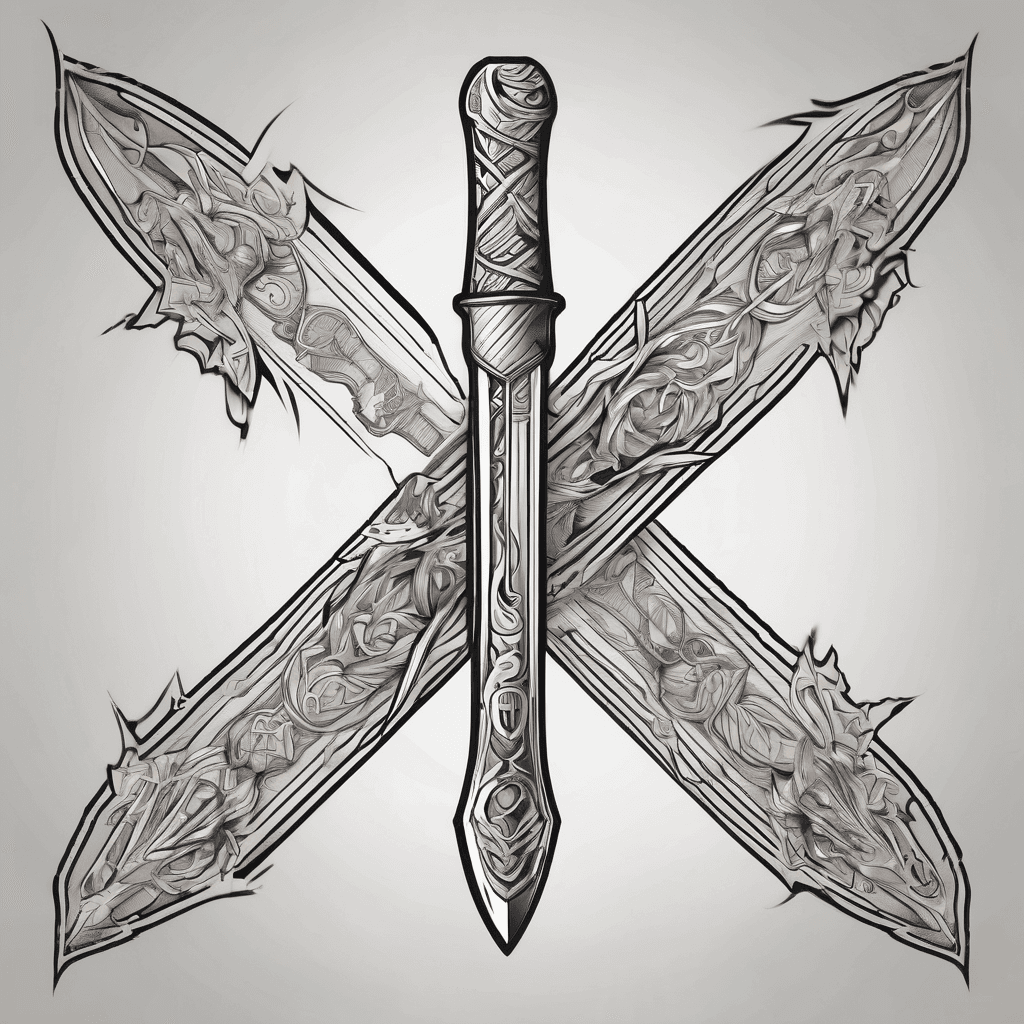
Blade
查看详情
Ink Studio AI, Tattoo Generatorhttps://inkstudioai.com/legal/tos© Ink Studio AI.https://inkstudioai.com/blog/how-to-create-ai-tattoo-designs

A Sleeve Tattoo Of A Crying Angel Looking Over 3 Wolf Pups In A Forest Setting
查看详情
Ink Studio AI, Tattoo Generatorhttps://inkstudioai.com/legal/tos© Ink Studio AI.https://inkstudioai.com/blog/how-to-create-ai-tattoo-designs
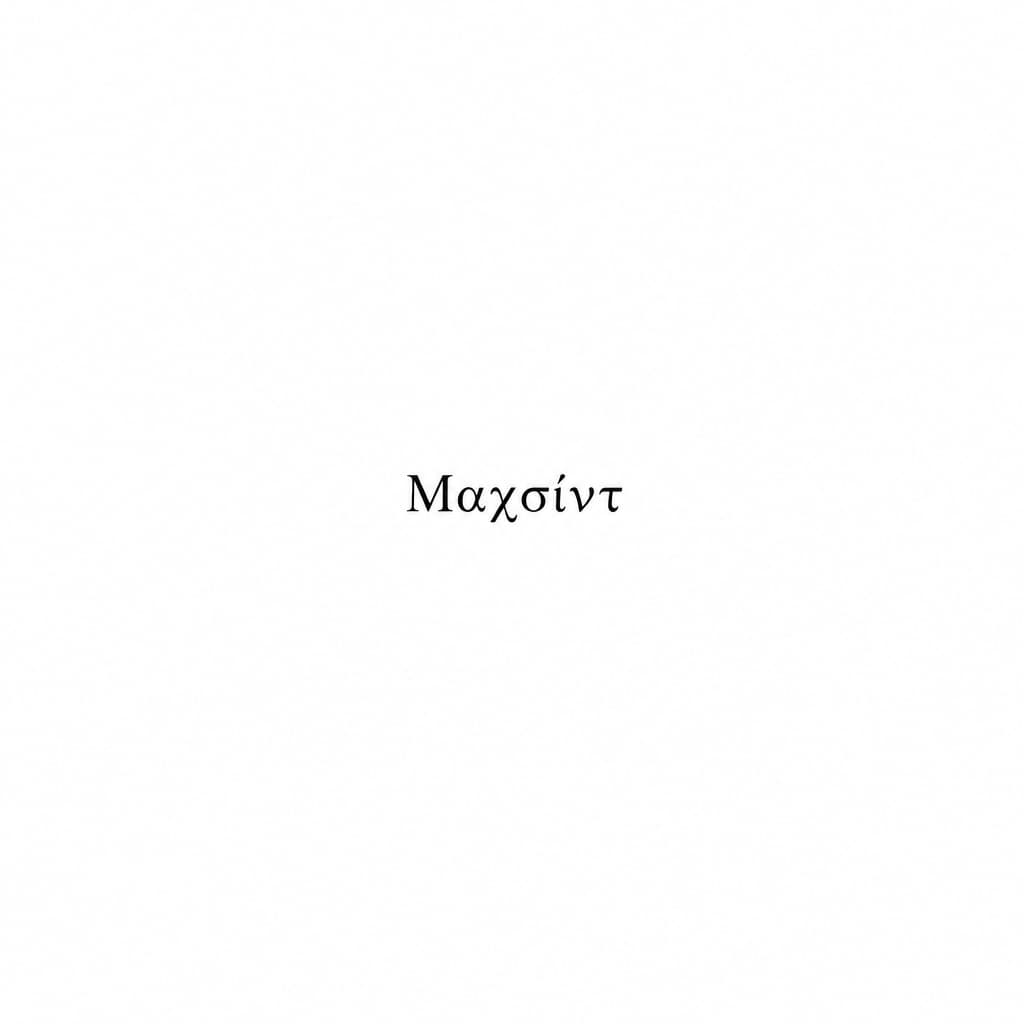
Add A Small, Minimalist Tattoo With The Exact Text “μαχσίντ”. Place It Directly On The Lower Edge Of The Left Pectoral, Exactly Along The Natural Under-chest Crease/line. The Tattoo Must Be Immediately Below The Chest Line, Not On The Chest Muscle. Use Solid Black Ink, Thin Clean Lettering, Small Size, Subtle And Realistic. Follow The Natural Curve Of The Chest. Do Not Alter The Face, Body, Skin, Lighting, Clothes, Background, Or Image Quality. Only Add This Tattoo.
查看详情
Ink Studio AI, Tattoo Generatorhttps://inkstudioai.com/legal/tos© Ink Studio AI.https://inkstudioai.com/blog/how-to-create-ai-tattoo-designs

Victor Creek House From Stranger Things With Demogorgon And Demo Bats On Forearm
查看详情
Ink Studio AI, Tattoo Generatorhttps://inkstudioai.com/legal/tos© Ink Studio AI.https://inkstudioai.com/blog/how-to-create-ai-tattoo-designs

A Minimalist Logo Featuring A Black Crow With Wings Fully Spread, Rendered In An Artistic Paint-splatter Or Brush-stroke Style. The Crow Should Appear Bold And Centered On A Clean White Background. Below The Crow, In All Caps, Modern Sans-serif Font, Place The Text: The Belle Crow. The Text Should Be Centered, Elegant, And Replace Any Previous Text (such As "blackcrow"). The Overall Style Should Closely Resemble The Original Blackcrow Logo — Clean, Bold, And Artistic.
查看详情
Ink Studio AI, Tattoo Generatorhttps://inkstudioai.com/legal/tos© Ink Studio AI.https://inkstudioai.com/blog/how-to-create-ai-tattoo-designs
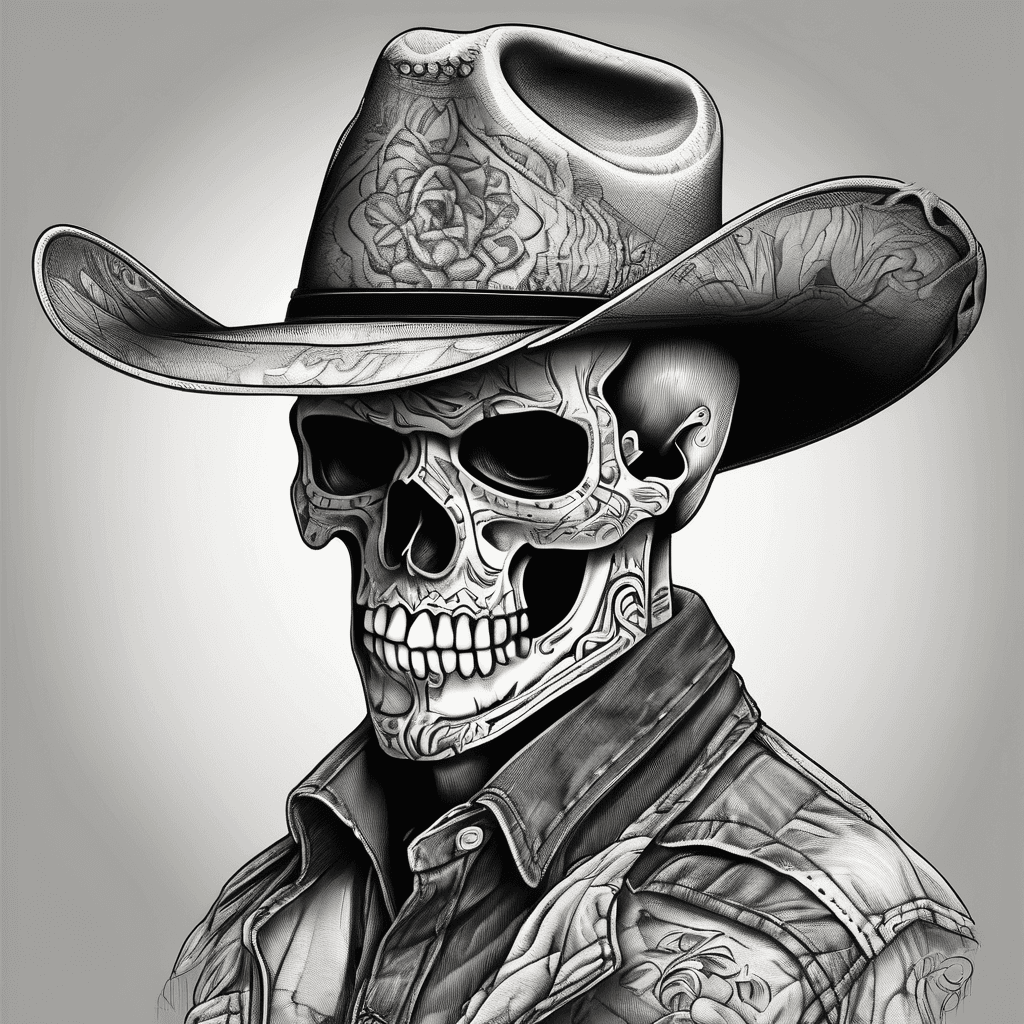
Patchwork Style Skull Wearing A Cowboy Hat Looking To The Left
查看详情
Ink Studio AI, Tattoo Generatorhttps://inkstudioai.com/legal/tos© Ink Studio AI.https://inkstudioai.com/blog/how-to-create-ai-tattoo-designs

A Momento Of My Grandfather Who Love To Fish, Hunt, And See Nature
查看详情
Ink Studio AI, Tattoo Generatorhttps://inkstudioai.com/legal/tos© Ink Studio AI.https://inkstudioai.com/blog/how-to-create-ai-tattoo-designs

F-15 Fighter Jet Soaring Over A Waving American Flag, Vibrant Beach Sunrise, Majestic Mountains In The Background, And Three Vintage Pocket Watches Below. Full Sleeve.
查看详情
Ink Studio AI, Tattoo Generatorhttps://inkstudioai.com/legal/tos© Ink Studio AI.https://inkstudioai.com/blog/how-to-create-ai-tattoo-designs
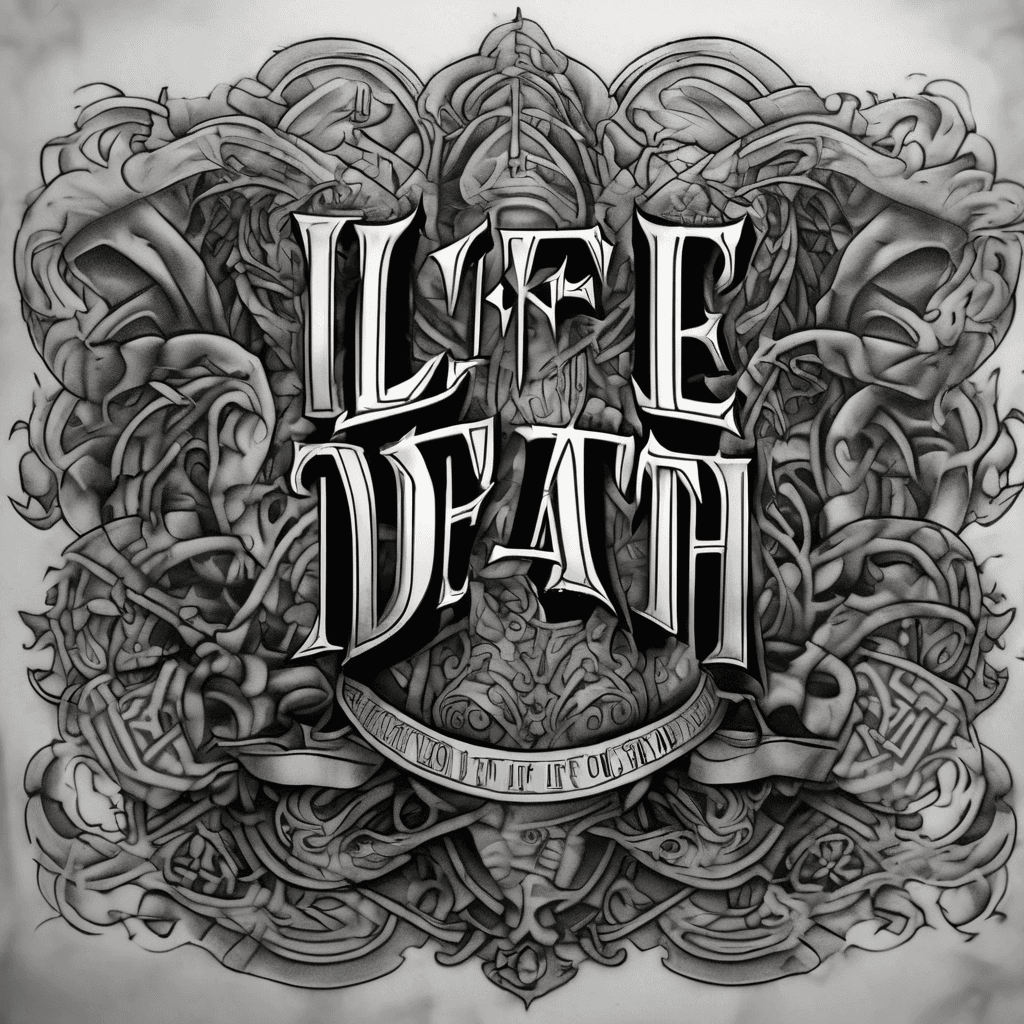
Expand Black Mid-calf "life/death" Ambigram Into Black/grey Realism Half-sleeve (knee To Ankle). Ambigram Must Blend In, Not Be A Focal Point. Use Low-contrast Embedding: Pack Deep Charcoal Storm Clouds, Rich Grey Washes, Or Dark Sails Behind Text So It Camouflages Into The Background. Place A High-contrast Fierce Animal Portrait Below Knee As Main Focal Point To Pull Eye Up. Below Text, Taper A Sailing Ship Into Heavy, Dark Seas At Ankle. Weave Rigging/clouds Through Script To Break Its Silhouette.
查看详情
Ink Studio AI, Tattoo Generatorhttps://inkstudioai.com/legal/tos© Ink Studio AI.https://inkstudioai.com/blog/how-to-create-ai-tattoo-designs