Four majestic moose in a serene mountain range, surrounded…
日本风彩色2025年8月11日

提示
“Four majestic moose in a serene mountain range, surrounded by pine trees under a clear blue sky. Tattoo style: detailed and realistic.” half sleeve
打开 AI 纹身生成器,并填入此提示和相同的设置:日本风 · 彩色。
负面提示
not cirlce
设计细节
- 风格
- 日本风
- 类型
- 彩色
- 创作者
- Rob
- 创建时间

你可能还喜欢

Deer Hunting Scene
查看详情
Ink Studio AI, Tattoo Generatorhttps://inkstudioai.com/legal/tos© Ink Studio AI.https://inkstudioai.com/blog/how-to-create-ai-tattoo-designs

Design A 7x12" Full Sleeve Tattoo Of The Sierra Nevada Forrest In The Morning Fog And Small Snow-capped Peaks In The Distance Using Only Shades Of Green And Light Grey Colors. Everything Must Be Low Contrast And Wrap Around Seamlessly.
查看详情
Ink Studio AI, Tattoo Generatorhttps://inkstudioai.com/legal/tos© Ink Studio AI.https://inkstudioai.com/blog/how-to-create-ai-tattoo-designs
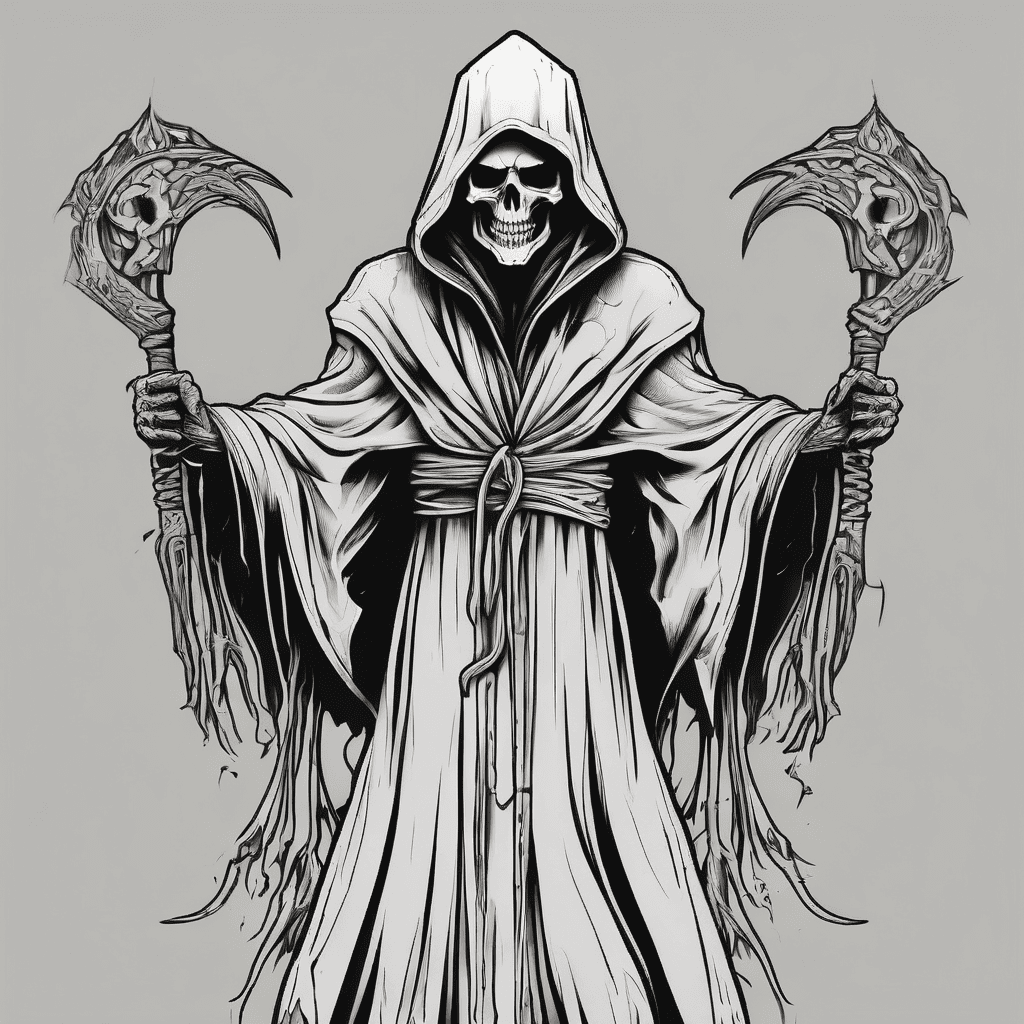
Grim Reaper Standing Tattered Robe
查看详情
Ink Studio AI, Tattoo Generatorhttps://inkstudioai.com/legal/tos© Ink Studio AI.https://inkstudioai.com/blog/how-to-create-ai-tattoo-designs

Vibrant Hummingbirds Mid-flight Sipping Nectar Above Intricate, Lush Multi-colored Roses In Vivid Reds And Pinks, Soft-focus Background.
查看详情
Ink Studio AI, Tattoo Generatorhttps://inkstudioai.com/legal/tos© Ink Studio AI.https://inkstudioai.com/blog/how-to-create-ai-tattoo-designs
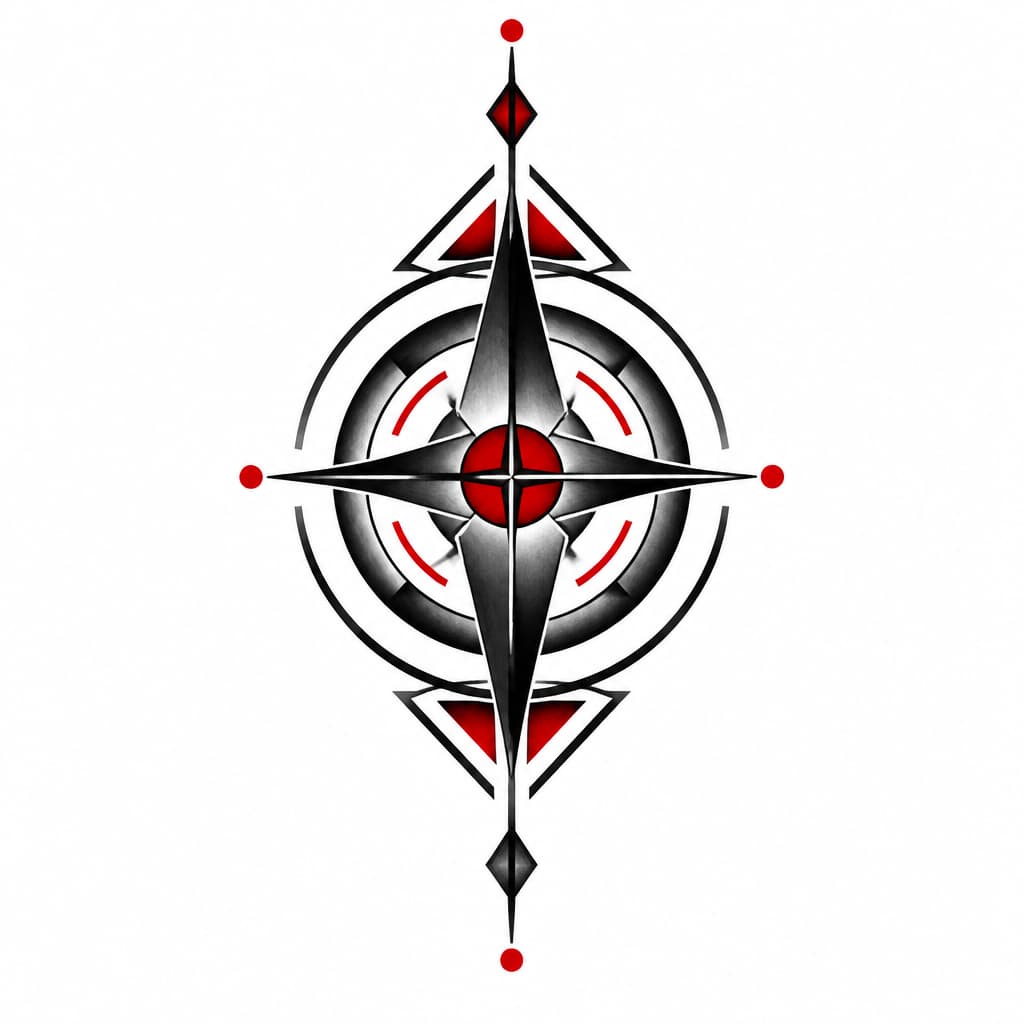
Geometric Design With Only Black And Red
查看详情
Ink Studio AI, Tattoo Generatorhttps://inkstudioai.com/legal/tos© Ink Studio AI.https://inkstudioai.com/blog/how-to-create-ai-tattoo-designs

Odin's Spear, Blue Eye Formed By Ravens In The Shaft Of Spear, Odin Rune As Pupil
查看详情
Ink Studio AI, Tattoo Generatorhttps://inkstudioai.com/legal/tos© Ink Studio AI.https://inkstudioai.com/blog/how-to-create-ai-tattoo-designs

Cross Surrounded By Clouds With A Banner. Bullet Laying Neat The Bottom And A Buckeye Leaf
查看详情
Ink Studio AI, Tattoo Generatorhttps://inkstudioai.com/legal/tos© Ink Studio AI.https://inkstudioai.com/blog/how-to-create-ai-tattoo-designs

Coffee Themed Tattoo
查看详情
Ink Studio AI, Tattoo Generatorhttps://inkstudioai.com/legal/tos© Ink Studio AI.https://inkstudioai.com/blog/how-to-create-ai-tattoo-designs

Start With A Short Horizontal Line Near The Top. Under That, Draw Two Small Teardrop-shaped Marks Hanging Downward. Draw A Long Horizontal Bar Across The Middle. From The Center Of That Bar, Add A Vertical Stroke Downward. Add Another Small Teardrop Mark Under The Left Side Of The Middle Bar. Below The Middle Section, Draw A Large Sweeping Diagonal Stroke That Curves Down And Left Like A Hook. Finish With A Sharp, Pointed Stroke Extending Down And Right From The Center, Ending In A Dagger-like Tip.
查看详情
Ink Studio AI, Tattoo Generatorhttps://inkstudioai.com/legal/tos© Ink Studio AI.https://inkstudioai.com/blog/how-to-create-ai-tattoo-designs