Oleksandr, Touro, ukraine
ブラック&グレー白黒2024年11月26日
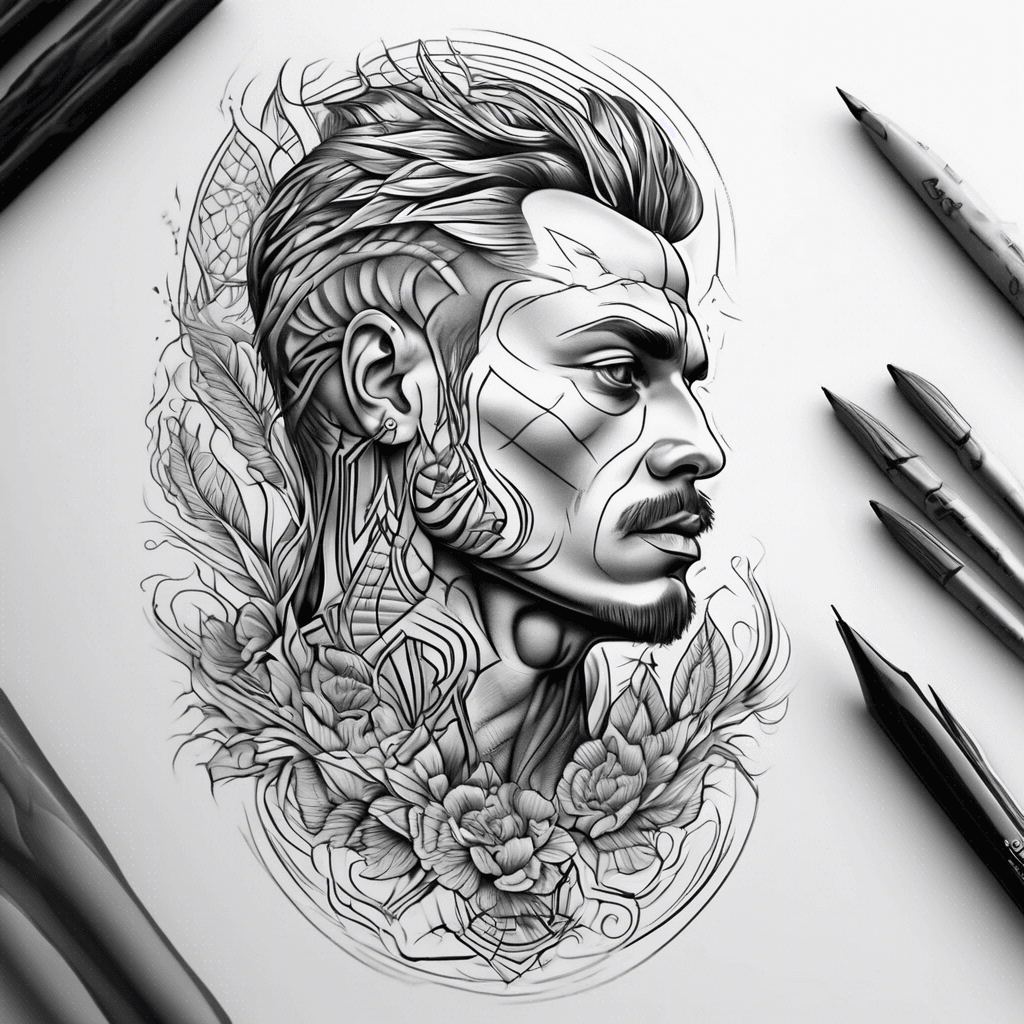
プロンプト
Oleksandr, Touro, ukraine
このプロンプトと同じ設定(ブラック&グレー · 白黒)でAIタトゥージェネレーターを開きます。
デザイン詳細
- スタイル
- ブラック&グレー
- 種類
- 白黒
- クリエイター
- Oleksandr
- 作成日

あなたにおすすめ

Minimalist Evergreen Forrest Foreground, Snow-capped Peaks Background, Low Contrast, Wrap Around.
詳細を見る
Ink Studio AI, Tattoo Generatorhttps://inkstudioai.com/legal/tos© Ink Studio AI.https://inkstudioai.com/blog/how-to-create-ai-tattoo-designs

A Detailed Greek-style Statue Portrait Featuring A Hand Delicately Holding A Candle, Showcasing Stunning Contrasts And Intricate Textures.
詳細を見る
Ink Studio AI, Tattoo Generatorhttps://inkstudioai.com/legal/tos© Ink Studio AI.https://inkstudioai.com/blog/how-to-create-ai-tattoo-designs
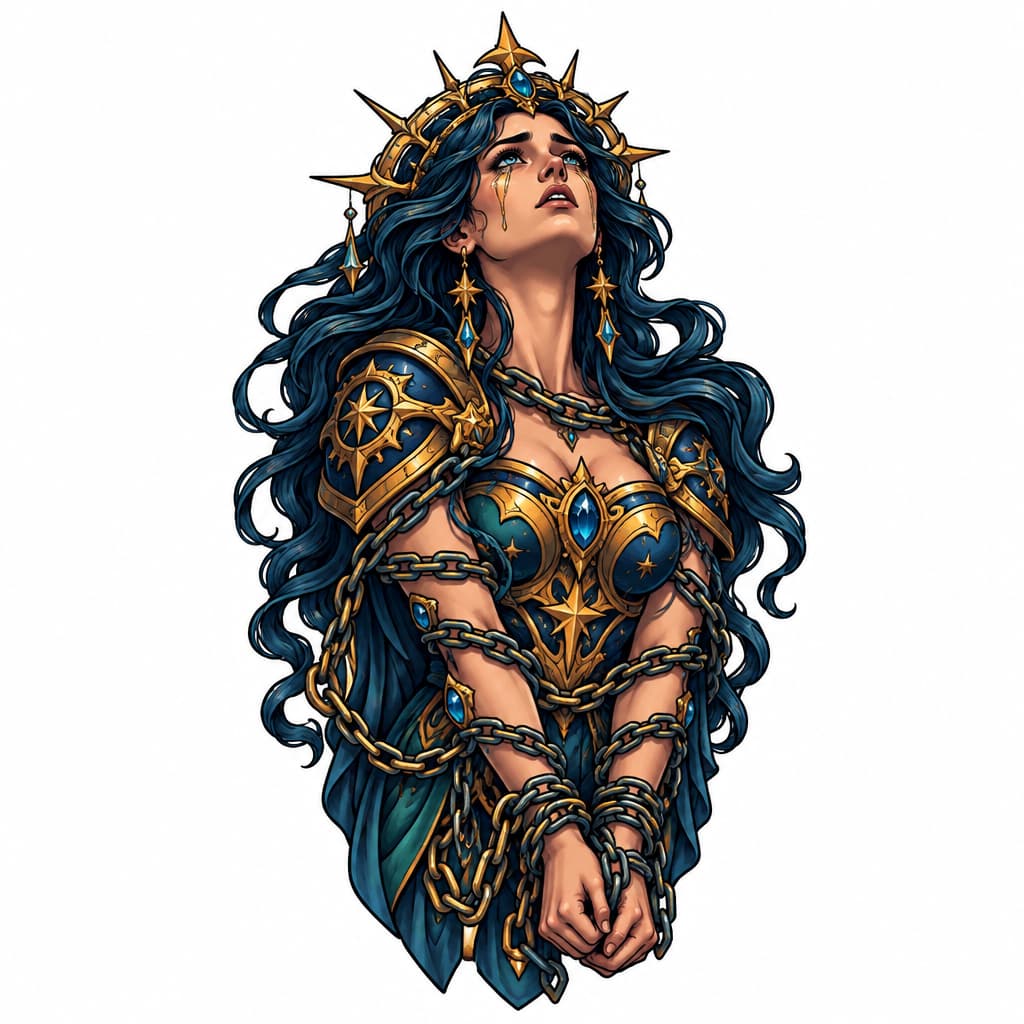
Chained Goddess In Despair, Ornate Celestial Armor, Glowing Crescent Moon, Flowing Hair, Fine-line Blackwork, Bold Outlines, Tattoo Stencil Style, White Background
詳細を見る
Ink Studio AI, Tattoo Generatorhttps://inkstudioai.com/legal/tos© Ink Studio AI.https://inkstudioai.com/blog/how-to-create-ai-tattoo-designs

A Dynamic Composition Starting With A Detailed Eagle Soaring Above, The Arrow Running Parallel To Your Arm Underneath It, And The Coiled 'don't Tread On Me' Snake Wrapping Around The Elements Seamlessly.
詳細を見る
Ink Studio AI, Tattoo Generatorhttps://inkstudioai.com/legal/tos© Ink Studio AI.https://inkstudioai.com/blog/how-to-create-ai-tattoo-designs

Inside Top Arm - Alien With Had Extended, With A Symbol On His Hand As He’s Reaching Out
詳細を見る
Ink Studio AI, Tattoo Generatorhttps://inkstudioai.com/legal/tos© Ink Studio AI.https://inkstudioai.com/blog/how-to-create-ai-tattoo-designs

A Clock In Between 2 Roses
詳細を見る
Ink Studio AI, Tattoo Generatorhttps://inkstudioai.com/legal/tos© Ink Studio AI.https://inkstudioai.com/blog/how-to-create-ai-tattoo-designs

Three Swallows Flying Freely Following One After Another In Curve For Arm-to-chest Tattoo
詳細を見る
Ink Studio AI, Tattoo Generatorhttps://inkstudioai.com/legal/tos© Ink Studio AI.https://inkstudioai.com/blog/how-to-create-ai-tattoo-designs
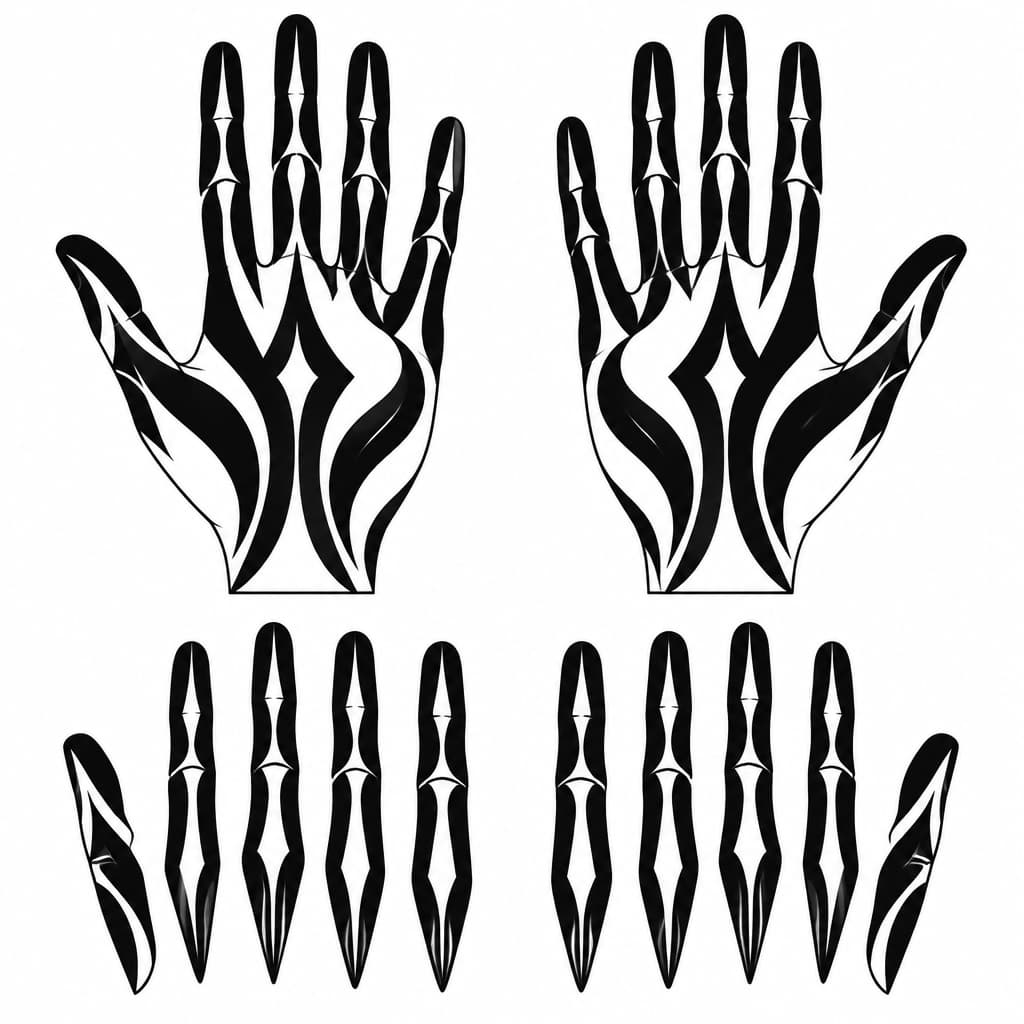
Create A Clean, Printable Black-and-white Tattoo Stencil For The Palm Side Of Both Hands, Matching My Uploaded Reference Design #6 Exactly In Style. Use Bold, Flowing Blackout Shapes That Follow The Natural Length Of Each Finger, With Selective Skin-colored Negative-space Slits And Simple Mystical Pointed Shapes. Keep The Design Dark, Minimal, Symmetrical Where Appropriate, And Free Of Crosses, Religious Symbols, Lettering, Gradients, Shading, And Tiny Decorative Details. Show Both Palms Facing Forward, Plus Separate, Straightened Finger Templates For Tracing. Pure Black Ink Shapes On A Pure White Background, Accurate Finger Anatomy, Clean Closed Outlines, No Jewelry Or Nail Art. Include A Size Reference And Keep Each Finger Design Separate For Cutting Into Stencil Pieces.
詳細を見る
Ink Studio AI, Tattoo Generatorhttps://inkstudioai.com/legal/tos© Ink Studio AI.https://inkstudioai.com/blog/how-to-create-ai-tattoo-designs
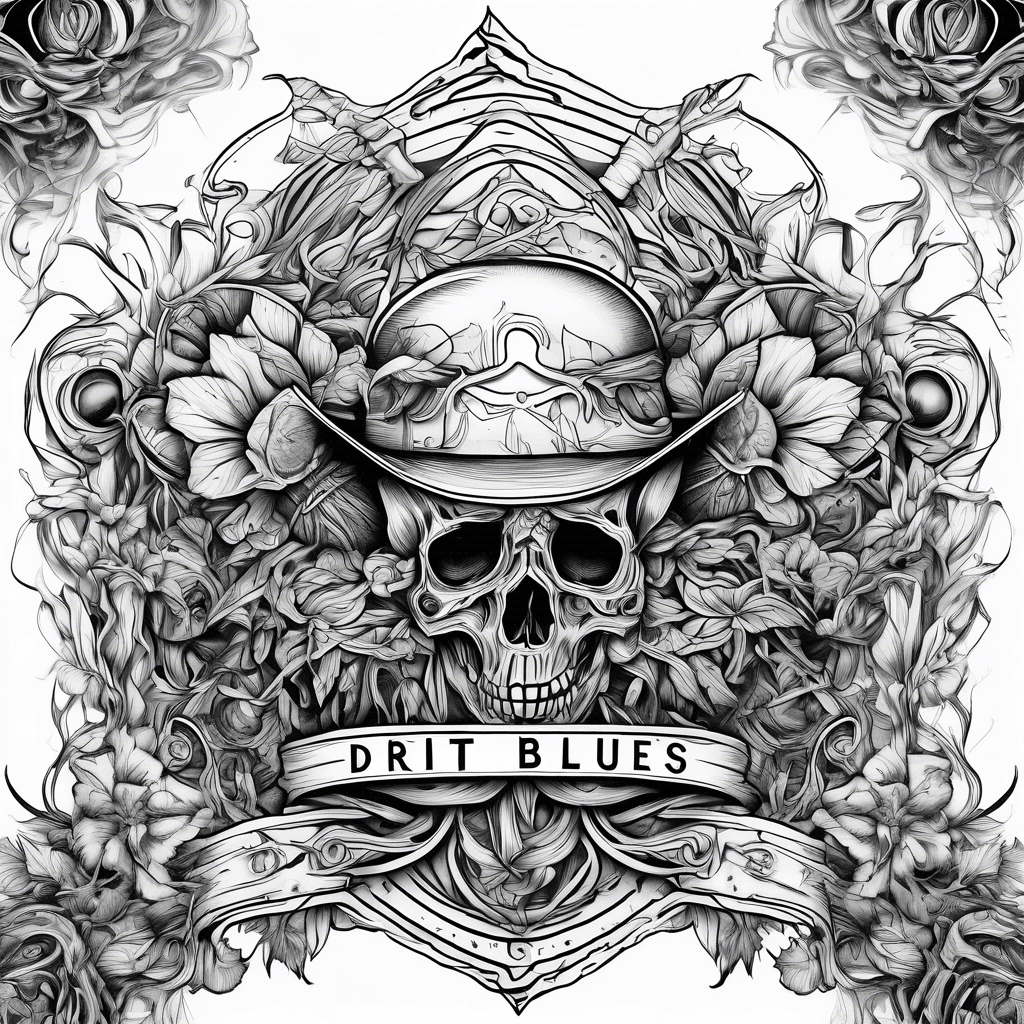
Dirt Crossroads Blues Themed
詳細を見る
Ink Studio AI, Tattoo Generatorhttps://inkstudioai.com/legal/tos© Ink Studio AI.https://inkstudioai.com/blog/how-to-create-ai-tattoo-designs