Luffy one piece
ネオトラディショナル白黒2024年11月26日
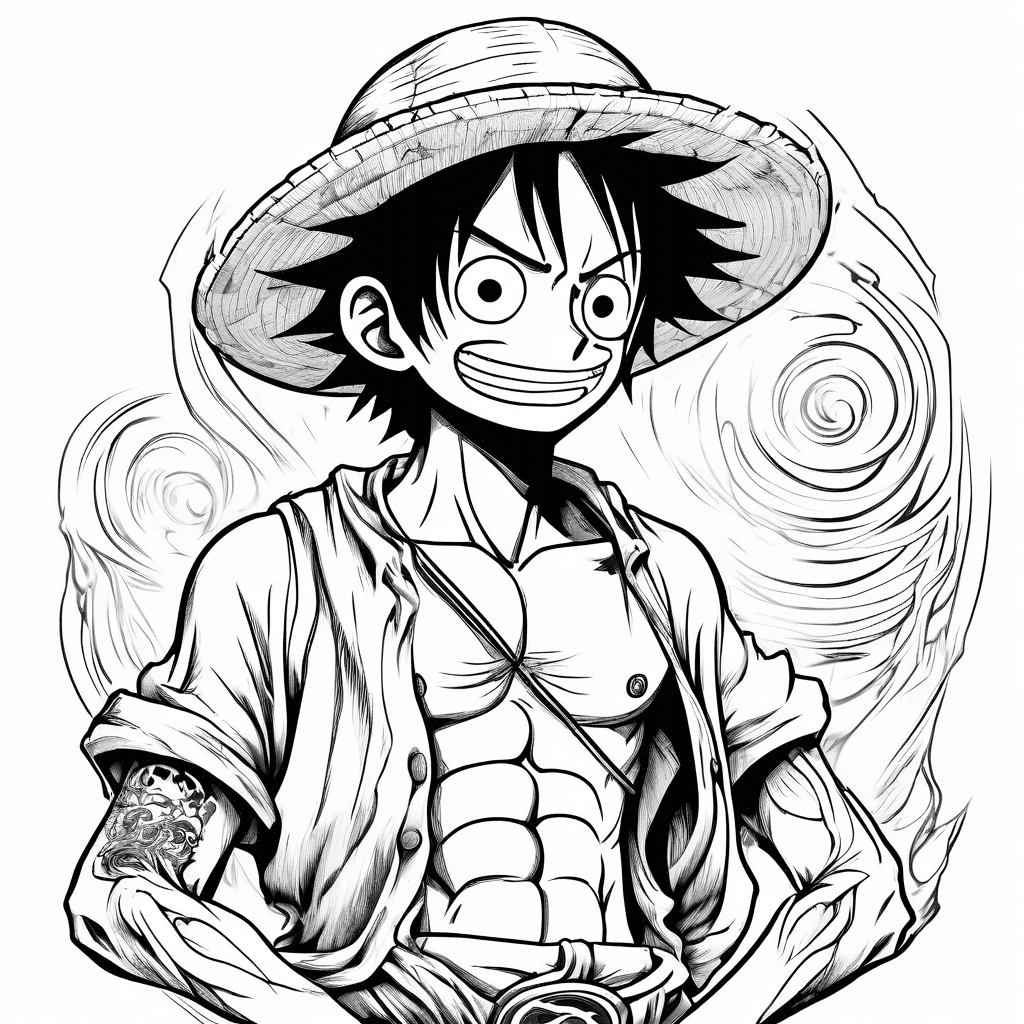
プロンプト
luffy one piece
このプロンプトと同じ設定(ネオトラディショナル · 白黒)でAIタトゥージェネレーターを開きます。
デザイン詳細
- スタイル
- ネオトラディショナル
- 種類
- 白黒
- クリエイター
- Bendasullocchio
- 作成日

あなたにおすすめ

Daniel On The Forearm
詳細を見る
Ink Studio AI, Tattoo Generatorhttps://inkstudioai.com/legal/tos© Ink Studio AI.https://inkstudioai.com/blog/how-to-create-ai-tattoo-designs
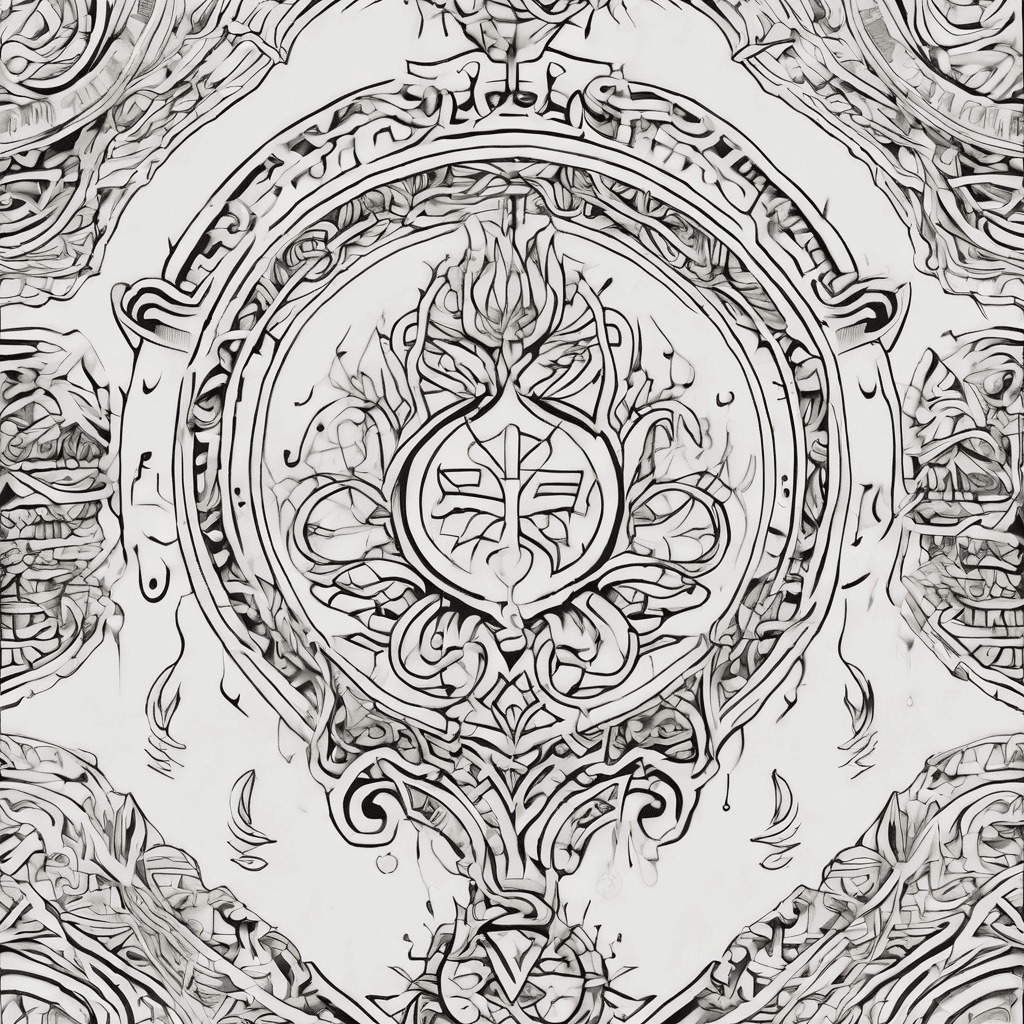
Write Alemsged In Amharic And English Cursive In Elegant Lettering
詳細を見る
Ink Studio AI, Tattoo Generatorhttps://inkstudioai.com/legal/tos© Ink Studio AI.https://inkstudioai.com/blog/how-to-create-ai-tattoo-designs
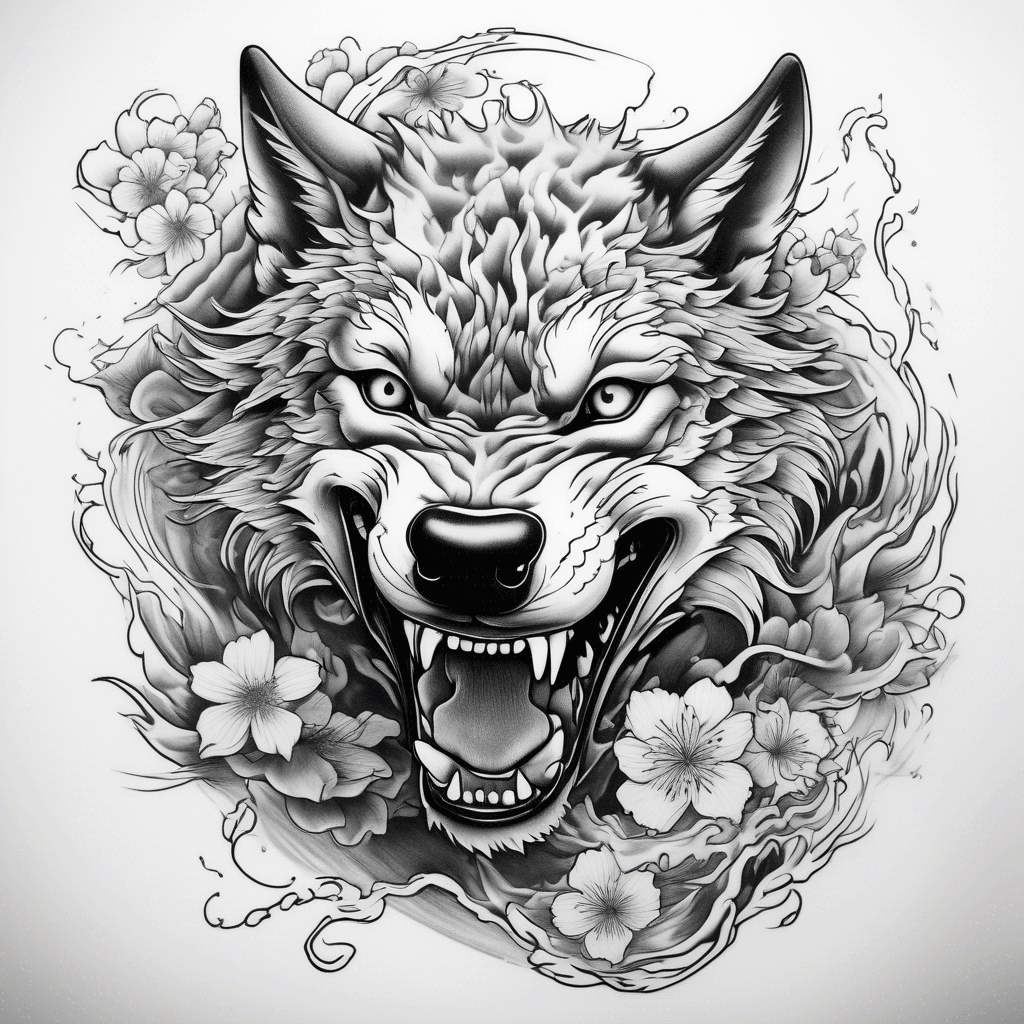
Full Leaping Wolf
詳細を見る
Ink Studio AI, Tattoo Generatorhttps://inkstudioai.com/legal/tos© Ink Studio AI.https://inkstudioai.com/blog/how-to-create-ai-tattoo-designs

Journeyman Lineman Climbing A Pole With A Silhouette Of A Wolf In The Background
詳細を見る
Ink Studio AI, Tattoo Generatorhttps://inkstudioai.com/legal/tos© Ink Studio AI.https://inkstudioai.com/blog/how-to-create-ai-tattoo-designs

Tribal Tattoo For A Shoulder And Chest With The Name Michal In It
詳細を見る
Ink Studio AI, Tattoo Generatorhttps://inkstudioai.com/legal/tos© Ink Studio AI.https://inkstudioai.com/blog/how-to-create-ai-tattoo-designs
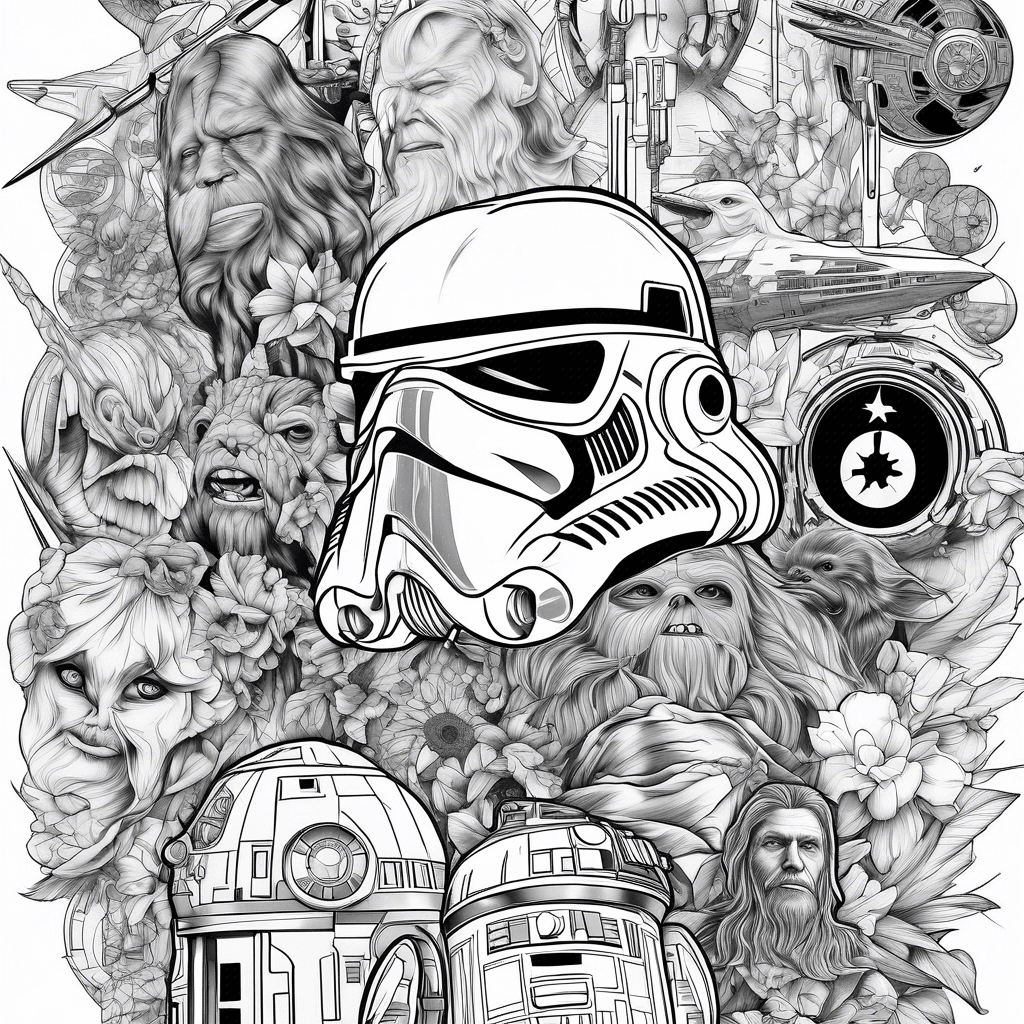
Star Wars Collage
詳細を見る
Ink Studio AI, Tattoo Generatorhttps://inkstudioai.com/legal/tos© Ink Studio AI.https://inkstudioai.com/blog/how-to-create-ai-tattoo-designs

Angel With Wings Holding Sword
詳細を見る
Ink Studio AI, Tattoo Generatorhttps://inkstudioai.com/legal/tos© Ink Studio AI.https://inkstudioai.com/blog/how-to-create-ai-tattoo-designs

"colorful Chameleon Tattoo On Upper Arm, Multicolored Fur Like Colin From Jellycat, Big Bobble Eyes, Curly Tail, Cartoon Style"
詳細を見る
Ink Studio AI, Tattoo Generatorhttps://inkstudioai.com/legal/tos© Ink Studio AI.https://inkstudioai.com/blog/how-to-create-ai-tattoo-designs

Add A Phoenix Rising Triumphantly On The Right Side Of The Gothic Arch, Symbolizing Victory And Rebirth. On The Left Side Of The Arch, Include A Shadowy Spirit Representing Depression, Fading Into Darkness. Below The Arch, Write In Bold Gothic Font: 'ich Habe Diesen Kampf Gewonnen'. Add Two Dates Below The Text: '05.01.2011' And '17.12.2024'. Place Thorny Roses Around The Arch And Add A Raven Holding A Scroll With '5095' Written On It Above The Arch. Use Dark Tones With Red And Gold Accents.
詳細を見る
Ink Studio AI, Tattoo Generatorhttps://inkstudioai.com/legal/tos© Ink Studio AI.https://inkstudioai.com/blog/how-to-create-ai-tattoo-designs