Realistic quetzal bird with color
acquerelloA colori29 agosto 2025

Prompt
realistic quetzal bird with color
Apre il generatore di tatuaggi IA con questo prompt e le stesse impostazioni: acquerello · A colori.
Prompt negativo
dont want it to look cutesy
Dettagli del disegno
- Stile
- acquerello
- Tipo
- A colori
- Autore
- Privato
- Creato il

Potrebbero piacerti anche

Princess Crown With Name Gema
Vedi dettagli
Ink Studio AI, Tattoo Generatorhttps://inkstudioai.com/legal/tos© Ink Studio AI.https://inkstudioai.com/blog/how-to-create-ai-tattoo-designs

Wajiha
Vedi dettagli
Ink Studio AI, Tattoo Generatorhttps://inkstudioai.com/legal/tos© Ink Studio AI.https://inkstudioai.com/blog/how-to-create-ai-tattoo-designs
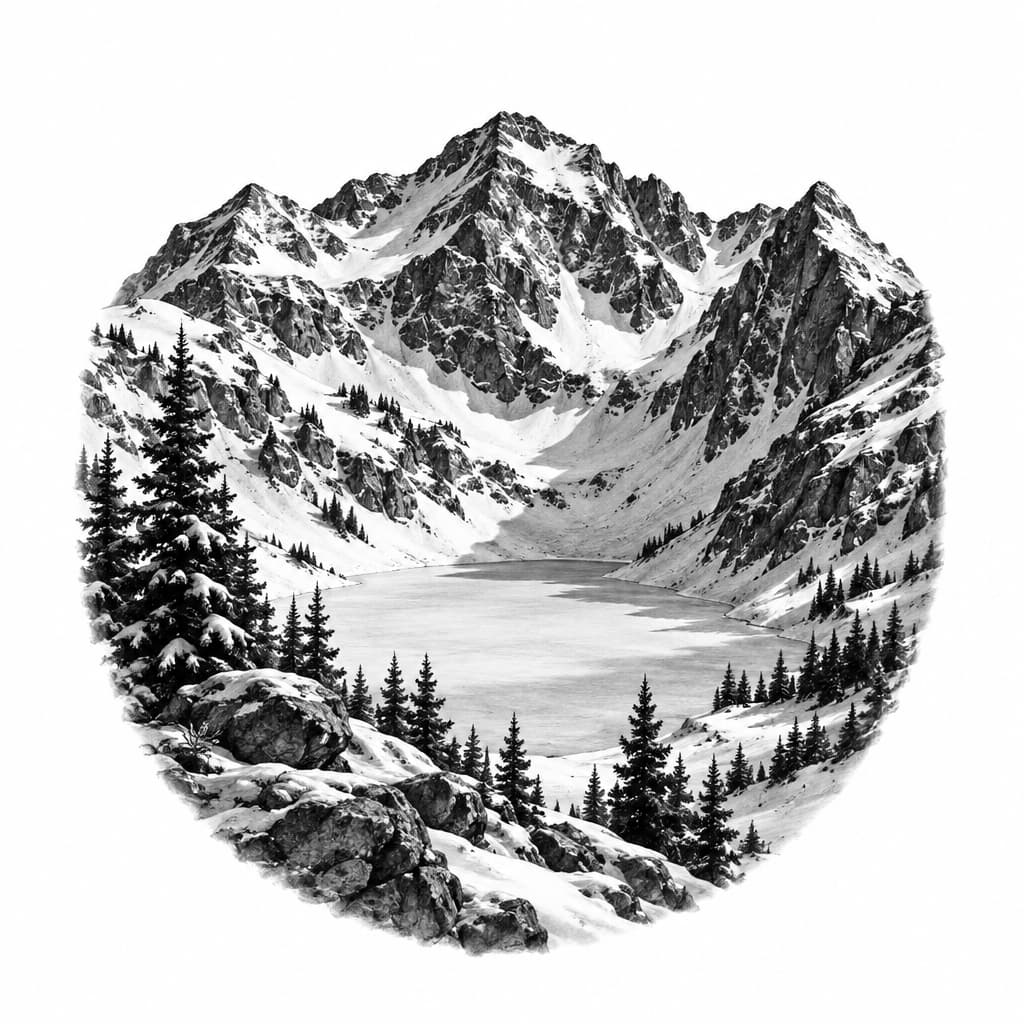
Snowy Natural Colorado mountain Bowl
Vedi dettagli
Ink Studio AI, Tattoo Generatorhttps://inkstudioai.com/legal/tos© Ink Studio AI.https://inkstudioai.com/blog/how-to-create-ai-tattoo-designs
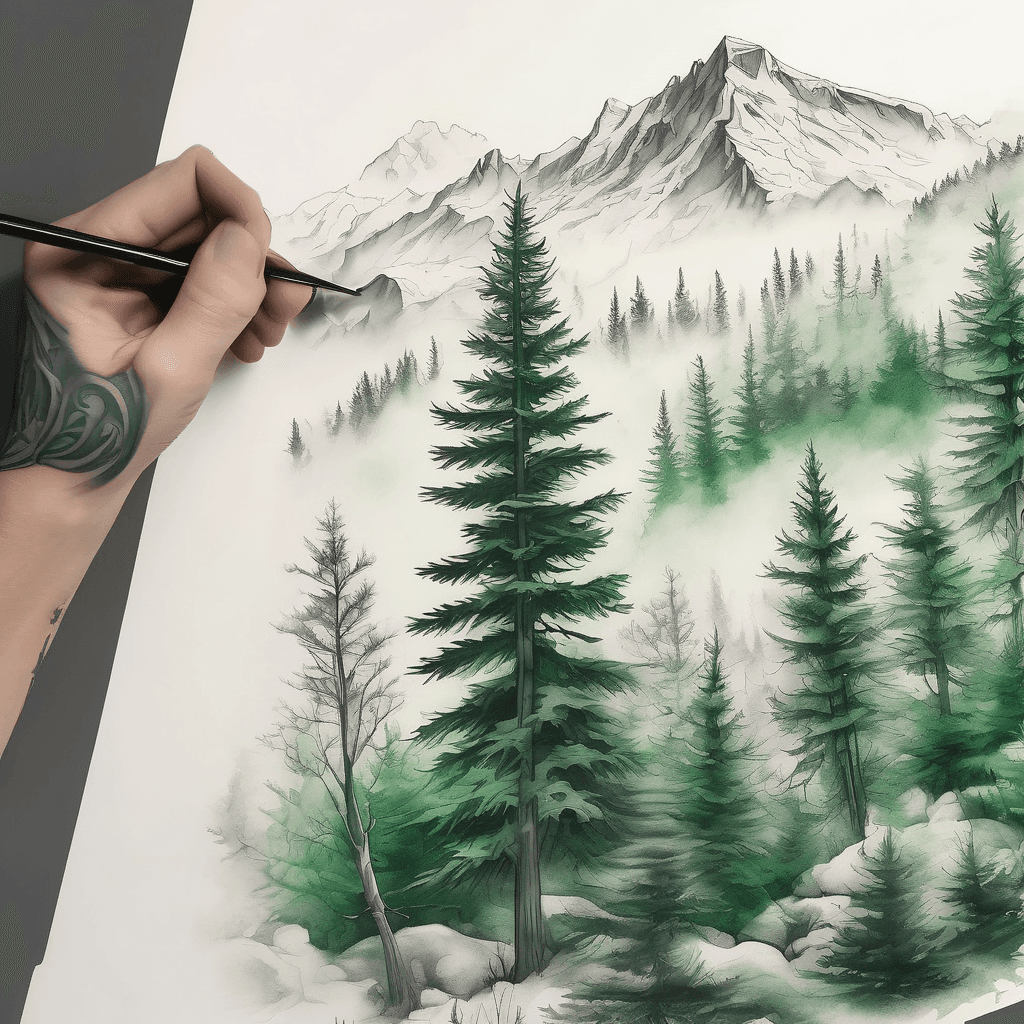
Design An Arm Sleeve Tattoo Of A Fog-covered Evergreen Forrest With Snow-capped Peaks Far Away In The Distance Using Only Shades Of Green And White Colors. Everything Must Be Low Contrast And Wrap Around Seamlessly. No Frame. No Sky.
Vedi dettagli
Ink Studio AI, Tattoo Generatorhttps://inkstudioai.com/legal/tos© Ink Studio AI.https://inkstudioai.com/blog/how-to-create-ai-tattoo-designs
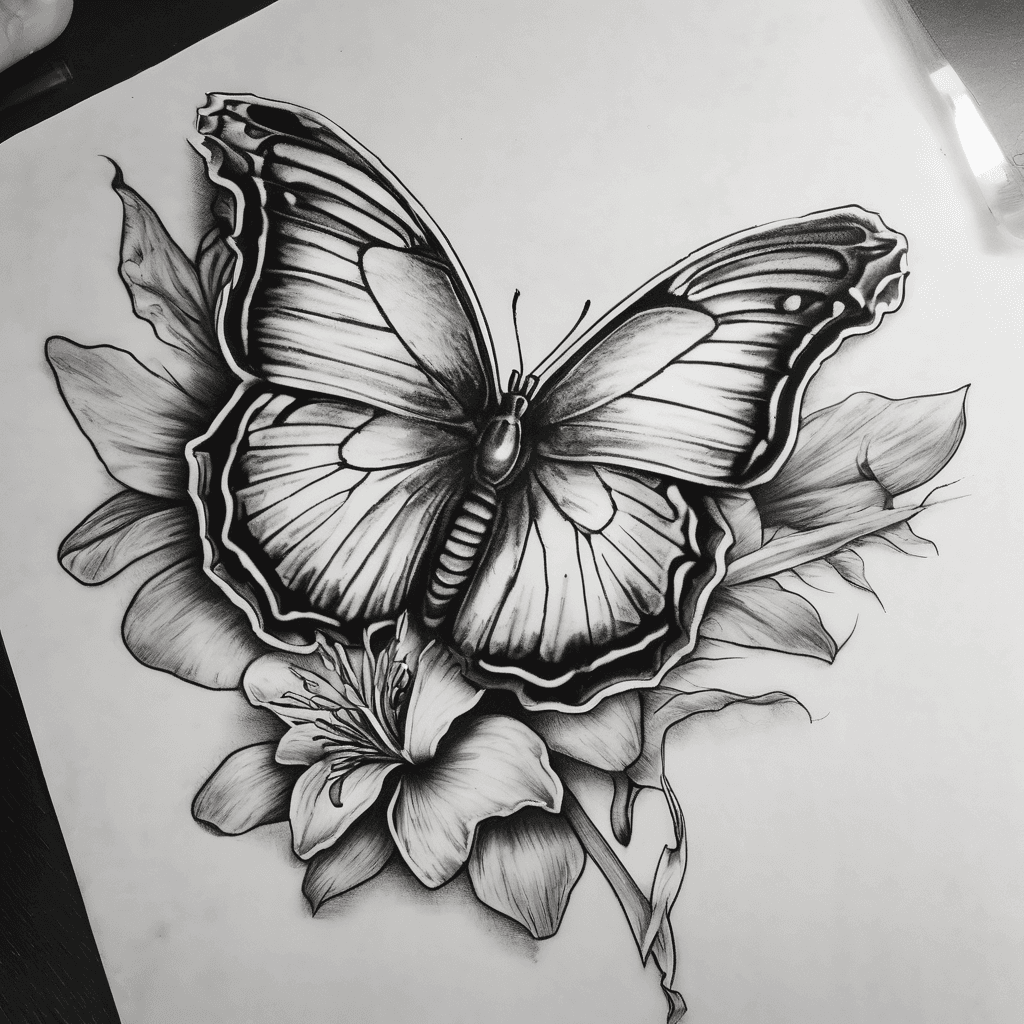
I Want Something With A Butterfly, Sun And Moon And An Iris Flower. I Like Little Extra Details, I Want Them Together To Create A Piece In Memory For My Aunty, And I Want It On My Inner Forearm
Vedi dettagli
Ink Studio AI, Tattoo Generatorhttps://inkstudioai.com/legal/tos© Ink Studio AI.https://inkstudioai.com/blog/how-to-create-ai-tattoo-designs

The Word Vegan Straight Down My Spin Very Beautiful And Non Cheesy
Vedi dettagli
Ink Studio AI, Tattoo Generatorhttps://inkstudioai.com/legal/tos© Ink Studio AI.https://inkstudioai.com/blog/how-to-create-ai-tattoo-designs

Minimalist Blackwork Evergreen Forrest Foreground, Snow-capped Peaks Background, Low Contrast, Wrap Around. Add A Single Very Small Orange Fox Under One Of The Trees.
Vedi dettagli
Ink Studio AI, Tattoo Generatorhttps://inkstudioai.com/legal/tos© Ink Studio AI.https://inkstudioai.com/blog/how-to-create-ai-tattoo-designs

Blackout Tattoo Covering Both Hands Up To The First Knuckle Of Each Finger With Smooth, Solid Black Ink. On The Top Of The Left Hand, An Abstract Hourglass Design Is Integrated Into The Blackout Using Sharp Geometric Lines, Negative Space, And Subtle Dotwork. The Hourglass Structure Extends From The Center Of The Hand Into The Forearm, Forming A Fragmented Trail Of Shifting Shapes, Gears, And Time-related Symbols That Fade Into The Blackout Edge. On The Top Of The Right Hand, An Abstract Sundial Design Is Embedded In The Blackout, Featuring A Sharp Angular Gnomon Pointing To 7:07 A.m. The Sundial Expands Into The Forearm With Radial Patterns, Fractured Rings, And Faded Sunbeam Lines That Blend With The Blackout Fade. The Blackout On Both Arms Transitions Gradually Into These Designs As It Moves Above The Wrist. Use Only Black And Gray Tones, With Clean, Modern Detailing.
Vedi dettagli
Ink Studio AI, Tattoo Generatorhttps://inkstudioai.com/legal/tos© Ink Studio AI.https://inkstudioai.com/blog/how-to-create-ai-tattoo-designs

Joker From Batman With Just The Smile, Color Lips And Haha In Teeth
Vedi dettagli
Ink Studio AI, Tattoo Generatorhttps://inkstudioai.com/legal/tos© Ink Studio AI.https://inkstudioai.com/blog/how-to-create-ai-tattoo-designs