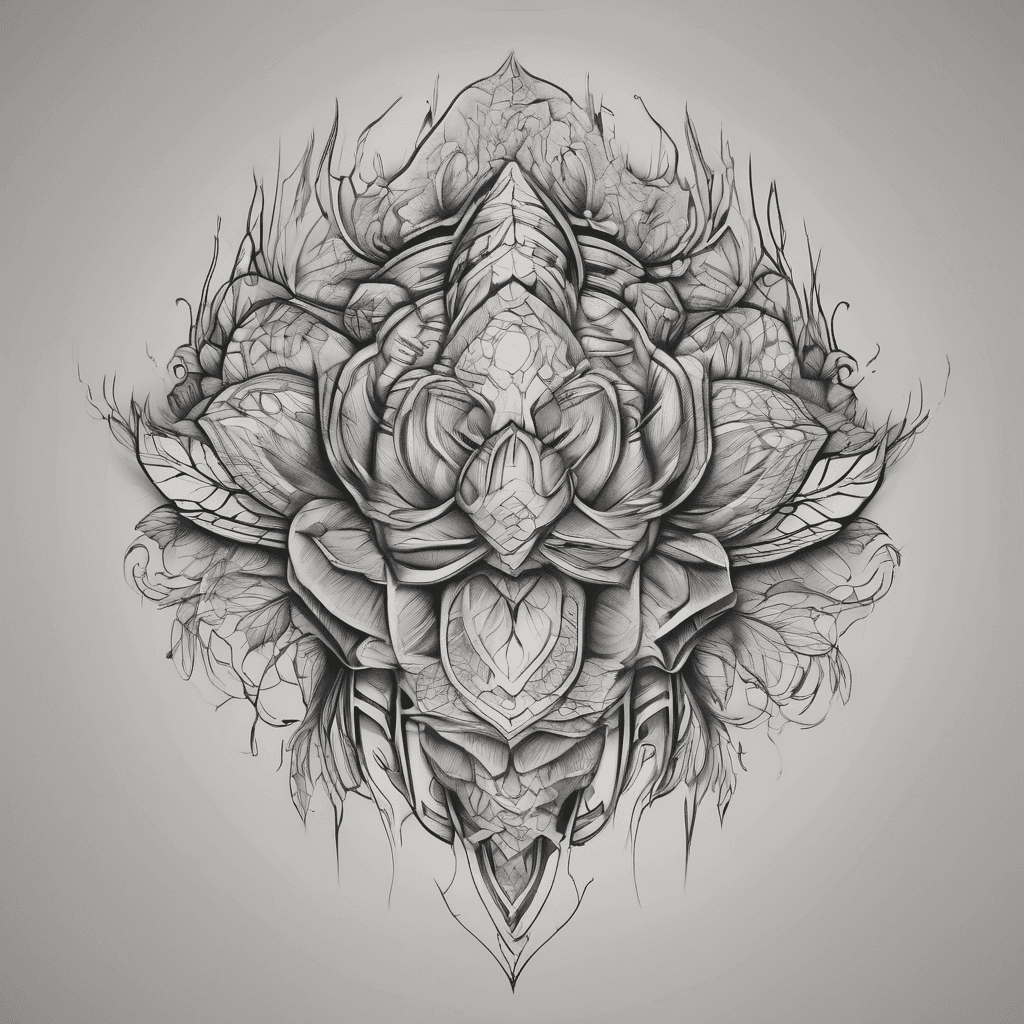
Tiger with galaxy and clouds
Black & GreySchwarz & Weiß8. März 2026

Prompt
Tiger with galaxy and clouds
Öffnet den KI-Tattoo-Generator mit diesem Prompt und denselben Einstellungen: Black & Grey · Schwarz & Weiß.
Design-Details
- Stil
- Black & Grey
- Art
- Schwarz & Weiß
- Erstellt von
- Khushboo
- Erstellt

Das könnte dir auch gefallen

Dionysus In His Lair Of Pleasure
Details ansehen
Ink Studio AI, Tattoo Generatorhttps://inkstudioai.com/legal/tos© Ink Studio AI.https://inkstudioai.com/blog/how-to-create-ai-tattoo-designs

The Initials Pjc In Old Fashioned Writing With 2 Hearts
Details ansehen
Ink Studio AI, Tattoo Generatorhttps://inkstudioai.com/legal/tos© Ink Studio AI.https://inkstudioai.com/blog/how-to-create-ai-tattoo-designs

Robotic Style With The Meaning Never Drive Faster Than Your Guardian Angel Can Fly.
Details ansehen
Ink Studio AI, Tattoo Generatorhttps://inkstudioai.com/legal/tos© Ink Studio AI.https://inkstudioai.com/blog/how-to-create-ai-tattoo-designs

Savage Australian Realistic Snake
Details ansehen
Ink Studio AI, Tattoo Generatorhttps://inkstudioai.com/legal/tos© Ink Studio AI.https://inkstudioai.com/blog/how-to-create-ai-tattoo-designs

As Of Spades.
Details ansehen
Ink Studio AI, Tattoo Generatorhttps://inkstudioai.com/legal/tos© Ink Studio AI.https://inkstudioai.com/blog/how-to-create-ai-tattoo-designs

Symbolize Breakthrough With A Rough Road Through A Dark Forest With Flowers Leading To Open Gates Freedom At The End With A Man Walking The Road
Details ansehen
Ink Studio AI, Tattoo Generatorhttps://inkstudioai.com/legal/tos© Ink Studio AI.https://inkstudioai.com/blog/how-to-create-ai-tattoo-designs
Name
Details ansehen
Ink Studio AI, Tattoo Generatorhttps://inkstudioai.com/legal/tos© Ink Studio AI.https://inkstudioai.com/blog/how-to-create-ai-tattoo-designs

Icarus Small, Flying Infront Of Sun. Minimalist
Details ansehen
Ink Studio AI, Tattoo Generatorhttps://inkstudioai.com/legal/tos© Ink Studio AI.https://inkstudioai.com/blog/how-to-create-ai-tattoo-designs

Create A Fine-line Black Ink Tattoo Design Placed Only On The Upper-to-mid Back, Starting Between The Shoulder Blades And Ending Before The Lower Back. Do Not Place Any Part Of The Tattoo On The Neck, Nape, Or Base Of The Neck. The Tattoo Should Not Touch The Neck At All. The Design Features Realistic Lightning (not A Lightning Bolt Symbol): Organic, Branching, Irregular, Asymmetrical, Like Real Lightning In The Sky. The Lightning Loosely Follows The Spine But Drifts Slightly Off-center And Diagonal. Add Delicate Fine-line Wildflowers (daisies And Violet-inspired Blooms) Scattered Nearby, Coexisting Naturally Rather Than Wrapping Around The Lightning. Lightning Is The Main Focus; Flowers Are Secondary. Black Ink Only, Fine-line With Subtle Natural Variation.
Details ansehen
Ink Studio AI, Tattoo Generatorhttps://inkstudioai.com/legal/tos© Ink Studio AI.https://inkstudioai.com/blog/how-to-create-ai-tattoo-designs