Enso circle
JapanischSchwarz & Weiß30. August 2025
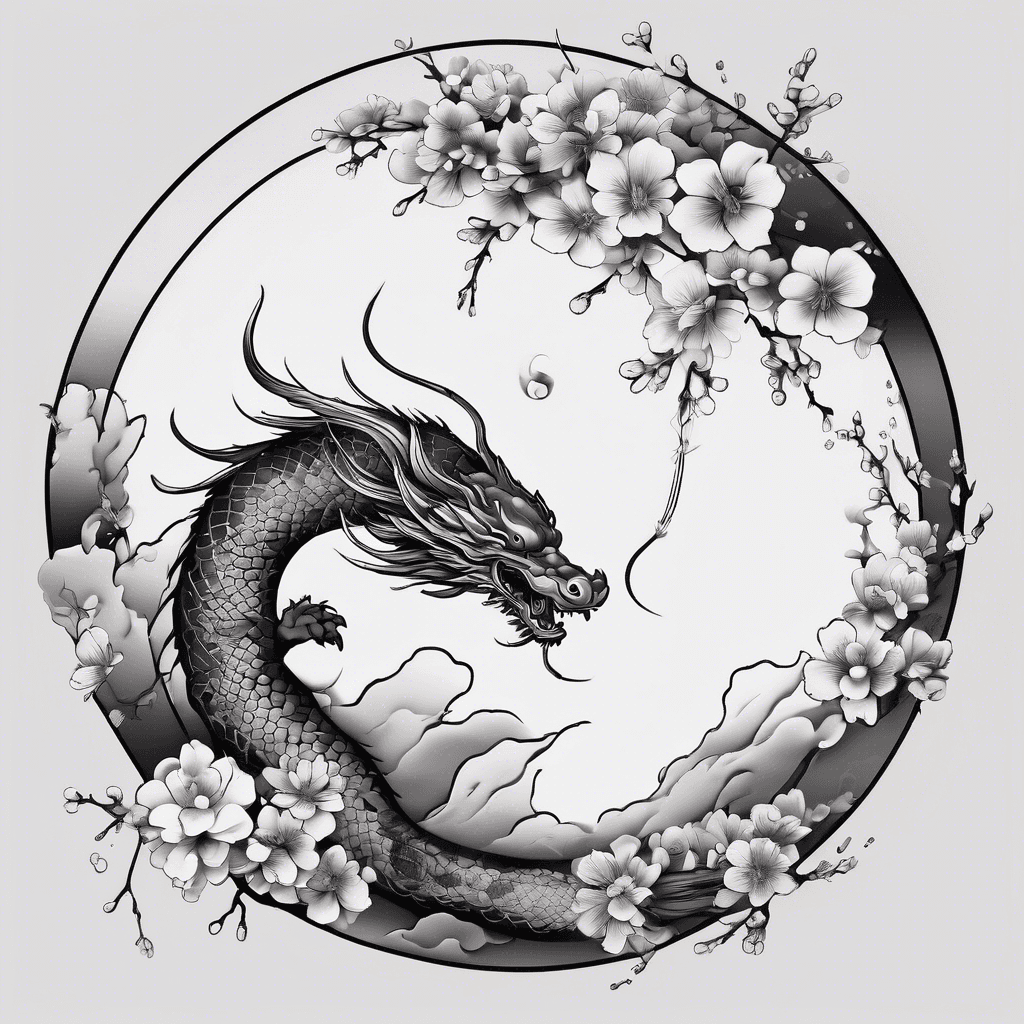
Prompt
enso circle
Öffnet den KI-Tattoo-Generator mit diesem Prompt und denselben Einstellungen: Japanisch · Schwarz & Weiß.
Negativer Prompt
no flowers or dragons
Design-Details
- Stil
- Japanisch
- Art
- Schwarz & Weiß
- Erstellt von
- Glyn
- Erstellt

Das könnte dir auch gefallen

Christian Cross With Two Snakes One Black And One White Coiling Around It And Make The White Snake Bite The Black Snakes Head. The White Snake Has A Crown
Details ansehen
Ink Studio AI, Tattoo Generatorhttps://inkstudioai.com/legal/tos© Ink Studio AI.https://inkstudioai.com/blog/how-to-create-ai-tattoo-designs

A Vulture Sitting On A Twisted Branch, From A Gnarled Tree. And In The Hair Surrounded The Vulture There Are Floating Pieces Of Broken Mirror In Different Sizes. This Piece Form Around The Vulture In Somewhat Of A Circle As It Floats In Then Air.
Details ansehen
Ink Studio AI, Tattoo Generatorhttps://inkstudioai.com/legal/tos© Ink Studio AI.https://inkstudioai.com/blog/how-to-create-ai-tattoo-designs

Design A Tattoo That Says "atlas". Placement: Vertically Along The Side Of The Neck, Directly Above The Carotid Area. Style: Elegant And Aesthetic Lettering, With Thinner And More Refined Font Lines (not Bold Or Blocky). Font Type: Artistic Serif Or Calligraphic Style, Visually Strong But Balanced, With A Minimalistic And Clean Look. Size: Smaller, Subtle Letters That Align Harmoniously With The Neck’s Natural Shape. Black Ink Only, Sharp And Professional Finish.
Details ansehen
Ink Studio AI, Tattoo Generatorhttps://inkstudioai.com/legal/tos© Ink Studio AI.https://inkstudioai.com/blog/how-to-create-ai-tattoo-designs
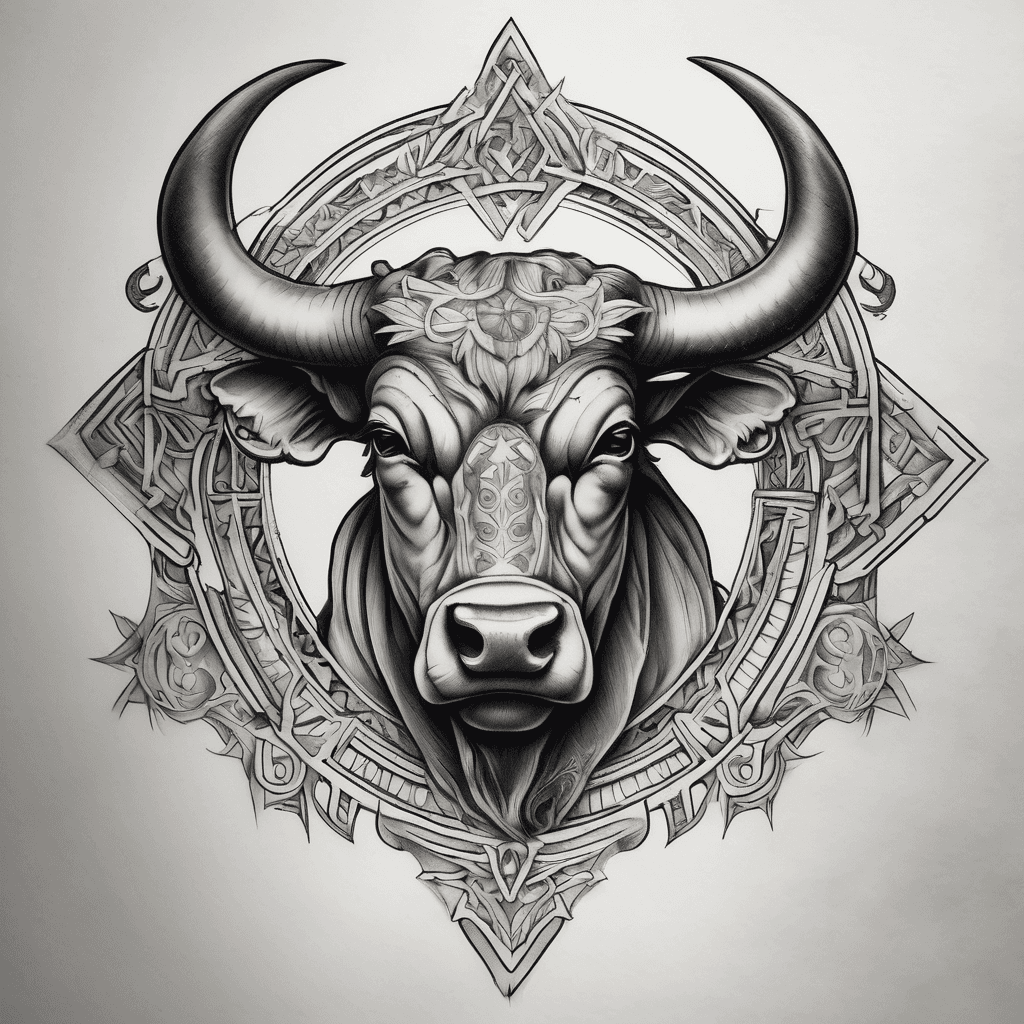
Create A Tattoo To Be Place Slightly Above A Man's Sternum Which Shows The Star Sign Taurus Bull's Head With Both Horns Arching Upwards To Both Sides Of His Neck, Slightly Above His Collar Line
Details ansehen
Ink Studio AI, Tattoo Generatorhttps://inkstudioai.com/legal/tos© Ink Studio AI.https://inkstudioai.com/blog/how-to-create-ai-tattoo-designs

A Sleeve Inspired By Author Jessie Walkers Lost Boy Series
Details ansehen
Ink Studio AI, Tattoo Generatorhttps://inkstudioai.com/legal/tos© Ink Studio AI.https://inkstudioai.com/blog/how-to-create-ai-tattoo-designs

Three Robins Flying Together
Details ansehen
Ink Studio AI, Tattoo Generatorhttps://inkstudioai.com/legal/tos© Ink Studio AI.https://inkstudioai.com/blog/how-to-create-ai-tattoo-designs

Draw A Fine Line Butterfly, Sized For A Woman’s Forearm. Instead Of A Typical Outline, Use The Actual Digits And Symbols Of The Coordinates “48.4307102, -121.3488286” As The Entire Outer Edge Of Both Wings. The Numbers Should Flow Smoothly, Following The Curves Of The Butterfly’s Wings, So That The Coordinates Themselves Create The Wing Shapes. The Butterfly’s Body Is Simple And Elegant, With No Shading Or Extra Elements, Keeping The Focus On The Coordinate-number Outline.
Details ansehen
Ink Studio AI, Tattoo Generatorhttps://inkstudioai.com/legal/tos© Ink Studio AI.https://inkstudioai.com/blog/how-to-create-ai-tattoo-designs
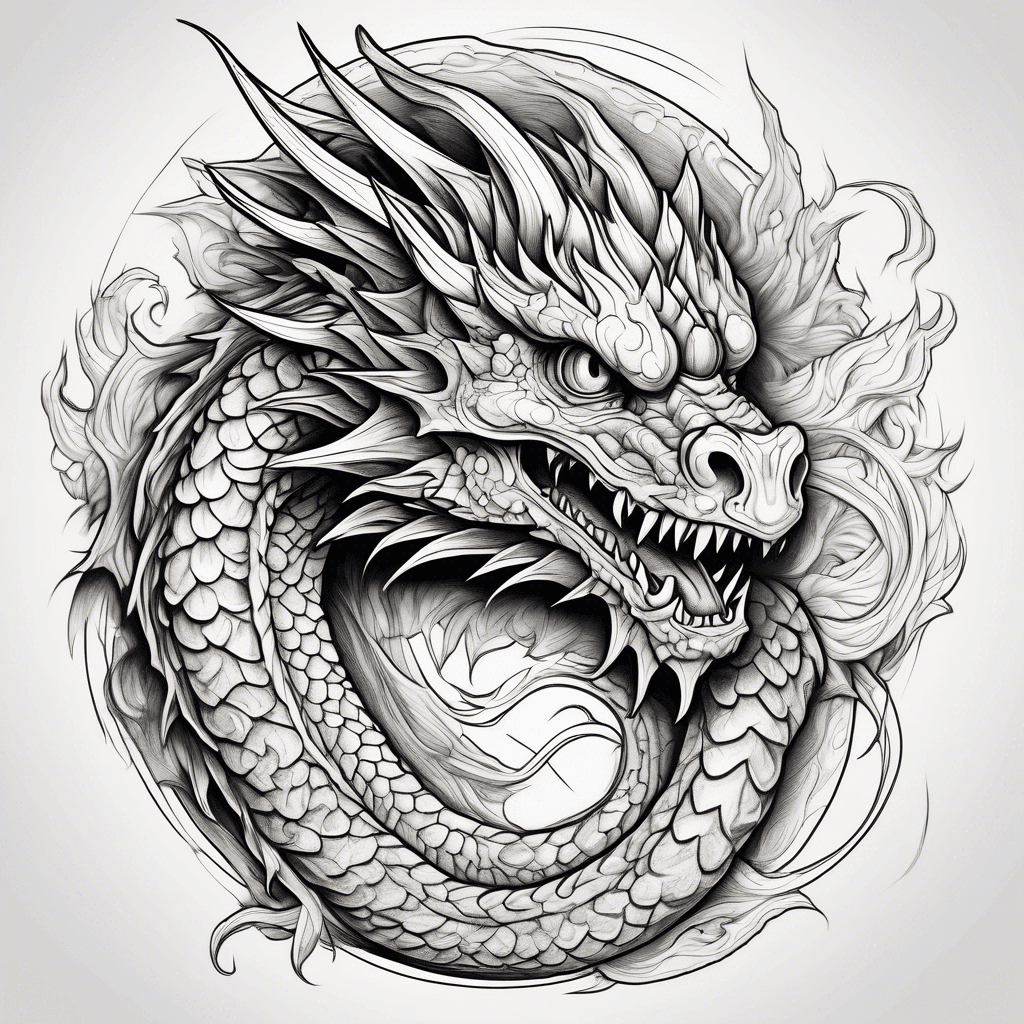
European Dragon
Details ansehen
Ink Studio AI, Tattoo Generatorhttps://inkstudioai.com/legal/tos© Ink Studio AI.https://inkstudioai.com/blog/how-to-create-ai-tattoo-designs

Create A Full Forearm Sleeve Of Thick Ornamental Scrolls And Flowing Curved Shapes With A Carved, Raised, Beveled Look. Include Smooth Spirals And Ribbon-like Forms That Interlock And Wrap Around The Arm. Add Only Light Internal Cuts For Texture. Use Bold, Vivid Solid Colors—red, Orange, Yellow, Blue, Teal, Turquoise—combined With Deep Black For Contrast. Colors Should Be Flat, Bright, And Sharply Separated. The Style Should Feel Dimensional, Bold, And Decorative Without Being Busy
Details ansehen
Ink Studio AI, Tattoo Generatorhttps://inkstudioai.com/legal/tos© Ink Studio AI.https://inkstudioai.com/blog/how-to-create-ai-tattoo-designs