Black and grey tattoo, dark gothic style, a realistic…
Black & GreySchwarz & Weiß9. Oktober 2026
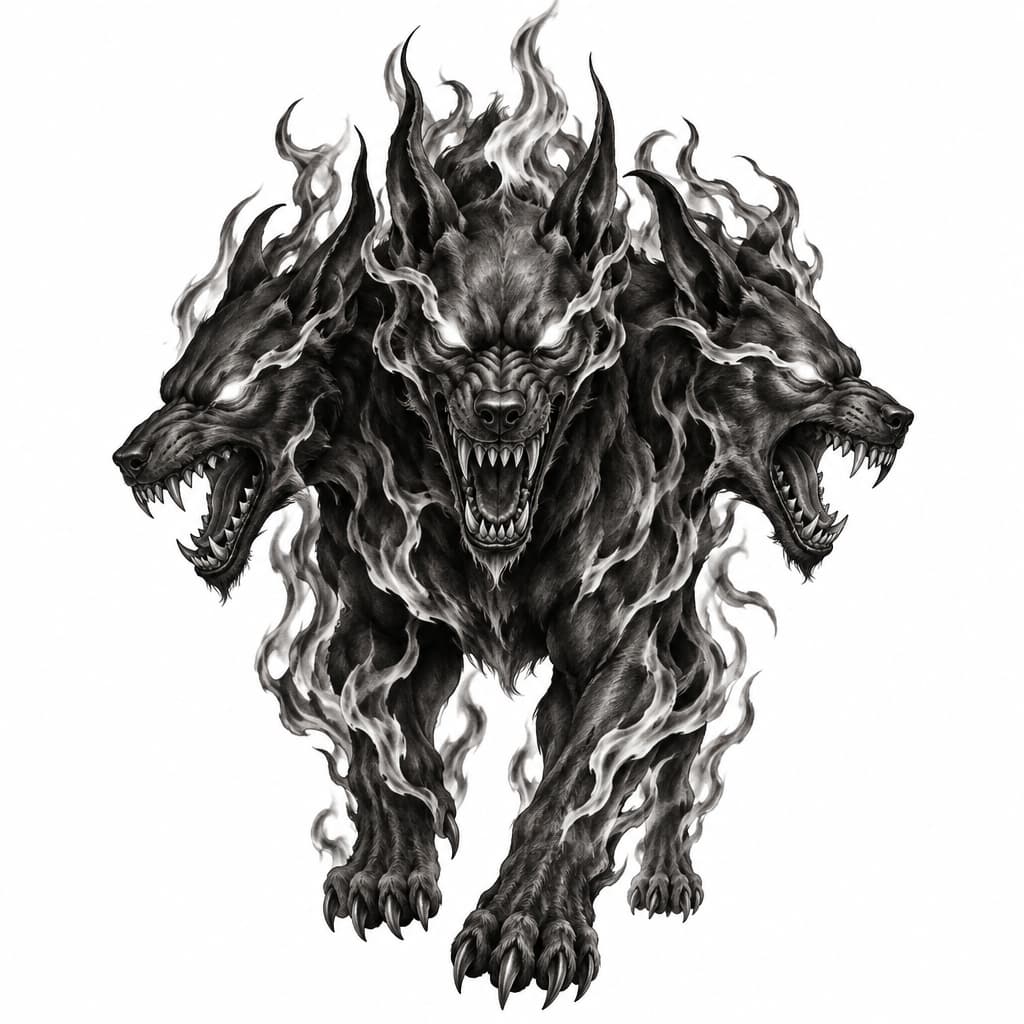
Prompt
Black and grey tattoo, dark gothic style, a realistic demonic hellhound with three heads, sharp teeth, glowing eyes, mystical flames, dark surrealism, smooth shading, realistic sketch, detailed, white background, stencil.
Öffnet den KI-Tattoo-Generator mit diesem Prompt und denselben Einstellungen: Black & Grey · Schwarz & Weiß.
Design-Details
- Stil
- Black & Grey
- Art
- Schwarz & Weiß
- Erstellt von
- Privat
- Erstellt

Das könnte dir auch gefallen
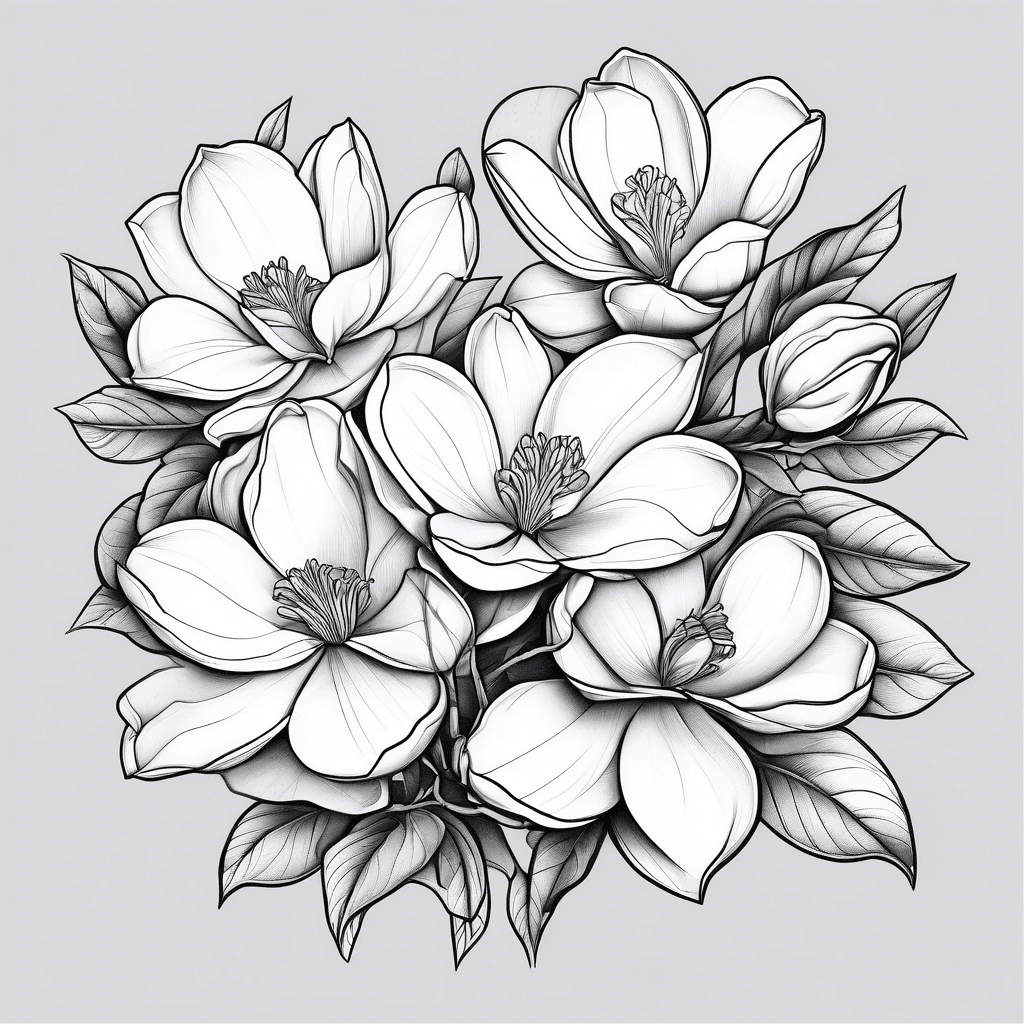
Magnolias
Details ansehen
Ink Studio AI, Tattoo Generatorhttps://inkstudioai.com/legal/tos© Ink Studio AI.https://inkstudioai.com/blog/how-to-create-ai-tattoo-designs

Celtic Shield Knot In This Shape: Https://cdn.shopify.com/s/files/1/0841/0057/9675/files/celtic_shield_knot_480x480.jpg?v=1723276618
Details ansehen
Ink Studio AI, Tattoo Generatorhttps://inkstudioai.com/legal/tos© Ink Studio AI.https://inkstudioai.com/blog/how-to-create-ai-tattoo-designs

Full Forearm Tattoo Sleeve Made Of Simple, Clean Geometric Shapes With Bold Black Forms And Sharp, Minimal Structure. Use Large Blocks Of Deep Black For Contrast, Combined With Bright, Vivid Color Accents (blue, Red, Orange, Yellow, Purple) Placed In Clear, Simple Shapes. Avoid Sacred Geometry, Mandalas, Fractals, Tiny Details, Or Busy Patterns. The Design Should Be Modern, Masculine, Abstract, And Minimalistic, With Clear Spacing And Medium Density. Use Straight And Curved Geometric Elements In A Controlled, Organized Composition That Wraps Naturally Around The Arm. No Faces, Animals, Symbols, Flames, Or Smoke.
Details ansehen
Ink Studio AI, Tattoo Generatorhttps://inkstudioai.com/legal/tos© Ink Studio AI.https://inkstudioai.com/blog/how-to-create-ai-tattoo-designs

Represents A Trip To South Africa And The Big 5
Details ansehen
Ink Studio AI, Tattoo Generatorhttps://inkstudioai.com/legal/tos© Ink Studio AI.https://inkstudioai.com/blog/how-to-create-ai-tattoo-designs

Abstract Shapes In Front Of A Beautiful Girls Face
Details ansehen
Ink Studio AI, Tattoo Generatorhttps://inkstudioai.com/legal/tos© Ink Studio AI.https://inkstudioai.com/blog/how-to-create-ai-tattoo-designs

Start With A Short Horizontal Line Near The Top. Under That, Draw Two Small Teardrop-shaped Marks Hanging Downward. Draw A Long Horizontal Bar Across The Middle. From The Center Of That Bar, Add A Vertical Stroke Downward. Add Another Small Teardrop Mark Under The Left Side Of The Middle Bar. Below The Middle Section, Draw A Large Sweeping Diagonal Stroke That Curves Down And Left Like A Hook. Finish With A Sharp, Pointed Stroke Extending Down And Right From The Center, Ending In A Dagger-like Tip.
Details ansehen
Ink Studio AI, Tattoo Generatorhttps://inkstudioai.com/legal/tos© Ink Studio AI.https://inkstudioai.com/blog/how-to-create-ai-tattoo-designs
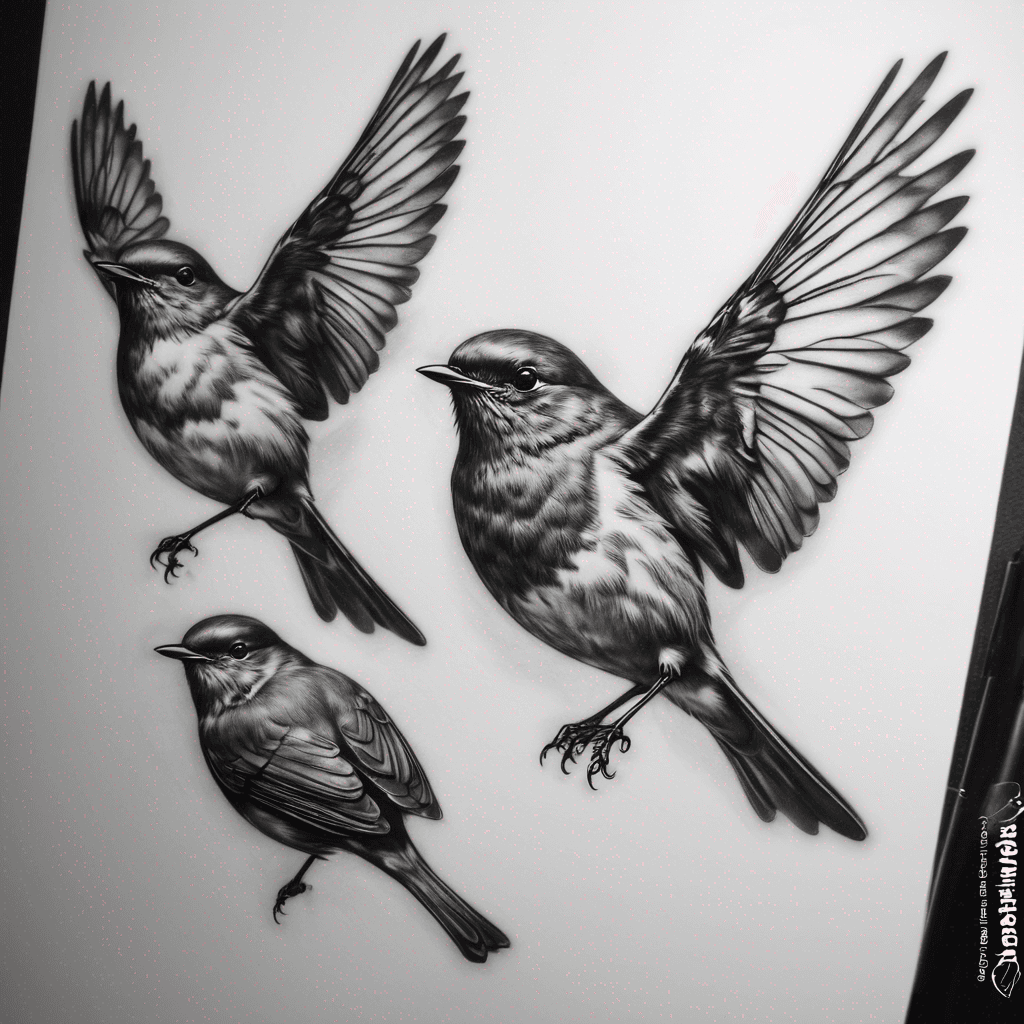
Three Robins Flying
Details ansehen
Ink Studio AI, Tattoo Generatorhttps://inkstudioai.com/legal/tos© Ink Studio AI.https://inkstudioai.com/blog/how-to-create-ai-tattoo-designs
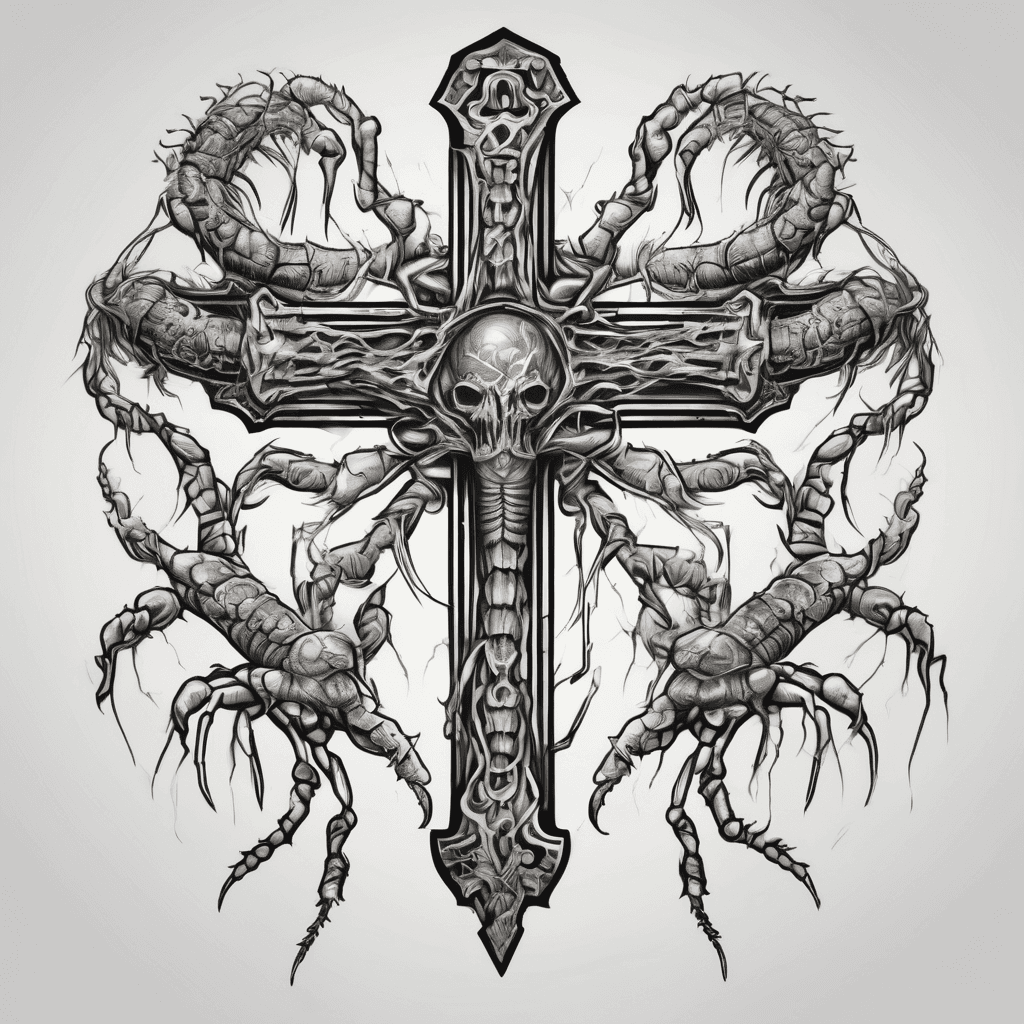
Cross That Bleeds Into A Centipede
Details ansehen
Ink Studio AI, Tattoo Generatorhttps://inkstudioai.com/legal/tos© Ink Studio AI.https://inkstudioai.com/blog/how-to-create-ai-tattoo-designs

A Minimalistic Tattoo Design Placed On The Right Upper Back (shoulder Blade Area). The Tattoo Features The Number "3126" In A Clean, Modern, And Simple Minimalistic Style. The Numbers Should Be Thin, Elegant, And Balanced, Using Fine Black Ink Lines Without Extra Decorations. Keep The Body, Skin, And Background Unchanged, Only Add The Tattoo In A Realistic Way As If Freshly Inked.
Details ansehen
Ink Studio AI, Tattoo Generatorhttps://inkstudioai.com/legal/tos© Ink Studio AI.https://inkstudioai.com/blog/how-to-create-ai-tattoo-designs