Ambigram using the words Big Nasty and Mom Vickie
Neo-TraditionalSchwarz & Weiß5. Januar 2026
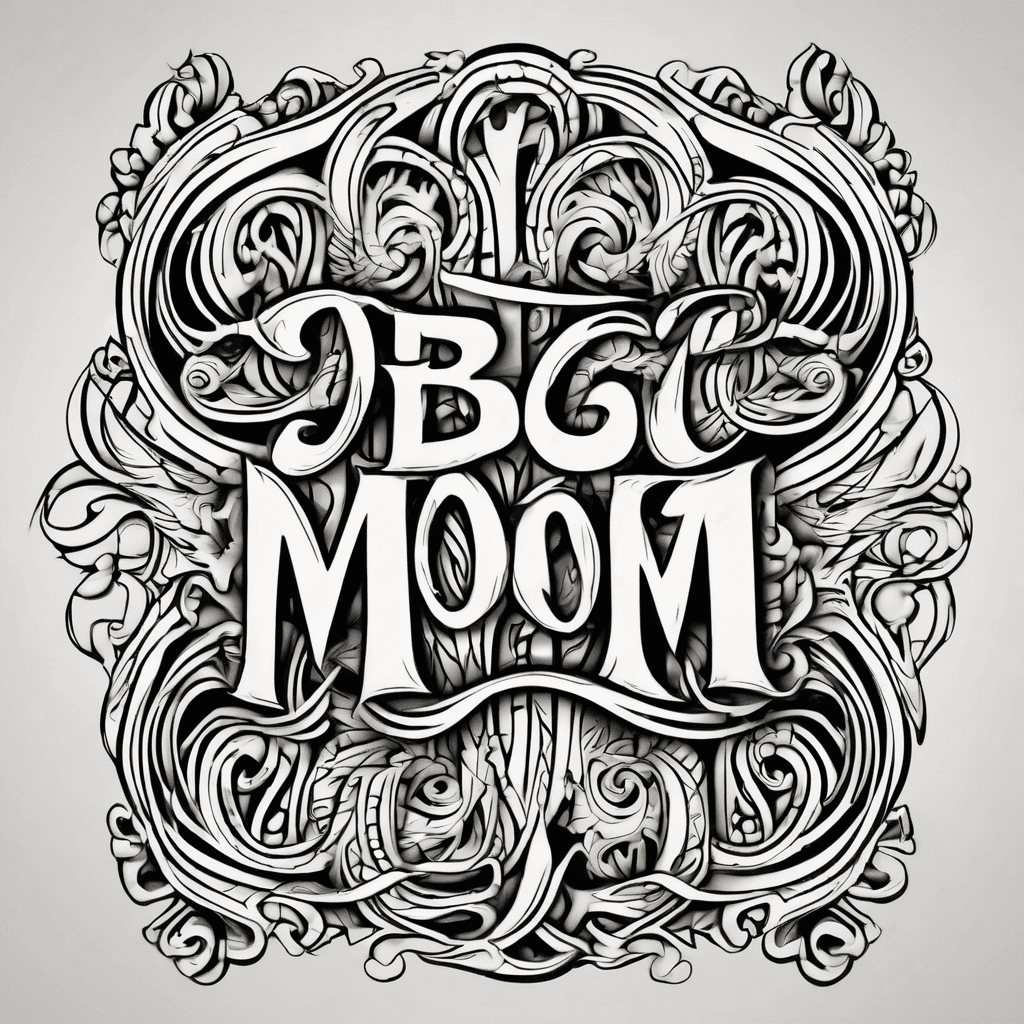
Prompt
ambigram using the words "Big Nasty" and "Mom Vickie"
Öffnet den KI-Tattoo-Generator mit diesem Prompt und denselben Einstellungen: Neo-Traditional · Schwarz & Weiß.
Design-Details
- Stil
- Neo-Traditional
- Art
- Schwarz & Weiß
- Erstellt von
- Runnamuck
- Erstellt

Das könnte dir auch gefallen
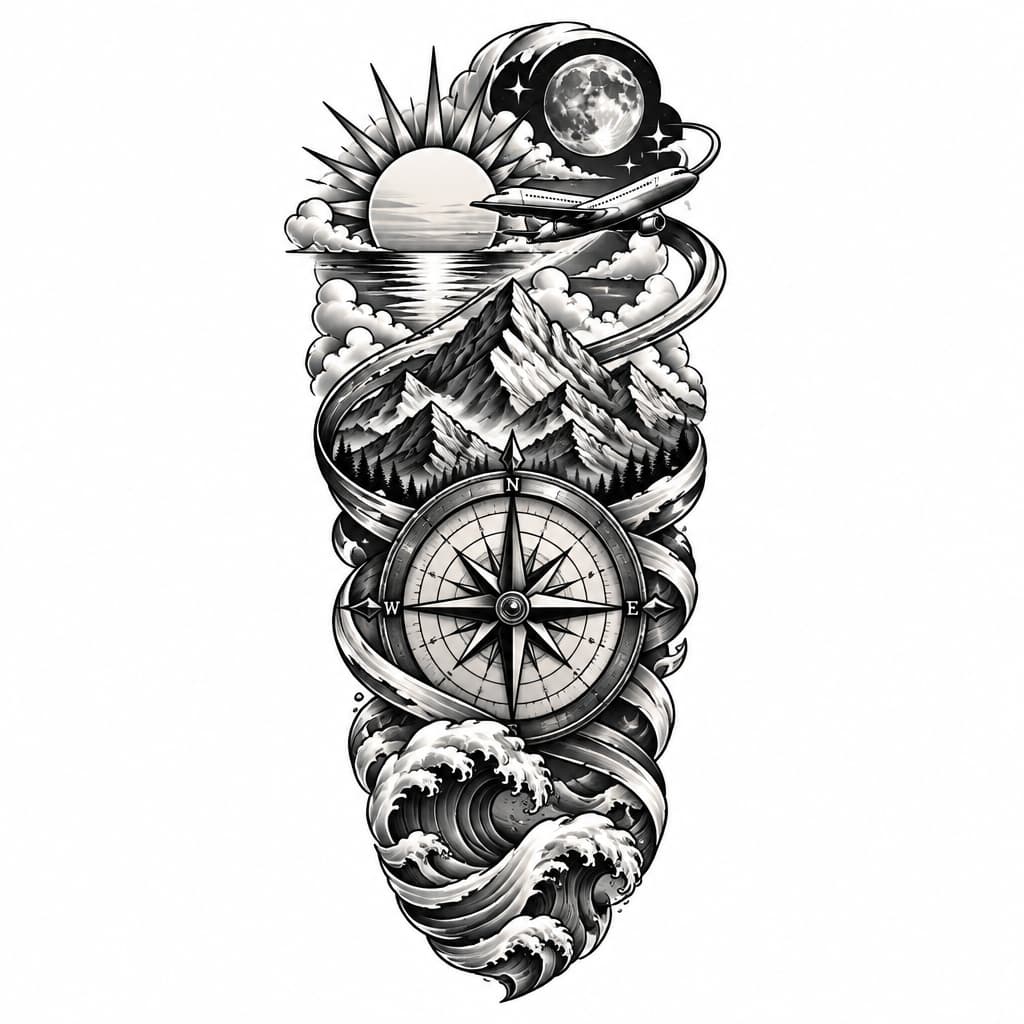
Can You Make A Custom Tattoo For The Left Forearm Having Sunset, Moon, Mountain, Waves , Compass,and Aeroplane Flying Around
Details ansehen
Ink Studio AI, Tattoo Generatorhttps://inkstudioai.com/legal/tos© Ink Studio AI.https://inkstudioai.com/blog/how-to-create-ai-tattoo-designs
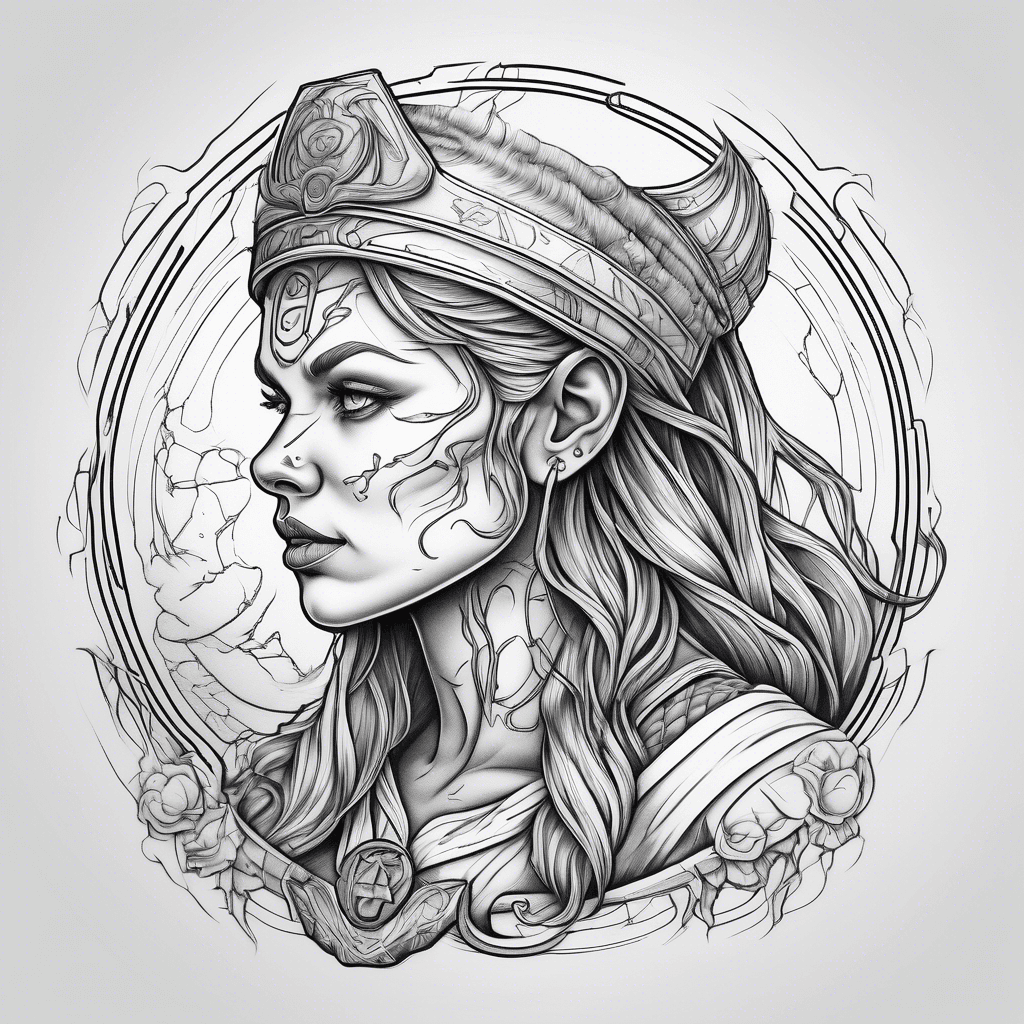
Nurse, Viking, Moon
Details ansehen
Ink Studio AI, Tattoo Generatorhttps://inkstudioai.com/legal/tos© Ink Studio AI.https://inkstudioai.com/blog/how-to-create-ai-tattoo-designs
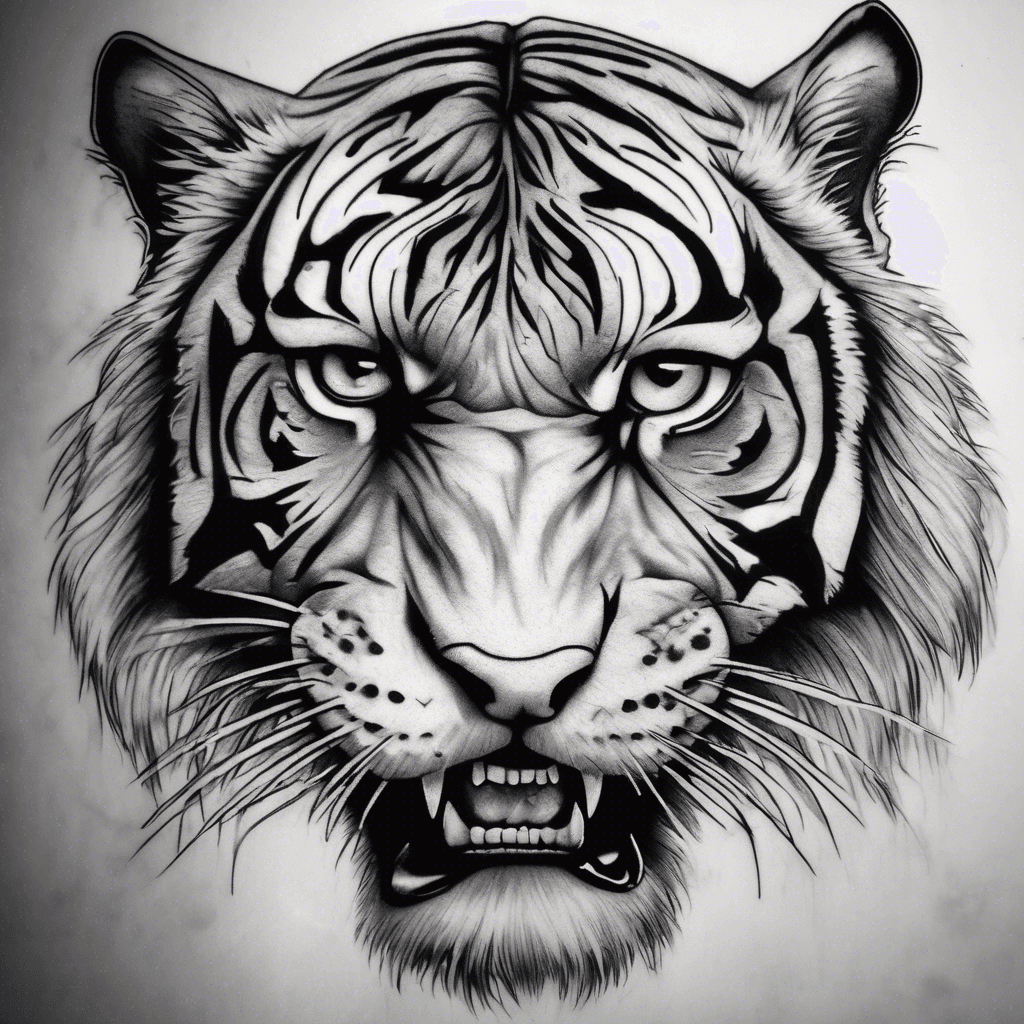
Here’s The English Version Of Your Description: A Tattoo In A Style As Close As Possible To This Image: A Realistic Tiger With A Frontal Gaze, Mouth Open And Teeth Bared, With Dominant Claw-like Tears That Conceal A Large Portion Of The Face, Creating A Dramatic Effect.
Details ansehen
Ink Studio AI, Tattoo Generatorhttps://inkstudioai.com/legal/tos© Ink Studio AI.https://inkstudioai.com/blog/how-to-create-ai-tattoo-designs
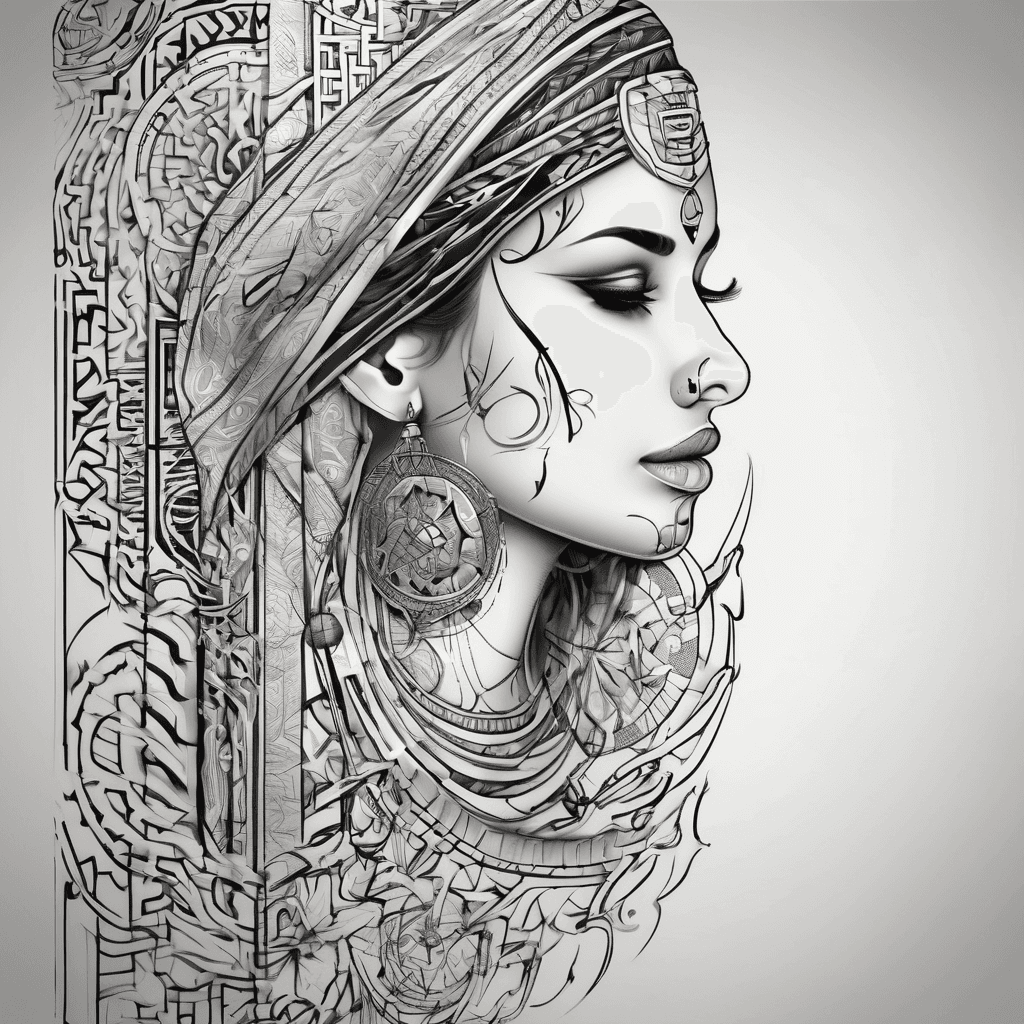
Generate A Tattoo With The Following Arabic Script
Details ansehen
Ink Studio AI, Tattoo Generatorhttps://inkstudioai.com/legal/tos© Ink Studio AI.https://inkstudioai.com/blog/how-to-create-ai-tattoo-designs

A Haunting Scene With A Decapitated Woman In A Witch Hat, Her Head Dangling From A Noose On An Ancient Gnarled Tree.
Details ansehen
Ink Studio AI, Tattoo Generatorhttps://inkstudioai.com/legal/tos© Ink Studio AI.https://inkstudioai.com/blog/how-to-create-ai-tattoo-designs
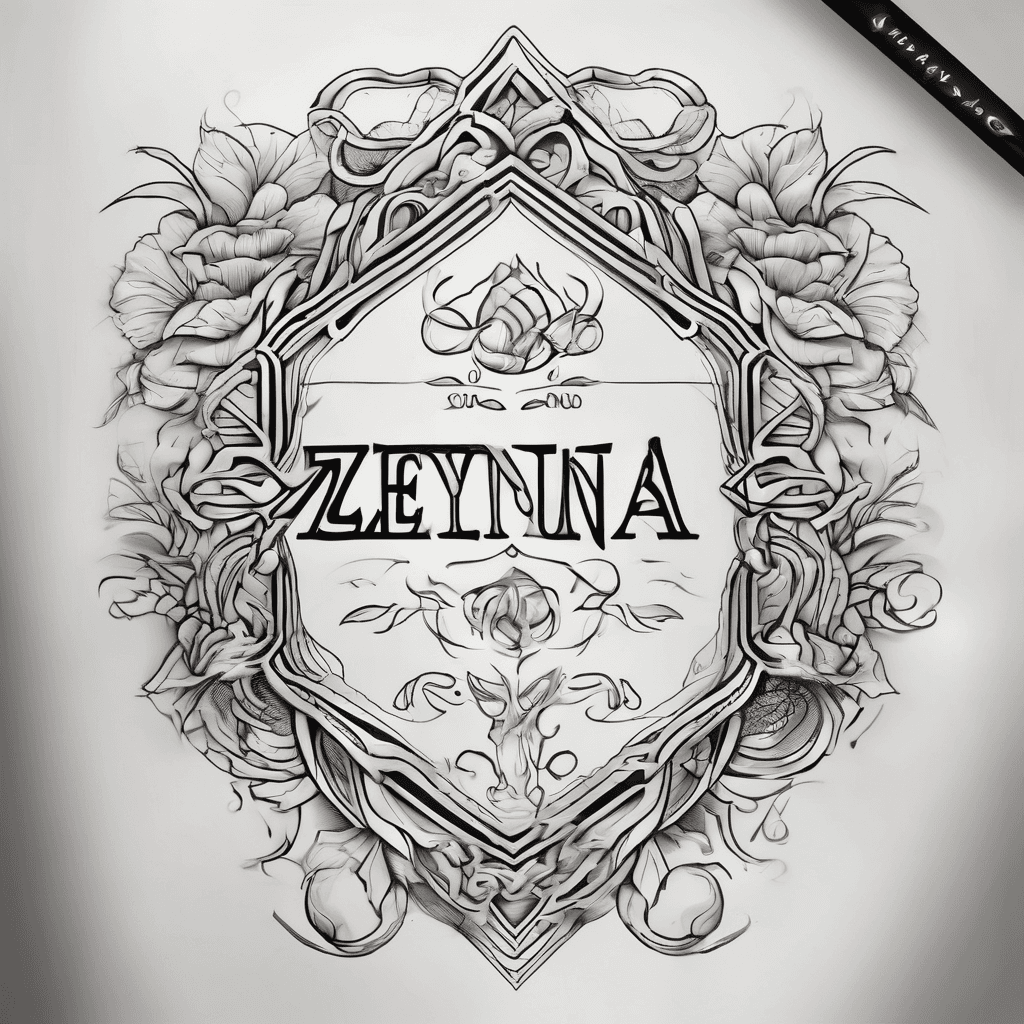
A Beautiful Tattoo Design Featuring The Name "zeyna" In Elegant Lettering
Details ansehen
Ink Studio AI, Tattoo Generatorhttps://inkstudioai.com/legal/tos© Ink Studio AI.https://inkstudioai.com/blog/how-to-create-ai-tattoo-designs

Octopus With Nautical Compass And Waves
Details ansehen
Ink Studio AI, Tattoo Generatorhttps://inkstudioai.com/legal/tos© Ink Studio AI.https://inkstudioai.com/blog/how-to-create-ai-tattoo-designs

Tamil Letter Zha With Lord Ganesha's Face, Minimalistic
Details ansehen
Ink Studio AI, Tattoo Generatorhttps://inkstudioai.com/legal/tos© Ink Studio AI.https://inkstudioai.com/blog/how-to-create-ai-tattoo-designs

Final Tattoo Design: “h.o.p.e.” – From Hell To Hope 🔠 Text: • “hold” • “on” • “pain” • “ends” → Placed Vertically Down The Outside Of The Forearm, In A Modern Sans-serif Font, Precise And Readable Yet Powerful. ⸻ 🔥 Top (elbow Area) – Hell Theme: • Elements: • Flames In Deep Red And Orange Tones • Demonic Silhouette In Black • Melting Skulls And Cracked Earth • Heavy Smoke Clouds And Dark Shadow • Style: Semi-realistic With Dynamic Composition And Dramatic Light/shadow. ⸻ 🌫️ Middle Of The Forearm – Transition: • Flames And Smoke Fade Into Lighter Mists And Clouds • Text Begins To Visually “cleanse” The Design — Especially The Word “pain” Acts As A Transition Point • Light Tones And Light Blue Color Begin To Blend Into The Design ⸻ 🌤️ Wrist Area – Heavenly/hope Theme: • Elements: • Shining Sunbeams • A Raven In Flight (symbol Of Transformation) • A Single Angel Wing Fading Into Cloud Formations • White And Blue Hues To Create Contrast And Calm
Details ansehen
Ink Studio AI, Tattoo Generatorhttps://inkstudioai.com/legal/tos© Ink Studio AI.https://inkstudioai.com/blog/how-to-create-ai-tattoo-designs