A minimalistic winding river or flowing water ending in a…
GeometrischSchwarz & Weiß3. Juni 2025

Prompt
a minimalistic winding river or flowing water ending in a waterfall
Öffnet den KI-Tattoo-Generator mit diesem Prompt und denselben Einstellungen: Geometrisch · Schwarz & Weiß.
Design-Details
- Stil
- Geometrisch
- Art
- Schwarz & Weiß
- Erstellt von
- Jen
- Erstellt

Das könnte dir auch gefallen
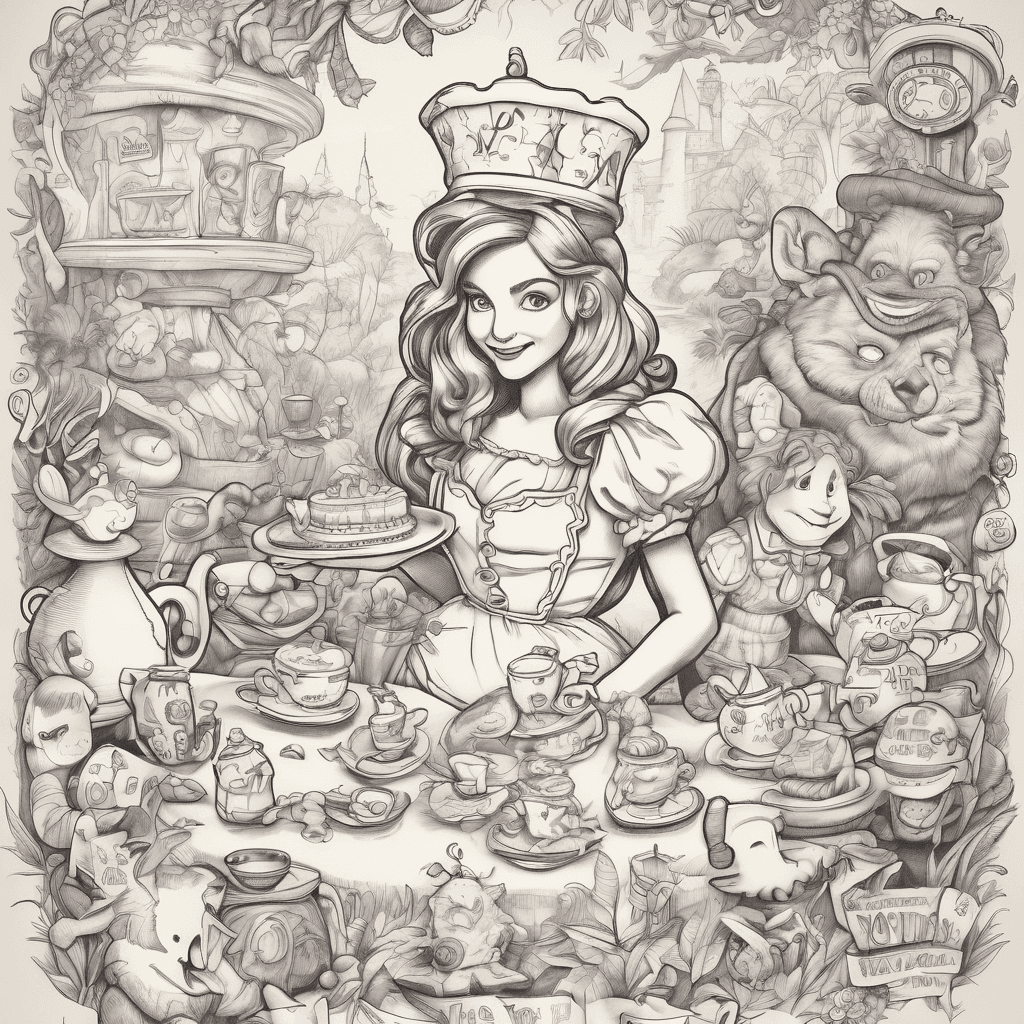
"mad Hatter’s Tea Party" Invitation — A Whimsical, Colorful Design Featuring Alice In Wonderland Elements. A Princess-themed Storyboard — A Visual Layout Featuring All The Princesses In A New Crossover Adventure. A Toy Story Birthday Poster — A Vibrant Design Featuring Woody, Buzz, And The Gang. A "jungle Adventure" Itinerary — A Fun, Tarzan-inspired Travel Or Event Plan Set In The Deep Jungle. An Aladdin-inspired Magic Carpet Poster — A Mystical "a Whole New World" Themed Design With Agrabah In The Background.
Details ansehen
Ink Studio AI, Tattoo Generatorhttps://inkstudioai.com/legal/tos© Ink Studio AI.https://inkstudioai.com/blog/how-to-create-ai-tattoo-designs
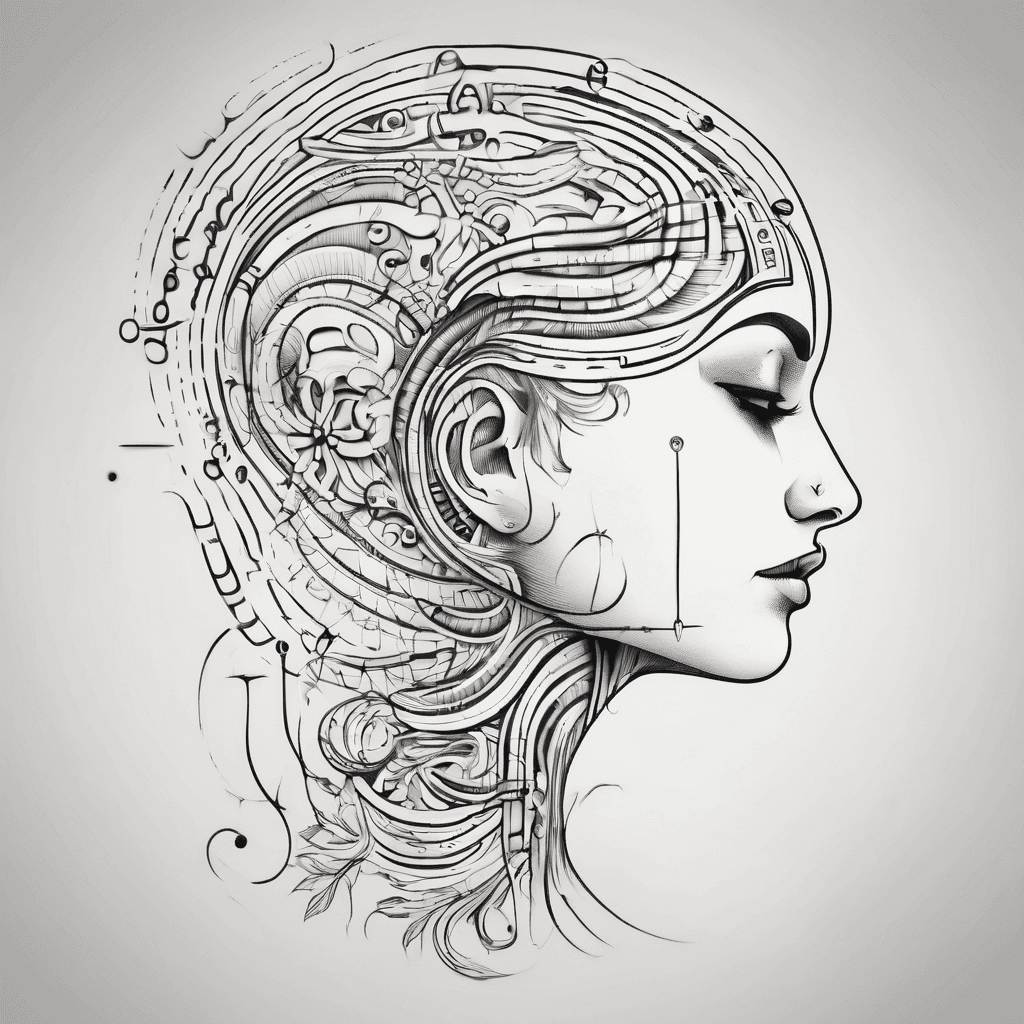
Small Abstract Design With Curves And Following Text In Morse Code Paru & Neha
Details ansehen
Ink Studio AI, Tattoo Generatorhttps://inkstudioai.com/legal/tos© Ink Studio AI.https://inkstudioai.com/blog/how-to-create-ai-tattoo-designs

Crown Of Thorns Tribal Linear
Details ansehen
Ink Studio AI, Tattoo Generatorhttps://inkstudioai.com/legal/tos© Ink Studio AI.https://inkstudioai.com/blog/how-to-create-ai-tattoo-designs

Two Fish With Waves As Background
Details ansehen
Ink Studio AI, Tattoo Generatorhttps://inkstudioai.com/legal/tos© Ink Studio AI.https://inkstudioai.com/blog/how-to-create-ai-tattoo-designs
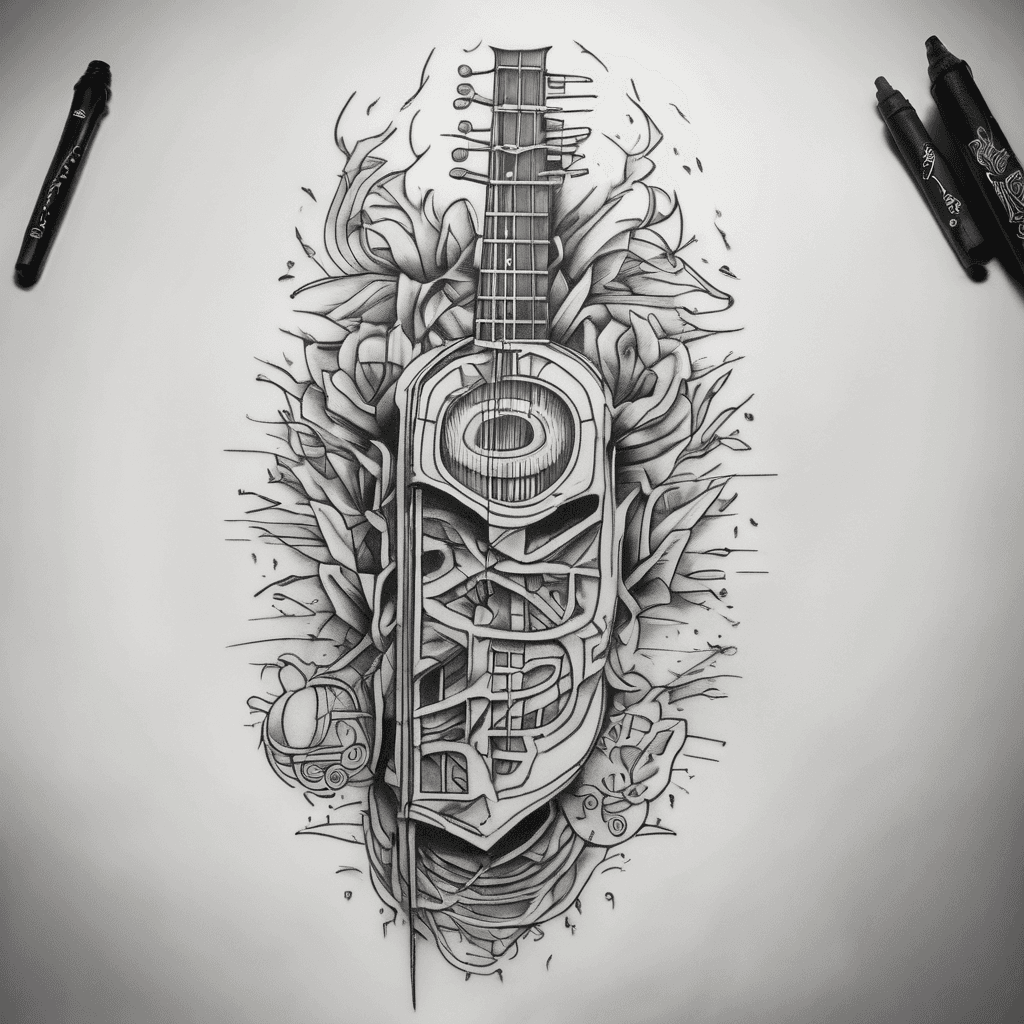
Jimmy Eat World, Thrice, Circa Survive, Manchester Orchestra And Further Seems Forever In One Black And White Tattoo
Details ansehen
Ink Studio AI, Tattoo Generatorhttps://inkstudioai.com/legal/tos© Ink Studio AI.https://inkstudioai.com/blog/how-to-create-ai-tattoo-designs
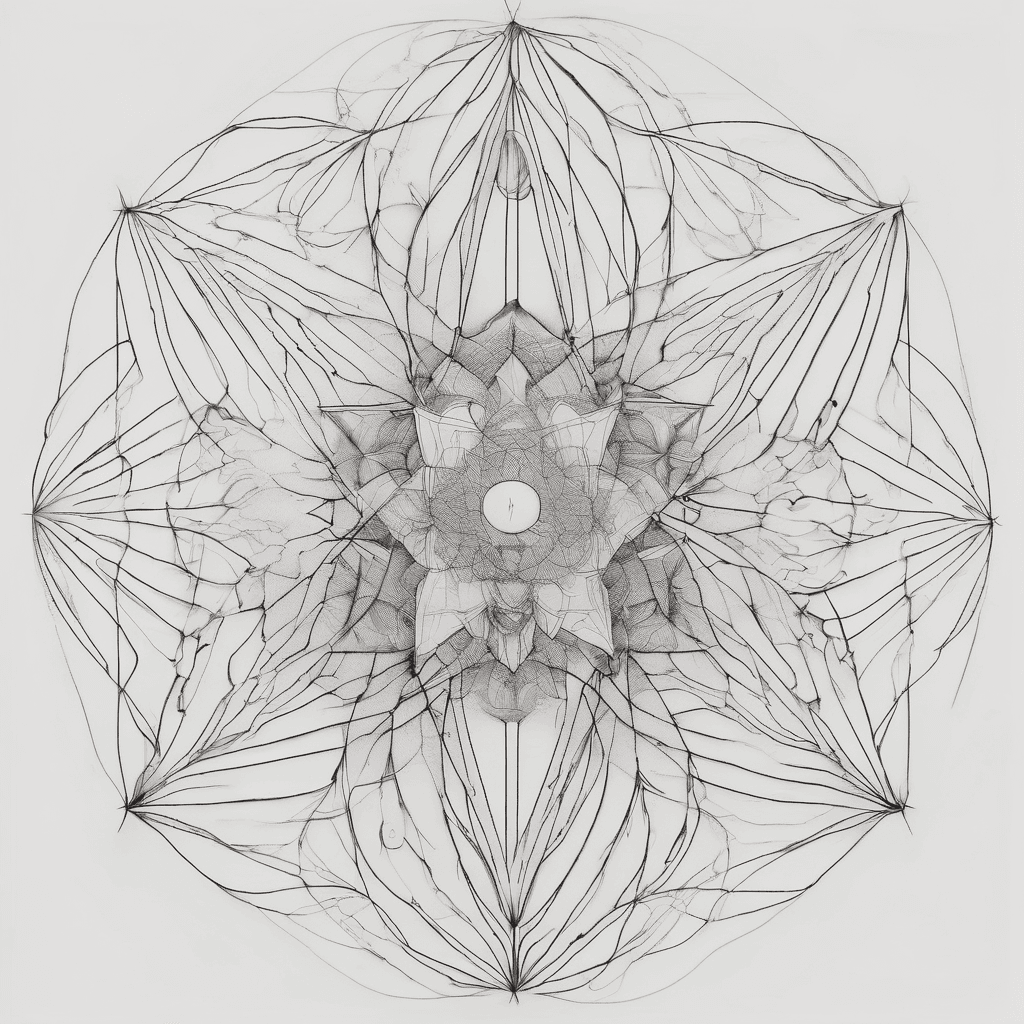
A Hyper-minimalist, Ultra-fine Line Symbolic Tattoo Design. Fine-line Sacred Geometry, Delicate Single-needle Style With Micro-stippling (soft Dot-work). The Design Must Be Deeply Feminine, Elegant, And Abstract, Using Only Symbols, Geometric Lines, And Cosmic Vectors—no Words, No Faces, And No Literal Pictures. It Features A Stylized, Abstract Blend Of A Capricorn Astrological Glyph And A Sharp, Elegant Scorpio Rising Vector At The Top. Descending From This Is A Fine Vertical Line That Anchors A Delicate Geometric Starburst With Exactly 3 Prominent Rays. Floating Symmetrically Around The Center Are Exactly 3 Micro-circles Or Fine Constellation Points Representing Three Children. The Composition Must Have Lots Of Negative Space, Airy And Open Lines, Looking Like A Piece Of Delicate Permanent Jewelry On The Skin. White Background, Clean Linework Mockup
Details ansehen
Ink Studio AI, Tattoo Generatorhttps://inkstudioai.com/legal/tos© Ink Studio AI.https://inkstudioai.com/blog/how-to-create-ai-tattoo-designs

Sword Stabbed Into Flowers Held Together By A Snake
Details ansehen
Ink Studio AI, Tattoo Generatorhttps://inkstudioai.com/legal/tos© Ink Studio AI.https://inkstudioai.com/blog/how-to-create-ai-tattoo-designs

Illustrative Half Sleeve Heavy Black
Details ansehen
Ink Studio AI, Tattoo Generatorhttps://inkstudioai.com/legal/tos© Ink Studio AI.https://inkstudioai.com/blog/how-to-create-ai-tattoo-designs
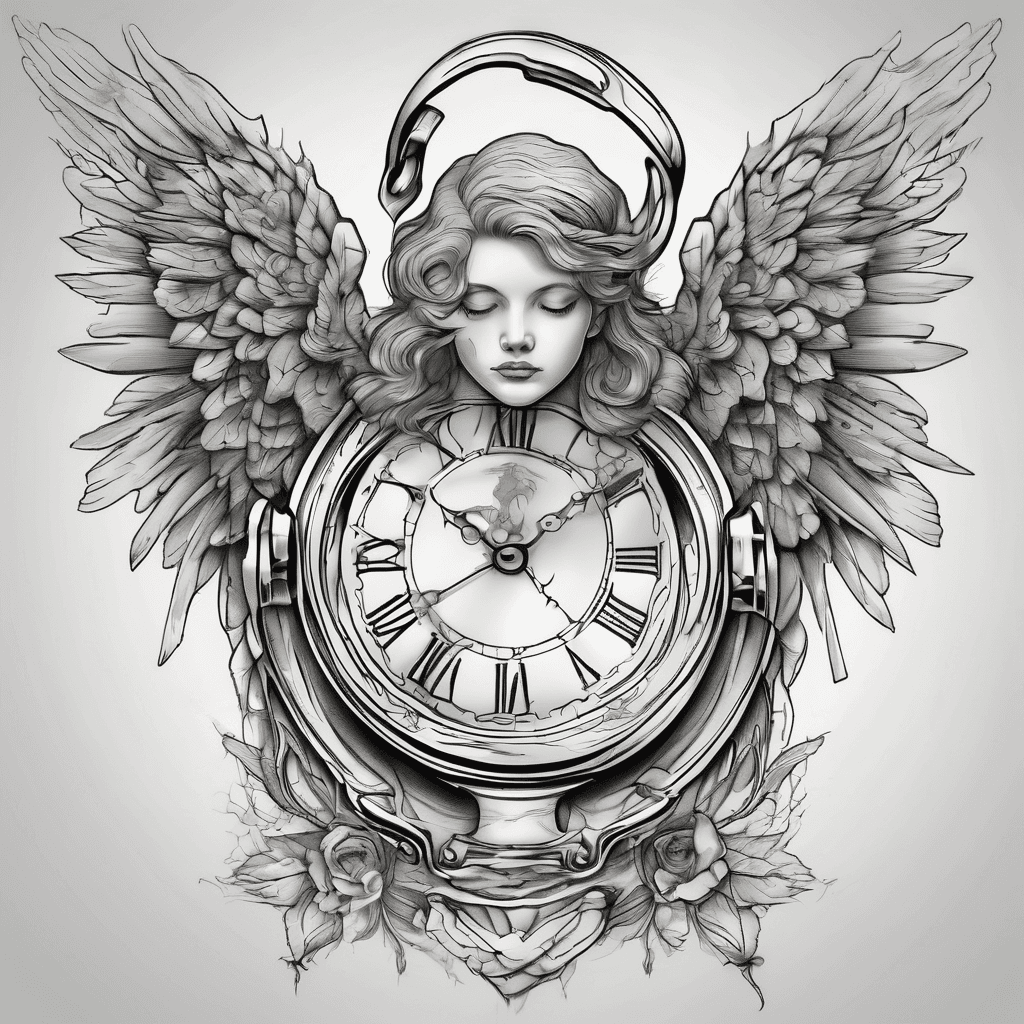
Angel With A Time Piece
Details ansehen
Ink Studio AI, Tattoo Generatorhttps://inkstudioai.com/legal/tos© Ink Studio AI.https://inkstudioai.com/blog/how-to-create-ai-tattoo-designs